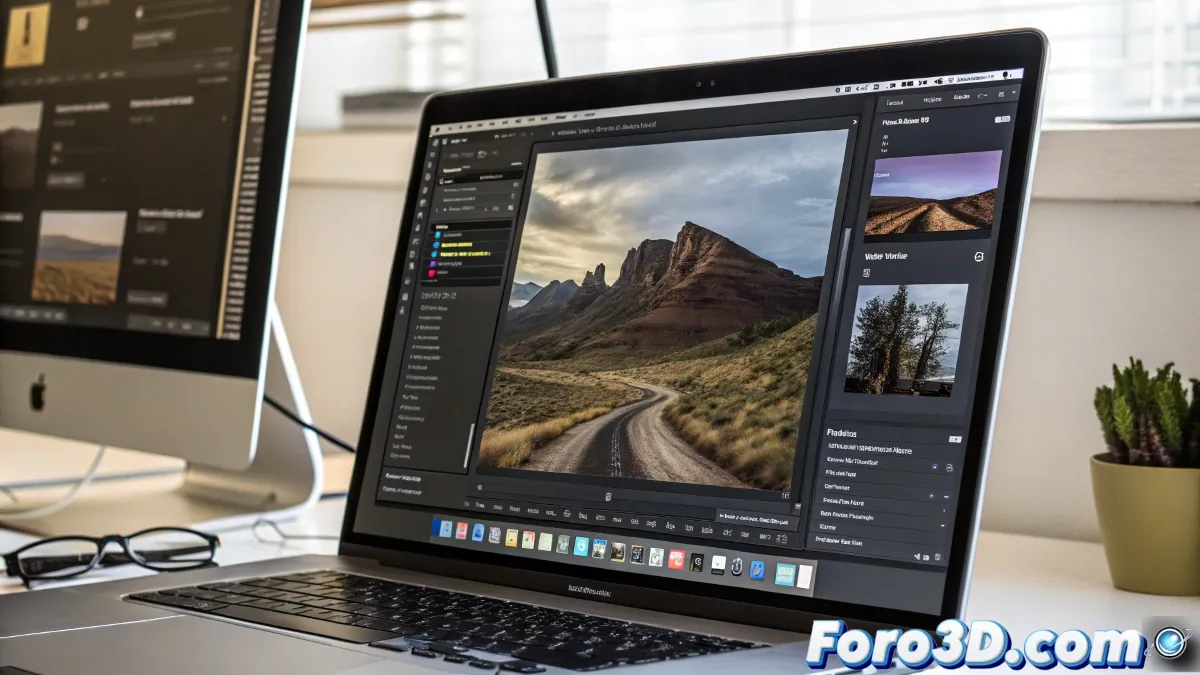
The GIMP development team has released version 3.0 of this well-known image editing and retouching software, marking the first major update in seven years. This new version introduces a series of advanced features and usability improvements that aim to modernize the user experience and expand the tool's capabilities. GIMP, being free and open-source, continues to establish itself as a solid alternative to commercial options.
Non-destructive editing and greater flexibility
One of the most notable new features in GIMP 3.0 is the introduction of non-destructive layer effects. This allows users to apply adjustments such as curves or hue and saturation changes, and modify them later without losing quality. Additionally, these adjustments can be enabled, disabled, reordered, or merged as needed. Non-destructive filters are saved in GIMP's XCF format, facilitating continuous editing even after closing and reopening a project.
Non-destructive editing is a crucial step to compete with professional tools.
Improvements in text tools and visual effects
The text tool has received a significant update, allowing the creation of outlines around text in a non-destructive manner. A new filter called GEGL Styles has also been added, which generates effects like shadows, glows, and bevels. These options expand the creative possibilities for users working with typography and graphic design.
Innovative features for an optimized workflow
GIMP 3.0 introduces the ability to edit outside the canvas boundaries, allowing painting beyond the edges of a layer. The layer automatically resizes to fit the new strokes. Another novelty is the experimental Paint Select tool, which facilitates selecting areas of an image by painting over them, speeding up the editing process in complex projects.
- Editing outside the canvas.
- Paint selection.
- Improved layer organization.
Expanded compatibility and color space support
GIMP 3.0 expands its support for color spaces, including Adobe RGB, allowing work with images using this profile without losing information. Although editing in CMYK mode is not yet possible, the new version allows importing and exporting files in this format. Interoperability with Photoshop has also been improved, supporting specific metadata such as clipping paths, guides, and layers in PSD, JPEG, and TIFF files.
API changes and future development
The update also brings changes to the plugin API, allowing the development of add-ons in JavaScript, Lua, and Vala, in addition to C. However, these changes break compatibility with plugins written for previous versions, although some popular ones, like G’MIC, are already available for GIMP 3.0. The development team plans to release more frequent updates, with GIMP 3.2 scheduled for within a year.
Conclusion: a more powerful and versatile tool
GIMP 3.0 represents a significant leap in the evolution of this software, offering more advanced tools and an optimized workflow. With these updates, GIMP positions itself as an even more attractive option for professionals and enthusiasts seeking a free, high-quality image editing solution.