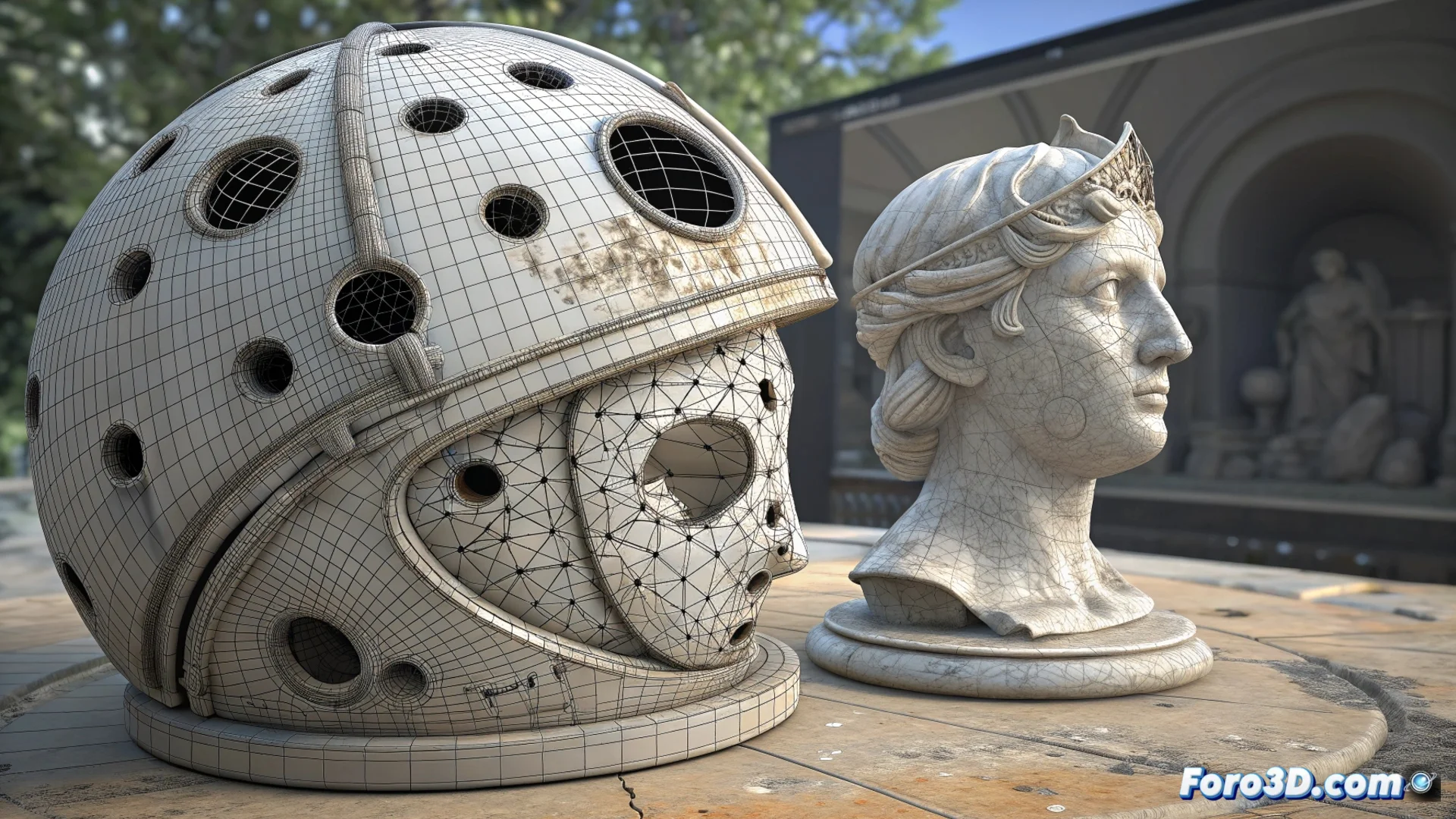
Geomagic Wrap and Mesh Doctor Repair 3D Meshes
In the workflow with 3D scanning data, Geomagic Wrap stands out for its ability to process point clouds and meshes. Its Mesh Doctor module offers a set of automated functions that systematically repair polygonal geometries, preparing the models for professional use. 🛠️
A Dual Approach: Automation and Manual Control
Mesh Doctor operates with a hybrid workflow. First, it analyzes the mesh to detect common issues like holes, intersections, or degenerate faces. Then, it suggests corrections that the user can accept or modify. This method speeds up the cleaning process, which is usually tedious, while the user retains control to verify each change and preserve the original geometry.
Issues it identifies and corrects:- Holes and gaps on the mesh surface.
- Noise and artifacts unwanted from scanning.
- Degenerate faces or sharp spikes that affect the topology.
A scanned model may look like it went through a shredder, but Mesh Doctor tries to give it a second digital life.
Specific Functions for a Ready-to-Use Mesh
The module includes concrete utilities that address each defect. When applied, the mesh becomes manifold or multi-component, meeting the standards necessary for export to other CAD, CAM, or animation software.
Key tools available:- Fill Holes: Seals holes on the mesh surface.
- Smooth: Smooths the geometry to reduce surface noise.
- Remove Spikes: Removes sharp spikes and geometric artifacts.
Preparation for the Next Step
The ultimate goal of using Mesh Doctor is to prepare the digital model efficiently. By repairing the mesh, it is ensured to be ready for subsequent stages such as reverse engineering, additive manufacturing, or 3D animation. This tool is essential for optimizing a process that would otherwise consume a lot of time. ✅