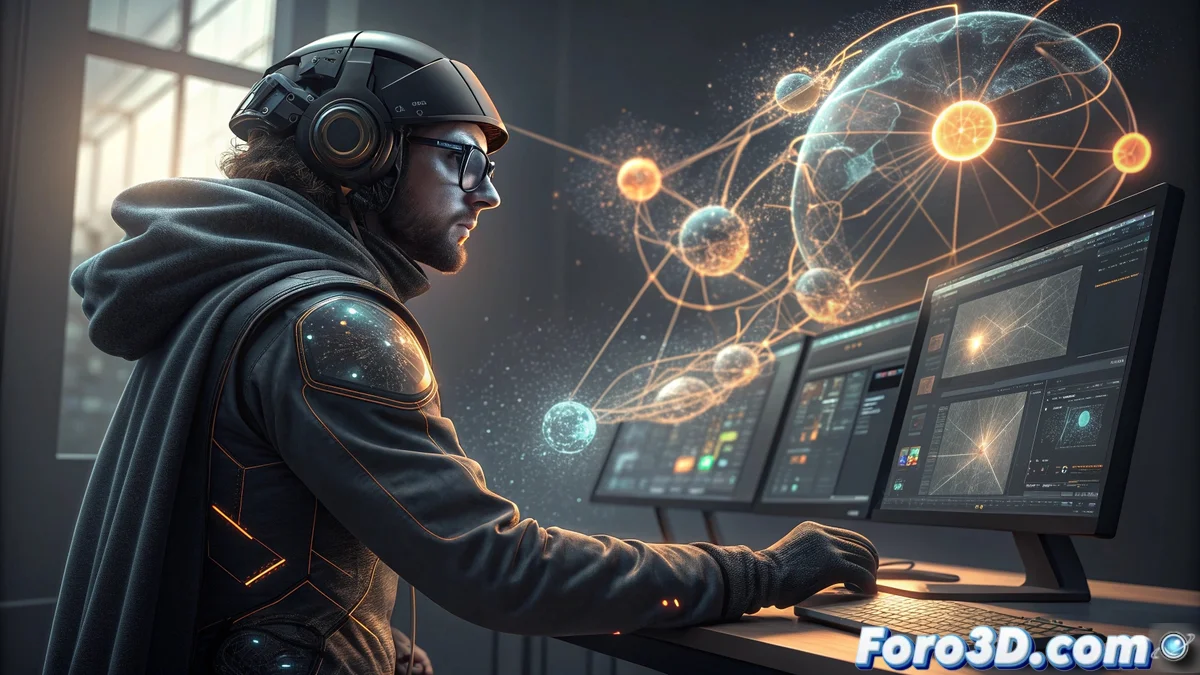
Fusion in DaVinci Resolve Free: The Power of Integrated Compositing
The free version of DaVinci Resolve incorporates Fusion, a complete compositing and visual effects environment that works natively within the software. Creators can develop motion graphics, sophisticated effects, and advanced compositions directly on their timeline, eliminating the need for external applications. This deep integration enables a cohesive workflow where modifications update instantly across the editing, color, and VFX modules. 🎬
Nodal System and Compositing Tools
Fusion operates through a nodal system that provides meticulous control over every component of the composition. Artists have professional tools for tracking, keying, particles, and 3D effects. The nodal structure allows for clear visualization of the process flow and performing non-destructive adjustments at any stage of the effects chain. This approach is particularly effective for projects requiring multiple layers and combined effects. 💡
Advantages of the nodal system:- Precise control over every element of the composition
- Clear visualization of the entire workflow
- Ability to make non-destructive adjustments at any point
The native integration of Fusion within DaVinci Resolve represents a paradigm shift in post-production workflows, eliminating traditional barriers between editing, color, and VFX.
Seamless Integration into the Workflow Pipeline
The transition between the different modules of DaVinci Resolve is completely fluid and intuitive. Projects developed in Fusion remain dynamic and fully editable within the main timeline. Color adjustments applied in the Color module are automatically reflected in Fusion compositions, maintaining absolute coherence throughout the entire project. This synchronization eliminates the need to export and import files between different applications, significantly optimizing production times. ⚡
Benefits of integration:- Dynamic and editable projects in the main timeline
- Automatic reflection of adjustments between color and VFX modules
- Elimination of export/import processes between applications
Limitations and Improved Productivity
Although Fusion doesn't include the option to make coffee while working on those effects you promised to deliver yesterday, the productivity gained through its native integration might just leave you enough time to brew a cup. The efficiency of the unified workflow allows artists to focus on creativity without the typical interruptions of fragmented pipelines. ☕