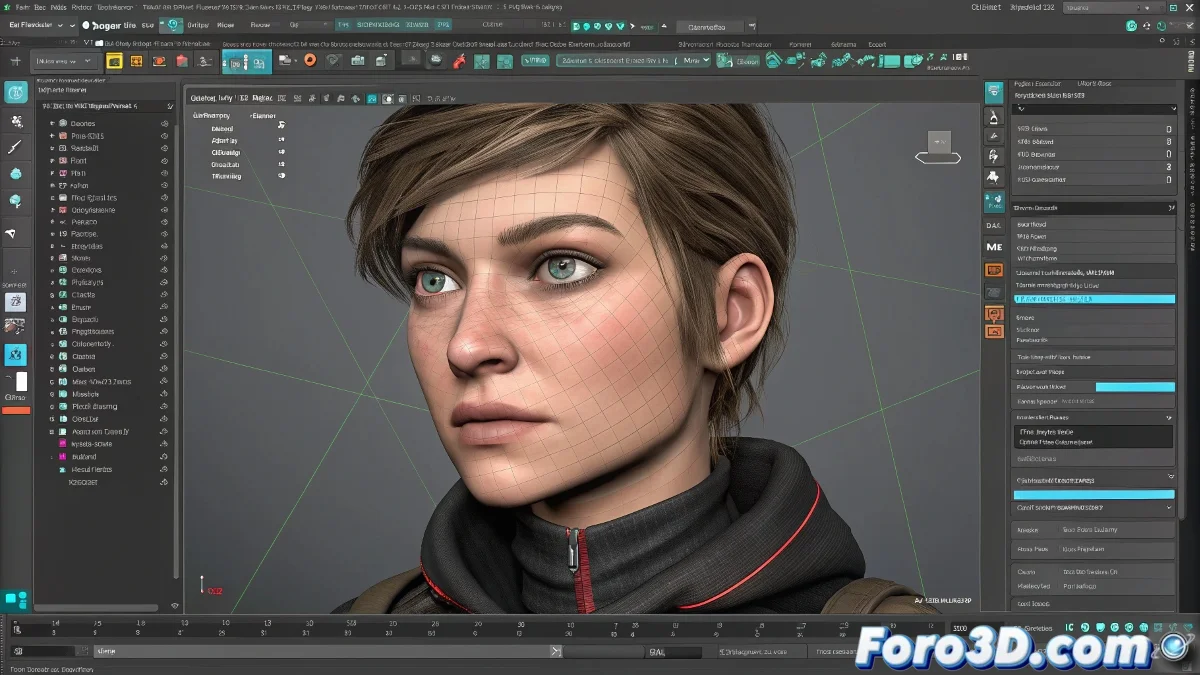
The Migration from Morpher to Blend Shapes: A Journey Between Software
For artists who have spent years taming the Morpher modifier in 3ds Max, the transition to Maya can spark an existential question: where the heck is my facial animation tool? 🎭 The good news is that Maya has a direct and even more powerful equivalent called Blend Shapes. Although the name changes, the essence remains the same: create variants of a base mesh (morph targets) and interpolate them to achieve fluid and natural facial expressions.
Deciphering the Blend Shape Node: The Heart of the System
In Maya, the blendShape node is the anonymous hero that does all the magic. Its operation is conceptually identical to the Morpher: you create duplicates of the base model, sculpt different expressions (smile, frown, blink), and feed them into the node. The major difference lies in the flexibility of Maya's node system, which allows you to connect these blend shapes to custom controllers, attributes in the Channel Box, or even to other deformers, offering a level of control that would make any rigger cry with joy 🤖.
Thinking of blend shapes as Maya's Morpher is like comparing a bicycle to a spaceship: they go in the same direction, but one has a lot more buttons.
Advantages of Working with Blend Shapes in Maya
Beyond the basic functionality, Maya's system provides significant advantages for professional projects:
- Connection with Complex Rigs: Integrating blend shapes with advanced facial control systems is more intuitive.
- Cascading Deformers: Combining blend shapes with other deformers like clusters or nonlinear deformers for precise corrections.
- Layer Management: Organizing expressions into layers for non-destructive and more orderly control.
- Custom Drivers: Using expressions or set driven keys to automate expression combinations.
Workflow for 3ds Max Migrants
If you come from 3ds Max, the most valuable advice is: don't resist the change. Embrace Maya's node philosophy. Start with basic expressions—eye closure, side smile—to familiarize yourself with creating and connecting blend shapes. Then, move on to a complete facial rig where these are connected to easy-to-select and animate curve controllers. There is an abundance of tutorials detailing this process step by step, making the learning curve much smoother.
In the end, mastering blend shapes in Maya will give you power over facial expressions that 3ds Max's Morpher can only dream of. And if you miss the old interface, you can always put up a poster at your workstation 😉.