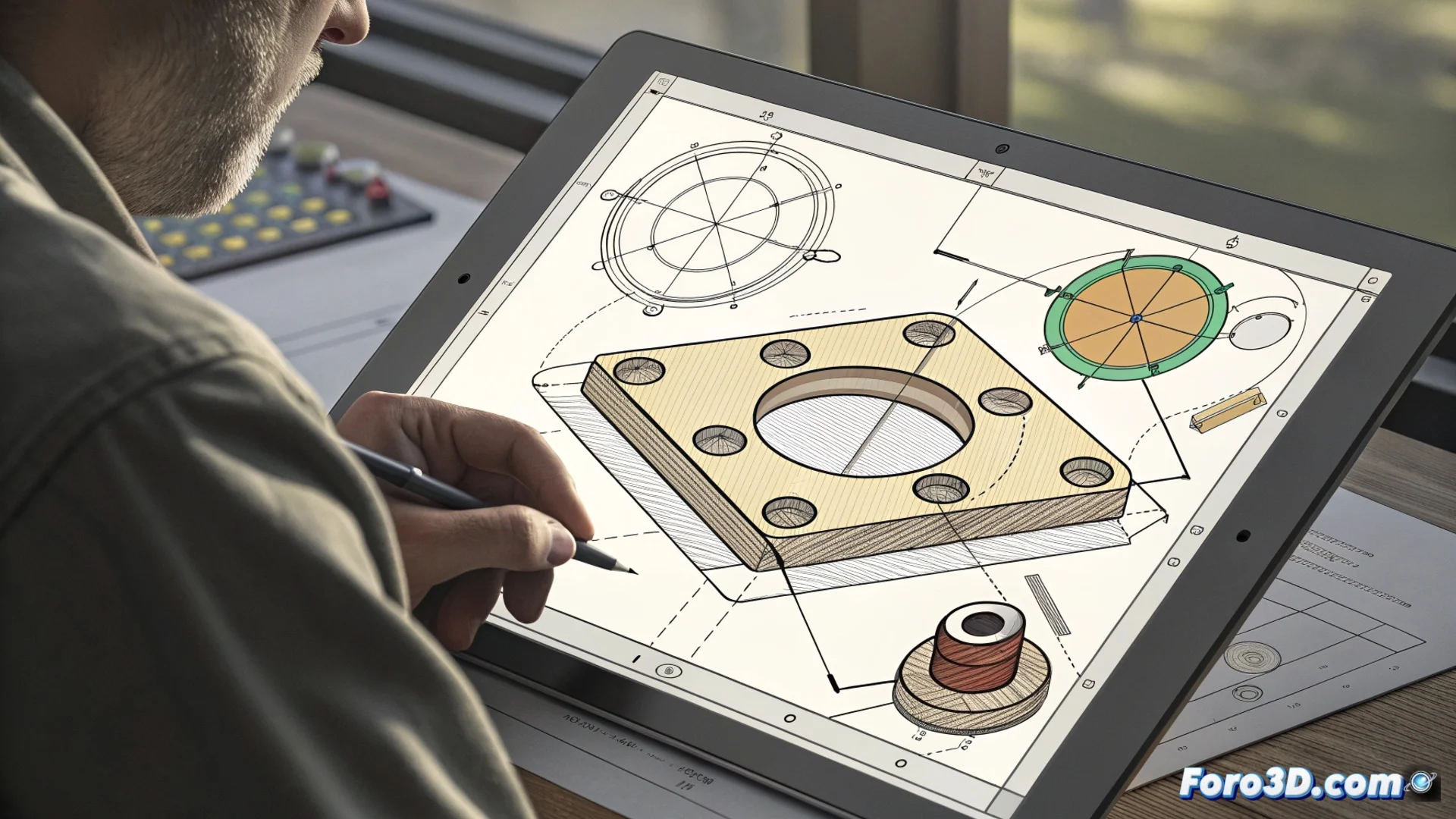
FreeCAD Sketcher: creating 2D sketches for 3D modeling
In the FreeCAD workflow, the Sketcher is the essential space where design begins. Here, two-dimensional profiles are drawn that will later be converted into three-dimensional objects. This parametric method is key to controlling and modifying models with precision. 🛠️
The heart of parametric design
The Sketcher is not just a drawing program. It is a system that uses constraints to govern geometry. First, basic elements are traced: segments, arcs, or circles. Then, rules are applied that dictate how those shapes should behave with each other and their exact dimensions.
Types of constraints that define a sketch:- Geometric constraints: Fix relationships such as parallelism, perpendicularity, tangency, or a point being at the center of an arc.
- Dimensional constraints: Assign numerical values to lengths, radii, or angles, giving precise measurements to the design.
- Sketch state: When it has enough rules, it becomes fully defined and turns green, signaling that it is ready to use.
The real challenge is not tracing the shape, but achieving a fully defined sketch without over-constraints, a milestone that every FreeCAD user experiences.
From the 2D idea to 3D volume
A well-constrained sketch is just the first step. Upon exiting the Sketcher, the 2D profile is transferred to the Part Design workbench. This is where the magic happens, transforming the flat outline into a solid body.
Main operations to generate volume:- Extrude (Pad): Displaces the profile in a straight line, perpendicular to its plane, to create a prism or an elongated shape. A rectangle becomes a brick.
- Revolve (Revolution): Rotates the profile 360 degrees or a specific angle around a defined axis. A semicircle can generate a sphere.
- Other methods: It can also be used to create voids (cuts) or as a base for more complex operations like sweeps.
Tips for an efficient workflow
To avoid the dreaded red color of over-constraint, it is best to add constraints progressively. Start with the geometric ones to give the general shape and then add the dimensional ones to adjust the size. Mastering this balance between freedom and control is what allows for robust and flexible design in FreeCAD. 🎯