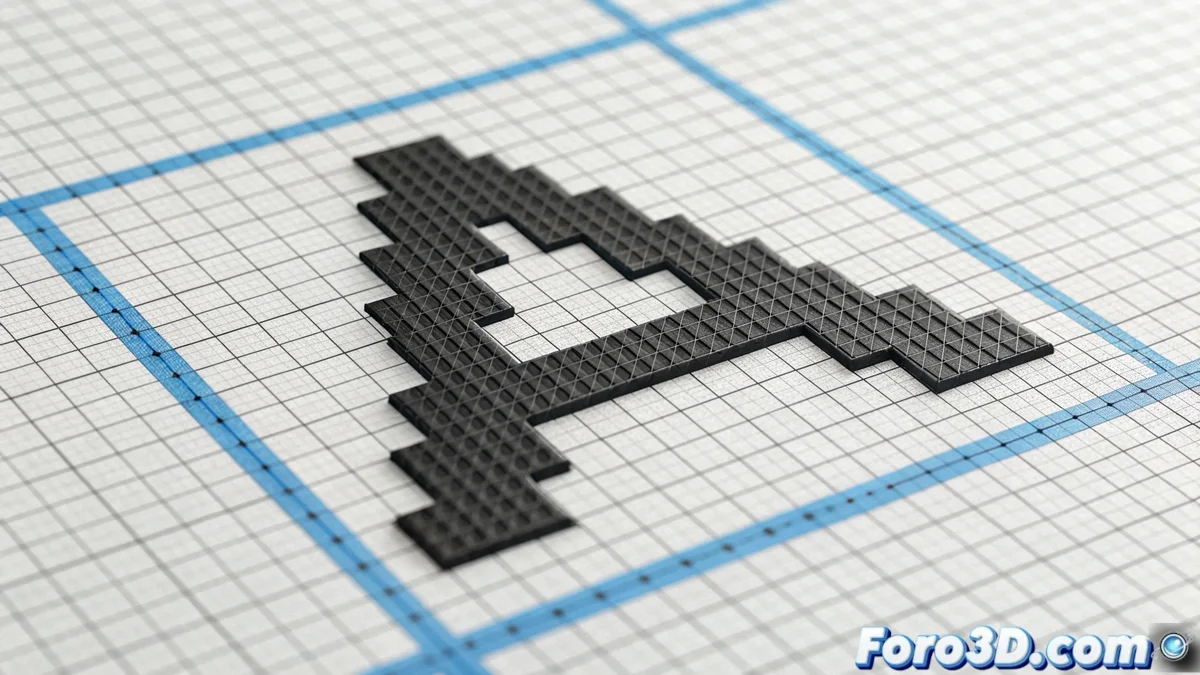
Font Hinting: Optimizing Text for Screen
Hinting is a technical process that involves adding data to font files. These mathematical instructions guide how their shapes should be modified to fit the pixel grid of a screen, especially when used at small sizes. Its main goal is to ensure that text appears sharp and legible under any conditions, a crucial challenge on monitors with limited pixel density. 🖥️
How Hinting Instructions Work
These rules act as a guide that the text rendering engine follows to the letter. They dictate the precise alignment of vertical and horizontal strokes with the pixel grid and adjust proportions of delicate elements, such as serifs. The process may require slightly thickening a stroke, shifting an anchor point to an integer pixel coordinate, or even omitting details that are too small. Thus, the ideal vector shape is modified in a controlled manner, sacrificing some geometric precision in exchange for superior visual clarity.
Key Hinting Actions:- Align glyph edges with the pixel grid to avoid blurry edges.
- Adjust the thickness of thin strokes so they don't disappear at small sizes.
- Control spacing between letters (kerning) and within them (letter spacing) at the pixel level.
A designer can spend hours adjusting hinting pixel by pixel so that a lowercase a doesn't turn into a pixel mess at 9 points.
The Importance of Hinting Today
Although high-density screens like Retina have reduced the need for extremely complex hinting, its relevance persists. Many devices, such as office monitors, integrated control panels, or embedded systems, still operate at resolutions where the difference between a hinted font and one without is abysmal. Ensuring that a typeface behaves correctly in all environments is a fundamental part of a type designer's work.
Current Tools and Contexts:- Specialized Software: Tools like FontForge or Microsoft compilers allow creating and editing these instructions, though they require deep knowledge.
- Diverse Devices: Its application is critical in consumer electronics, digital signage, and any interface with standard-resolution screens.
- Designer's Responsibility: Including proper hinting is a sign of quality and professionalism in digital font development.
Conclusion on Font Adjustment
Hinting remains an indispensable technique for optimizing digital text presentation. As long as screens have limits on their pixel density, this process will ensure readability is not compromised. Implementing these instructions represents the essential bridge between ideal typographic design and its faithful and clear representation on the end user's screen. ✅