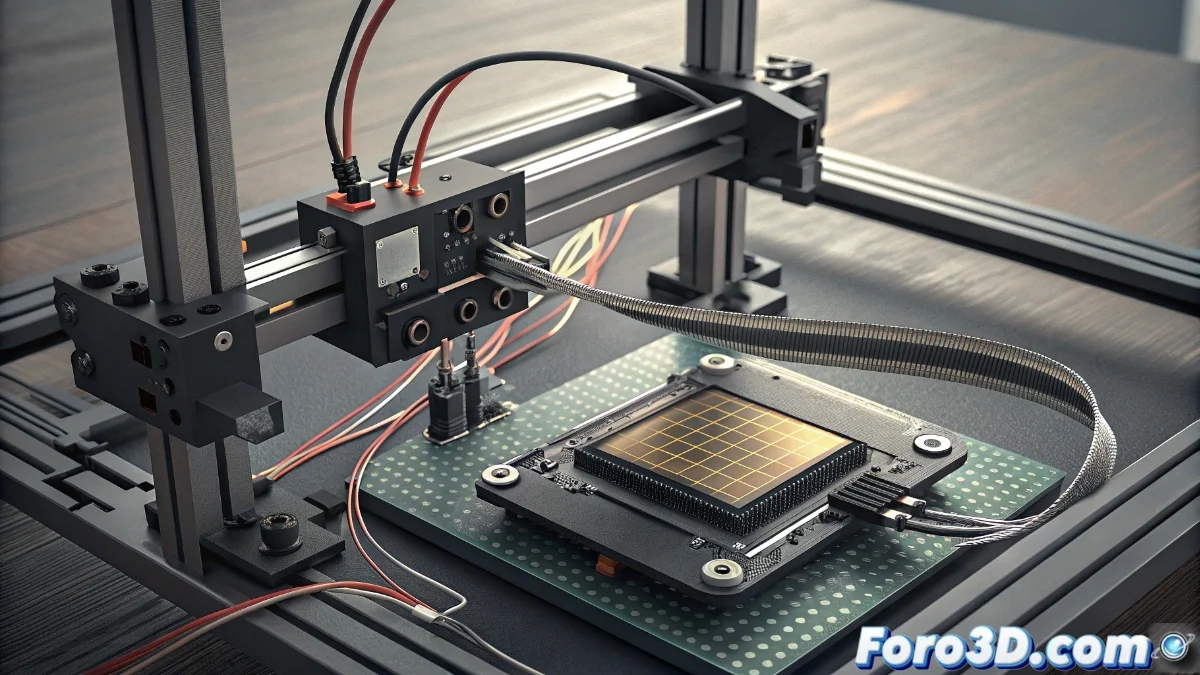
Fixing the E17 Error on Bamboo Printer: Diagnosis and Repair
When your Bamboo printer displays the E17 code, you're facing a communication problem between critical components. This failure interrupts the normal operation of the equipment and requires immediate attention 🔧.
Initial Verification of Internal Connections
The first step involves a complete physical inspection of the machine. Start by disconnecting the power supply to ensure safety during handling. Remove the casing following the technical manual instructions and locate the flat cable that links the LCD screen to the main board. Continuous vibrations during printing can loosen these connectors, causing intermittent failures.
Verification Procedure:- Disconnect and reinsert the flat cable at both ends, ensuring a firm coupling
- Visually examine the connector pins for possible damage
- Check that there are no obstructions or residues in the connection ports
A complex communication problem can originate from something as simple as a poorly connected cable
Advanced Component Diagnosis
If the error persists after checking the connections, it's time to perform a deeper analysis. Thoroughly examine the flat cable for signs of deterioration such as pronounced folds, cuts on the surface, or burned areas. Oxidation on the contacts or bent pins can also cause this communication failure.
Component Evaluation:- Inspect the flat cable under good lighting to identify microscopic damage
- Test the LCD screen on another compatible unit to rule out display failures
- Connect a functional screen to your printer to verify the proper functioning of the main board
Systematic Approach for Permanent Solutions
Resolving the E17 error requires a methodical approach where each possibility is progressively ruled out. From basic connection verification to replacing damaged components, each step brings you closer to restoring optimal operation of your equipment. Remember that many electronic problems have simpler solutions than they initially appear 🛠️.