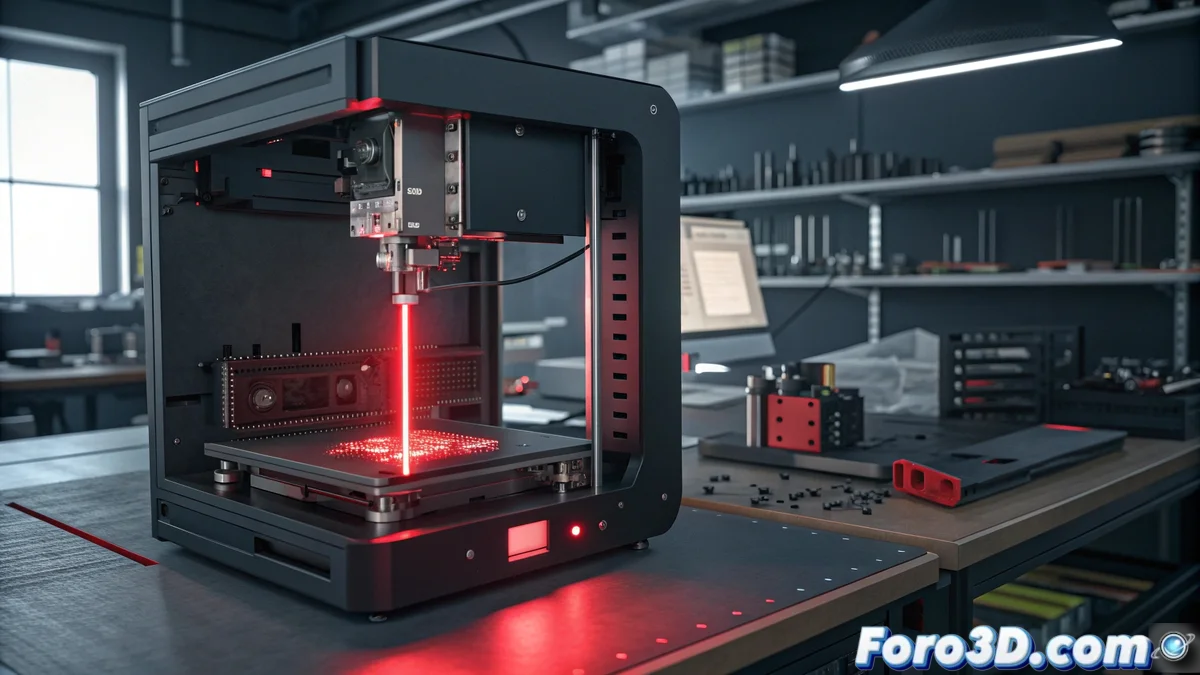
Fixing Error E07 on Bamboo Printers: Complete Guide
When your Bamboo printer shows the E07 code, you're facing an issue related to the automatic calibration system or the LIDAR sensor reading. This error usually occurs during initial calibration or after software updates, when the device cannot properly measure the distance to the print bed 🚨.
Initial Procedures to Eliminate Error E07
Start with a complete restart of the equipment by unplugging it from the power supply for at least 30 seconds. While it remains off, proceed to meticulously clean the LIDAR sensor surface using a soft, dry cloth to remove any dust or dirt buildup that may affect its accuracy. Confirm there are no physical obstructions around the print head that interfere with the laser path during calibration cycles.
Essential Cleaning and Verification Steps:- Complete power disconnection for 30 seconds for a deep restart
- Thorough cleaning of the LIDAR sensor with appropriate materials
- Visual inspection for obstacles near the print head
Prevention through regular maintenance of the LIDAR sensor can avoid most cases of error E07 on Bamboo printers
Advanced Troubleshooting Methods
If the error E07 persists after basic actions, access the manual calibration menu from the printer's interface and run the LIDAR sensor recalibration process. It is essential that the print surface is completely clean and properly leveled before starting this procedure. In situations where the problem continues, consider updating the firmware to the latest version available on the manufacturer's official portal, as these updates often include specific improvements for calibration issues.
Advanced Technical Procedures:- Execution of manual calibration from the device menu
- Verification of the print bed leveling status
- Firmware update with the latest available fixes
Final Thoughts on Error E07
Some users joke about whether these 3D printers develop a certain "personality" of their own, where the error E07 would be their way of expressing resistance when you have urgent projects pending. However, in reality, it is a specific technical issue with systematic solutions that, when applied correctly, will restore optimal operation of your equipment 🛠️.