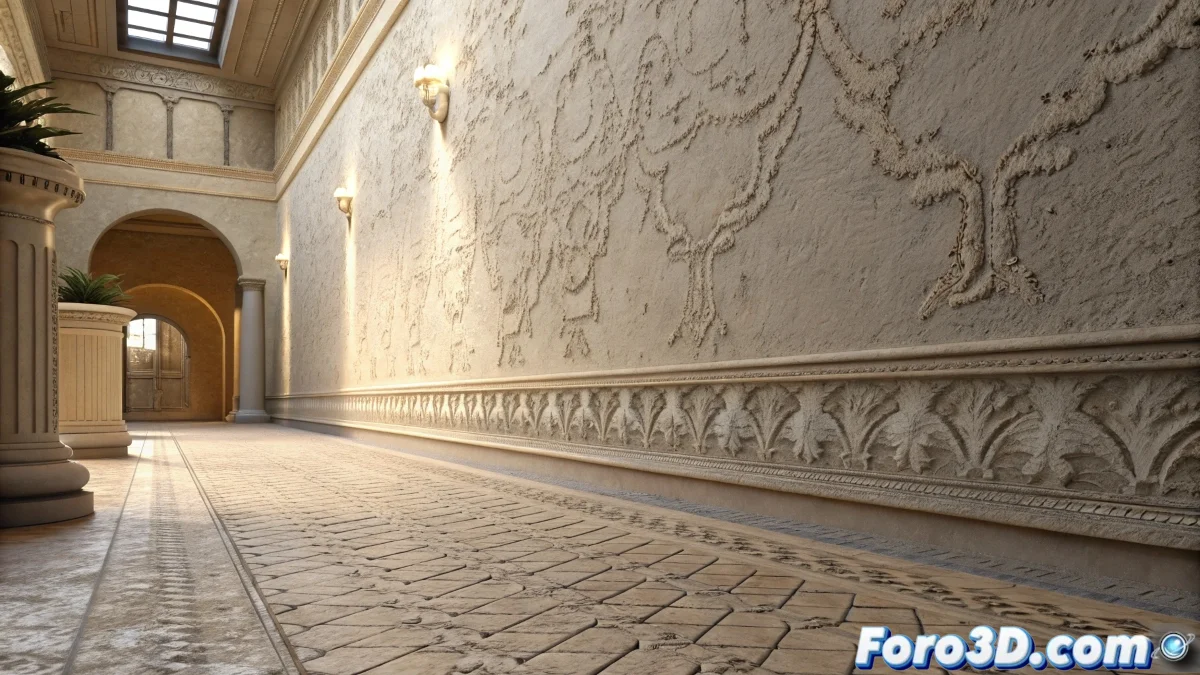
The Mystery of Details Disappearing with Irradiance Map
When working with V-Ray and you discover that the fine details of your textures disappear when switching to Irradiance Map, you're experiencing a classic trade-off between speed and quality in global illumination calculations. The situation you describe is particularly revealing: with Photon Maps, the wood grain and texture are perfectly preserved, but when using Irradiance Map, these subtle details blur until they almost disappear. This behavior is not a bug, but a direct consequence of how each method processes lighting information.
Understanding the Fundamental Difference Between GI Methods
Irradiance Map works through an interpolation system that smooths lighting values between sampling points. This interpolation is excellent for smoothing noise and speeding up renders, but it has the side effect of blurring high-frequency details in textures, especially those with fine contrasts like wood grain or television screen pixels.
- Irradiance Map interpolates values smoothing transitions
- Photon Map preserves details but generates more noise
- Interpolation filtering affects high-frequency textures
- Sampling density determines detail preservation
Solutions to Preserve Texture Details
To maintain the quality of your textures while using Irradiance Map, you need to strategically adjust several parameters that control the precision of the global illumination calculation.
Using Irradiance Map with detailed textures is like trying to read small letters with foggy glasses: you need to clean the lens to see the details
- Increase the Min/Max Rate in the Irradiance Map
- Reduce the Interp. Samples for less interpolation
- Use Detail Enhancement for areas with complex textures
- Adjust the Color Threshold for greater contrast sensitivity
Balanced Configuration for Quality and Speed
The ideal solution is to find a balance that preserves details without excessively increasing render time. For wood textures with fine grain and television screens, you need a configuration that prioritizes precision in these specific areas.
Mastering Irradiance Map settings is essential for high-quality renders with V-Ray ⚙️. Every texture you preserve and every detail you keep sharp contributes to the credibility and realism of your final scenes, transforming technically correct renders into visually striking images.