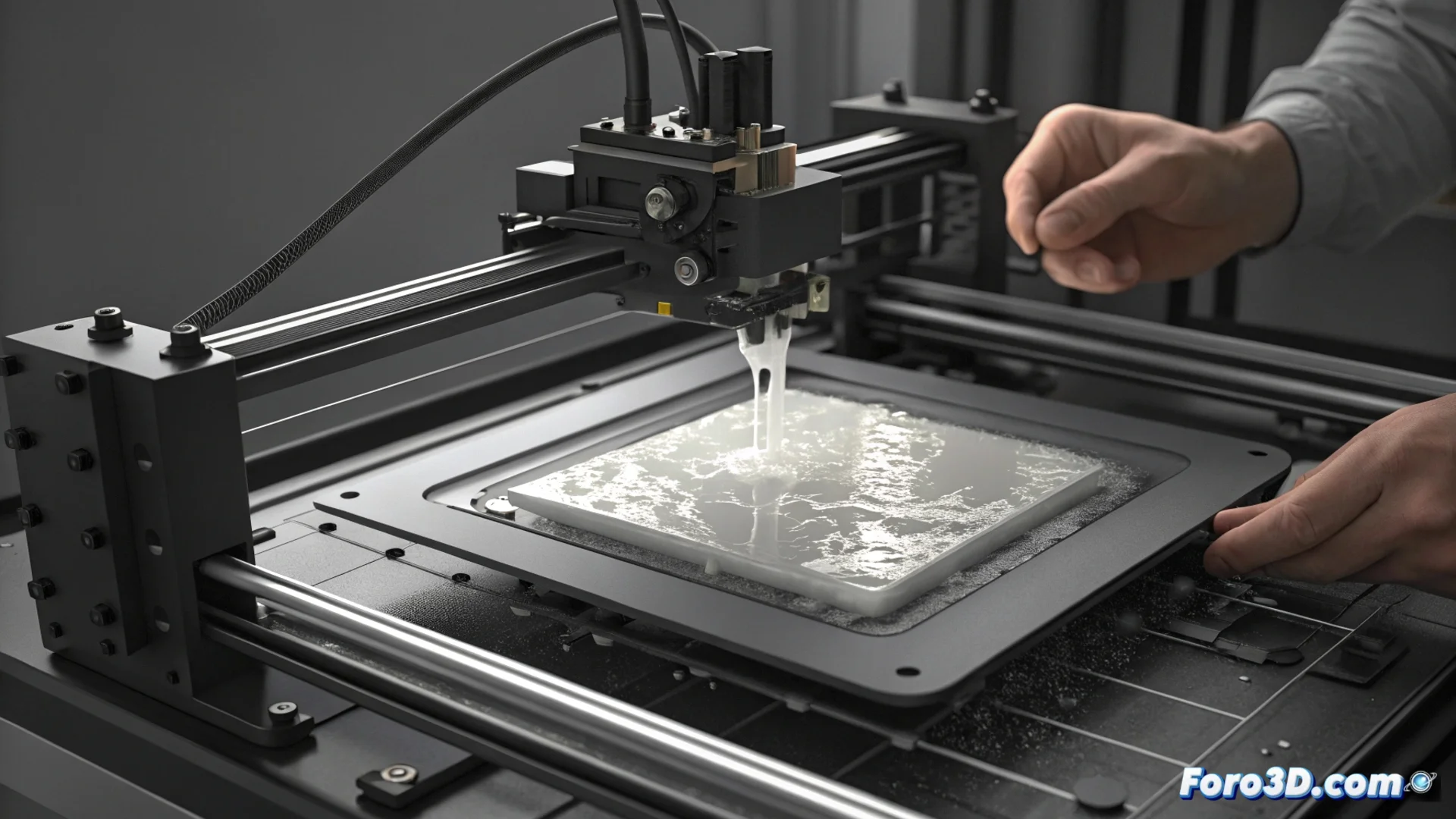
Fixing Adhesion Failures on the Elegoo Saturn 3 Ultra Printer
The Elegoo Saturn 3 Ultra resin printer and its large build area can create intense separation forces when the cured layer peels off the ACF film. If the initial parameters are not set correctly, it is common for the model to detach from the platform and stick to the bottom of the tank, stopping the print. 🛑
Ensure Precise Base Leveling
The foundation for good adhesion is a perfectly leveled platform. This process is critical and must be done every time the printer is installed or moved.
Step-by-Step Leveling Process:- Thoroughly clean the LCD screen and the build platform surface to remove any resin residue.
- Loosen the platform mounting screws. Place a sheet of common paper over the LCD screen.
- From the printer's menu, move the platform down until it makes firm contact with the paper.
- Tighten the screws in the sequence indicated by the manufacturer, usually in a crisscross order, to apply even pressure.
- Set the Z offset to a value that allows the paper to be removed with a light but perceptible resistance.
A quick exposure test can save hours of frustration and a good liter of solidified resin on the film.
Adjust Printing Parameters for a Firm Grip
Increasing the curing energy in the first layers is essential for the model to grip strongly to the platform. The generic values from the resin profile are often insufficient for the large format of the Saturn 3 Ultra.
Key Parameters to Optimize:- Exposure Time for Base Layers: Use values between 25 and 40 seconds as a starting point. Opaque or dark-colored resin generally needs more time.
- Number of Base Layers: Set between 4 and 6 initial layers. This creates a thicker and more robust base for the model.
- Lift Speed for Base Layers: Reduce this speed. A slower ascent allows the resin to flow better into the separation zone, decreasing suction force.
The Importance of Calibrating Before Printing
A common mistake is trusting that blind printing with default settings will work. Dedicating time to calibrate the machine and perform tests with the specific resin you use is the only way to achieve consistent results and avoid part failures. Investing in this preliminary process optimizes material usage and ensures job success. ✅