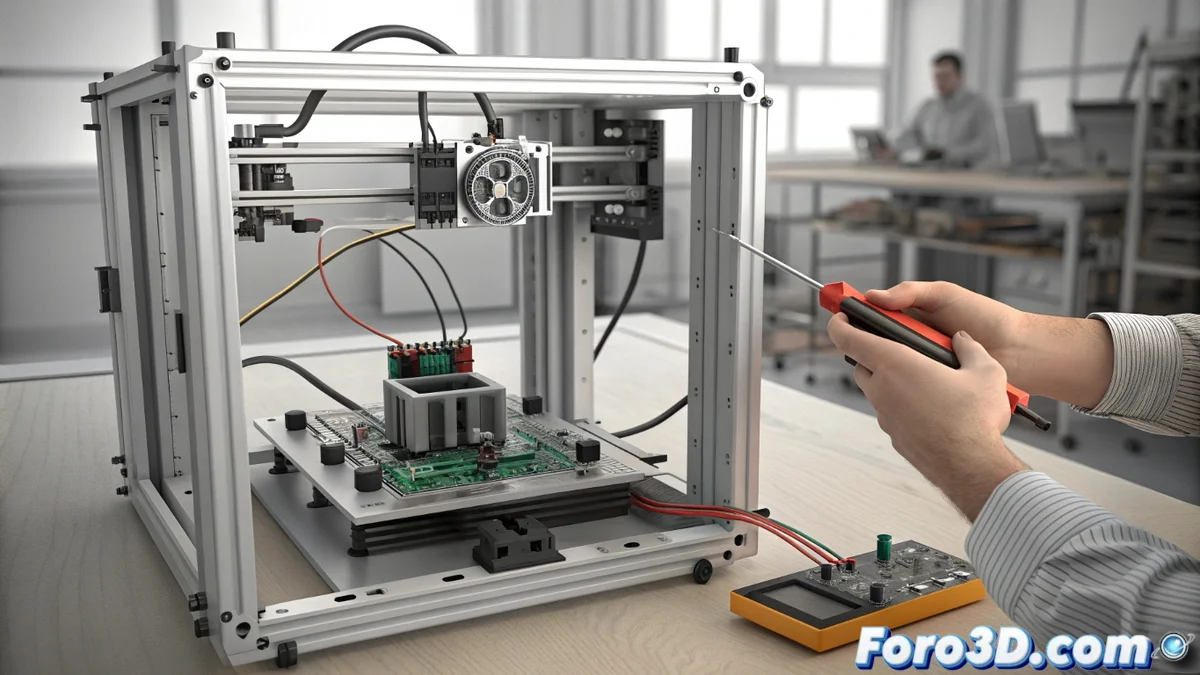
Fixing the HMS_0F00-0500-0001-000A Error Due to Unstable Voltage in Bambu Lab
When a Bambu Lab printer displays the code HMS_0F00-0500-0001-000A, its monitoring system has detected a critical anomaly in the 24-volt rail. This power line is vital for powering the most energy-demanding components: the motors that move the axes and the extruder, along with the nozzle and bed heaters. A fluctuation or drop in this supply triggers an emergency stop to prevent permanent hardware damage. 🔌
Understanding the Root Cause of the Failure
This error code acts as a proactive protection mechanism. The printer's main board constantly monitors the voltage supplied by the power source. If the values deviate from the safe range established for operating high-power components, the machine decides to stop all printing processes immediately. This action prevents the motors or heaters from receiving inadequate electrical current, which could degrade or burn them. The sensor's sensitivity sometimes exceeds what a user can perceive.
Common Origins of the Problem:- Faulty External Power Supply: It may fail to deliver a stable and constant 24V DC voltage.
- Loose or Damaged Electrical Connections: Both in the power cable and the printer's internal terminals.
- Overload in the Household Electrical Circuit: Other devices connected to the same line may cause voltage spikes or drops.
- Internal Hardware Failure: The internal power supply or control board may be faulty.
The machine prioritizes protecting its critical components. A stop due to abnormal voltage, although frustrating, is always preferable to a costly repair.
Procedure to Diagnose the Error
To address this failure, a process of elimination must be followed that begins outside the printer. The first step is to ensure that the power reaching the equipment is correct and stable.
Initial Verification Steps:- Disconnect and firmly reconnect the power cable to the printer and the wall outlet.
- Check if there are other high-consumption electrical appliances (such as heaters or refrigerators) running on the same circuit and try disconnecting them temporarily.
- Use a multimeter to measure the power supply's output voltage. It should show a reading close to 24V DC without sharp oscillations.
If the external power supply is operating normally, the investigation should move inside the printer. Turn off and completely unplug the equipment. Carefully visually inspect the internal cables connecting the power supply to the main board. Look for signs of loose connections, terminals showing heat discoloration, or damaged cable insulation.
Actions to Restore Printing
After confirming that the input voltage is stable and the connections are secure, perform a deep reset of the system. Turn off the printer, disconnect it from the electrical network, and wait at least two minutes before plugging it back in and turning it on. This simple step can clear erroneous states in the sensor's memory.
If the error code persists after these checks, there is likely a hardware failure. The internal power supply may be degraded and require replacement. In this scenario, the next step is to contact Bambu Lab technical support. When doing so, provide the exact error code and describe in detail all the diagnostic steps you have already performed. This will allow the support team to identify the solution more quickly, which typically involves repairing or replacing a specific component. 🛠️
Resolving the HMS_0F00-0500-0001-000A error is based on methodical diagnosis. Start with the simplest external causes before considering complex internal failures, and do not hesitate to use official support when the problem exceeds the scope of basic user maintenance.