Fix the HMS_0703-0200 Error on the Bambu Lab A1 Printer
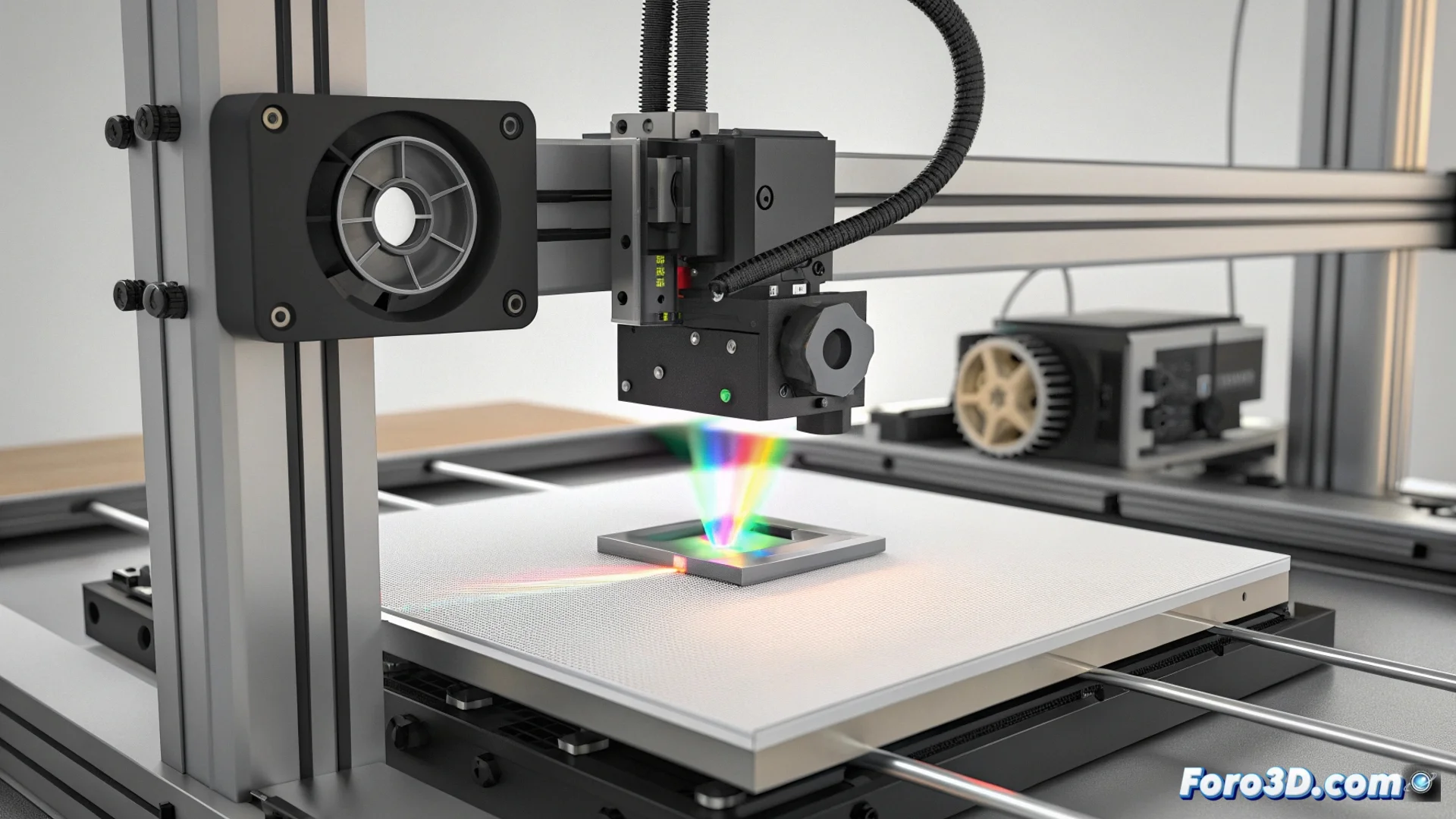
When the Bambu Lab A1 printer displays the code HMS_0703-0200, it immediately stops the job. This behavior is a safety measure activated by its built-in spectroscopic sensor, which analyzes the chemical composition of the filament being inserted. If the system detects that the actual material does not match the type selected by the user in the software, such as detecting ABS when a PLA profile was configured, the machine stops. This prevents using incorrect temperature parameters that could ruin the part or damage hardware components. 🛑
Steps to Take When Seeing the Error
When facing this message, it is essential to check the situation methodically. Do not ignore the warning, as its purpose is to protect your equipment.
Recommended Sequence of Actions:- Physically Confirm the Filament: Check the loaded spool and verify that its label indicates the correct material type. Sometimes, a mislabeled or reused spool is the cause.
- Adjust the Settings in the Software: In Bambu Studio or directly on the printer's screen, ensure that the selected material profile exactly matches the filament you have installed.
- Clean the Sensor: If the error persists with a known filament, turn off the printer and carefully clean the sensor's window or tip using compressed air. Dust or residues can distort its reading.
Automatic material detection is a shield against incorrect settings, but it requires accurate initial information.
Diagnose and Resolve Sensor Issues
If the problem continues after following the previous steps, the origin may be in the detection system itself. At this point, you must proceed to diagnose more specific components.
Sensor Troubleshooting Procedure:- Fully Restart the System: Turn off the printer, unplug it from the power for one minute, and turn it back on. A full restart sometimes corrects temporary calibration errors.
- Temporarily Disable Detection: As a last resort, you can disable the material detection function in the settings to continue printing. You assume the risk of using inadequate temperatures, so only do this if you are absolutely sure of the filament type.
- Contact Technical Support: For a definitive solution, especially if you suspect a physical failure in the sensor, contact Bambu Lab's support service. They can guide you through a deep diagnosis or manage a repair.
Final Considerations on the System
The spectroscopic sensor of the Bambu Lab A1 is an advanced technology designed to protect your investment. Although it is very precise, it can be confused by generic filaments with atypical chemical compositions or by physical interferences. Understanding that the HMS_0703-0200 error is a preventive measure, not a random failure, is key to resolving it effectively. Keeping the filament correctly labeled and the sensor clean are the best practices to avoid these interruptions and ensure consistent and safe prints. ✅