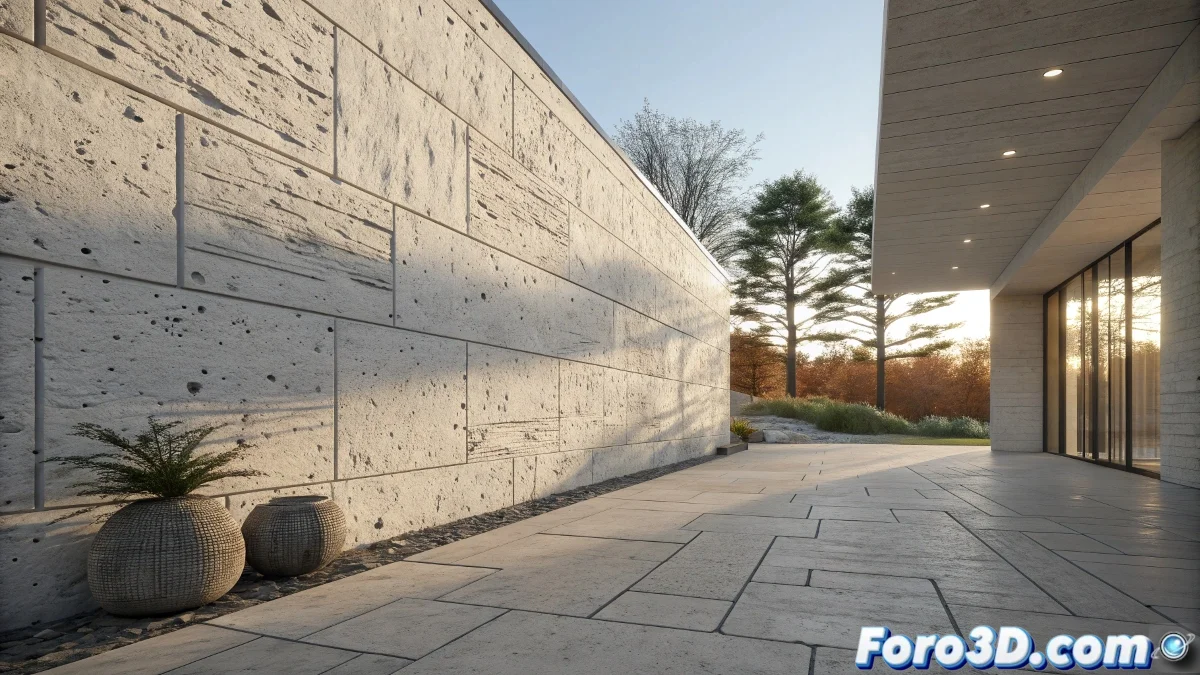
The Mystery of the Bump Disappearing in Shadows
When working with the Scanline Renderer in 3ds Max and you discover that the bump map becomes invisible in shadow areas, you're facing a classic limitation of this traditional rendering engine. The problem is not necessarily in your skill, but in how Scanline calculates shadows and applies relief effects. This situation is especially frustrating because you've correctly set up the material, but the final result doesn't show the detail you expected in the dark areas of your scene.
Understanding the Limitations of the Scanline Renderer
The Scanline Renderer, although reliable and fast, has inherent technical limitations in handling certain material effects. One of them is precisely the way it processes bump maps in areas with low lighting. Unlike modern engines, Scanline doesn't always correctly calculate the interaction between indirect lighting and relief effects.
- Lack of global illumination in bump calculation
- Limitations in shadow calculation with relief maps
- Issues with bump map intensity in dark areas
- Absence of ambient occlusion to accentuate relief
Solutions within the Scanline Renderer
Before switching rendering engines, there are several strategies you can try to improve bump visibility in shadows without abandoning Scanline.
An invisible bump in shadows is like an actor on a dark stage: it's there but no one can appreciate its performance
- Increase bump intensity to 999 in the material
- Add fill lights with very low intensity in dark areas
- Use ambient lighting to reveal details in shadows
- Combine bump with minimal self-illumination for critical details
When to Consider Switching Rendering Engines
If after trying all the solutions within Scanline the problem persists, it might be time to explore more modern engines. This is not an admission of defeat, but a natural step in the evolution of any 3D artist.
Solving technical problems in 3ds Max is part of the learning journey 🌟. Every limitation you encounter and overcome makes you a more versatile artist, prepared to face the challenges of more complex projects in the future.