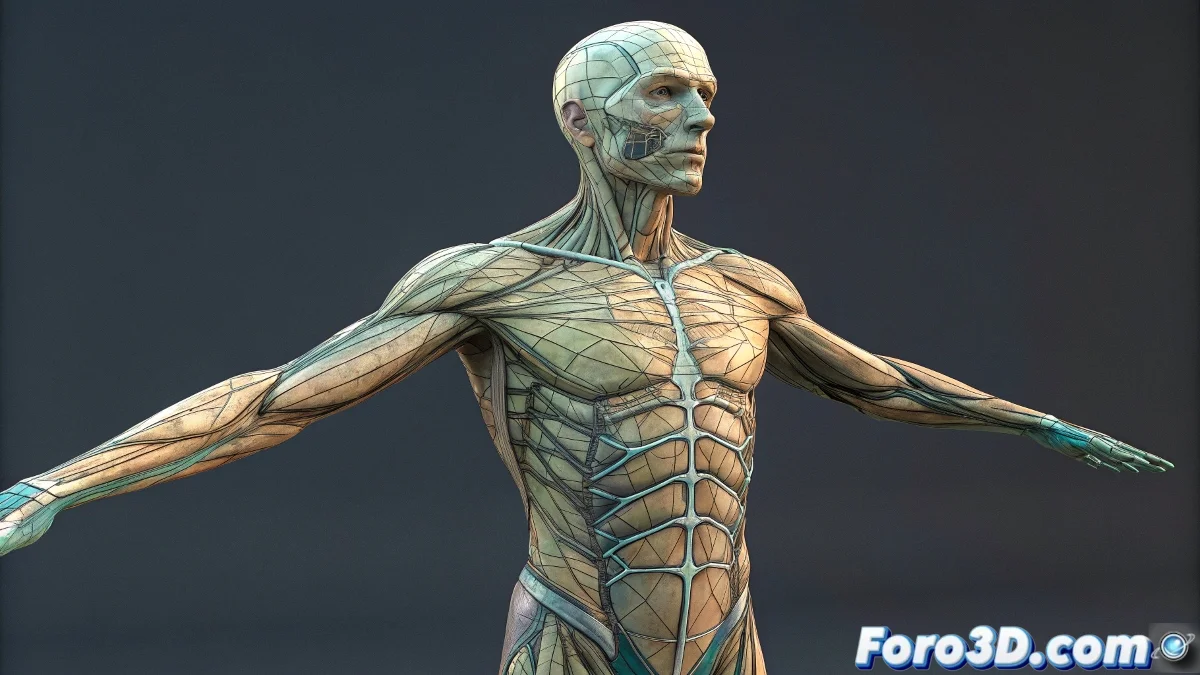
The Mystery of the Fingers That Crash the Render
When working with Character Studio in 3ds Max and you discover that your Biped renders perfectly without fingers but crashes when you include them, you're facing a classic software stability issue. This situation is particularly frustrating because fingers are essential for creating natural and expressive poses, but the fact that the render fails systematically when you activate them suggests there's a specific conflict between the finger geometry and the rendering process. The autobackup message you mention is 3ds Max's safety mechanism trying to safeguard your work before the unexpected shutdown.
Diagnosing the Causes of the Crash with Biped Fingers
This problem usually has several interrelated possible causes ranging from your hardware's technical limitations to specific Biped configurations that generate conflicts during rendering. The fact that it works without fingers but fails with them indicates that the additional complexity of the digital bones is triggering the issue.
- RAM memory limitations when calculating multiple additional bones
- Skinning problems in the complex areas of hands and fingers
- Conflicts with modifiers applied to the character's mesh
- Errors in the configuration of the finger parameters
Practical Solutions for Stable Rendering with Fingers
Fortunately, there are several strategies you can implement to resolve this issue and render your Biped with all fingers included. The key is to address the problem systematically, testing each solution until you identify the specific cause in your setup.
A Biped without fingers is like a pianist without hands: it has the structure but lacks the essential expressiveness
- Reduce finger complexity temporarily for testing
- Check hand skinning with the Skin modifier
- Adjust render parameters to optimize memory
- Update drivers for your graphics card
Optimizing Biped for Complex Projects
When working with Character Studio on projects that require long or complex renders, it's crucial to establish an optimized workflow that minimizes crash risks. This includes not only the Biped configuration but also proper scene preparation and specific render engine settings.
Solving stability issues with Biped is part of mastering Character Studio 🔧. Each error resolved provides you with deeper knowledge of the software's behavior and better prepares you for more ambitious projects in the future.