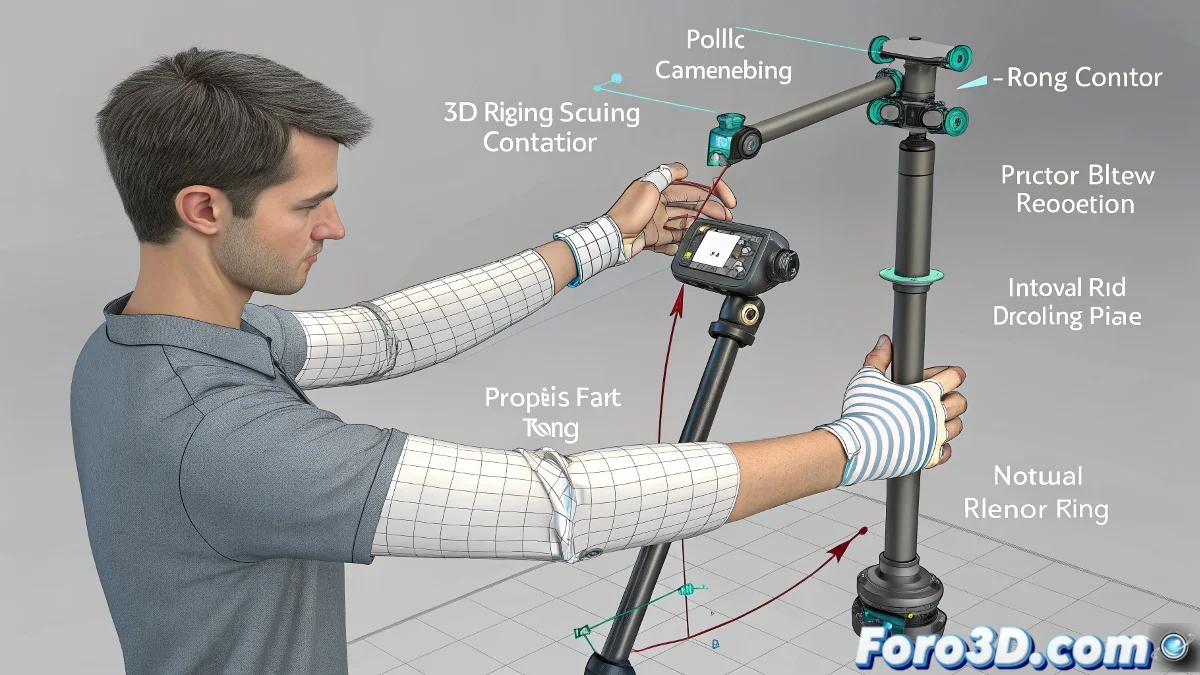
Taming the Rebellious Pole Vector in Elbow Rigs 🤖🎯
When your pole vector makes your character's elbow behave like a drunk puppet joint, it's not black magic - it's simply misapplied 3D geometry. The pole vector is that magical control that should give naturalness to your IKs, but when placed poorly, it turns arms into digital pretzels.
The 3 Deadly Sins of the Pole Vector
These are the mistakes that ruin your elbow rig:
- Incorrect Position: The pole vector is not in the plane perpendicular to the arm
- Dirty Orientations: Joints with accumulated rotations or twisted axes
- Messy Hierarchy: Child bones inheriting inconsistent orientations
"A good pole vector is like a good personal trainer: it guides the movement without forcing unnatural positions"
Step-by-Step Guide for Perfect Pole Vectors
- Prepare Your Bone Chain:
- Use Orient Joint in Maya to clean orientations
- Verify there is no gimbal lock
- Place the Controller:
- Position it in side/front view
- Keep it in the elbow's natural plane of flexion
- Connect Intelligently:
- Use Pole Vector Constraint
- Test movements before animating
Troubleshooting Table
| Symptom | Solution |
|---|---|
| Elbow rotates 180° abruptly | Relocate the pole vector closer/further from the arm's plane |
| Skin deformations when flexing | Adjust skinning weights around the elbow |
| Limited movement on one axis | Check constraints and rotation limits |
Remember: a perfect elbow rig should allow everything from a smooth ballet movement to a superhero punch. If your pole vector isn't cooperating, maybe it's time to remind it who's in charge of this relationship... with a bit more technical knowledge and less screaming at the monitor 😅.