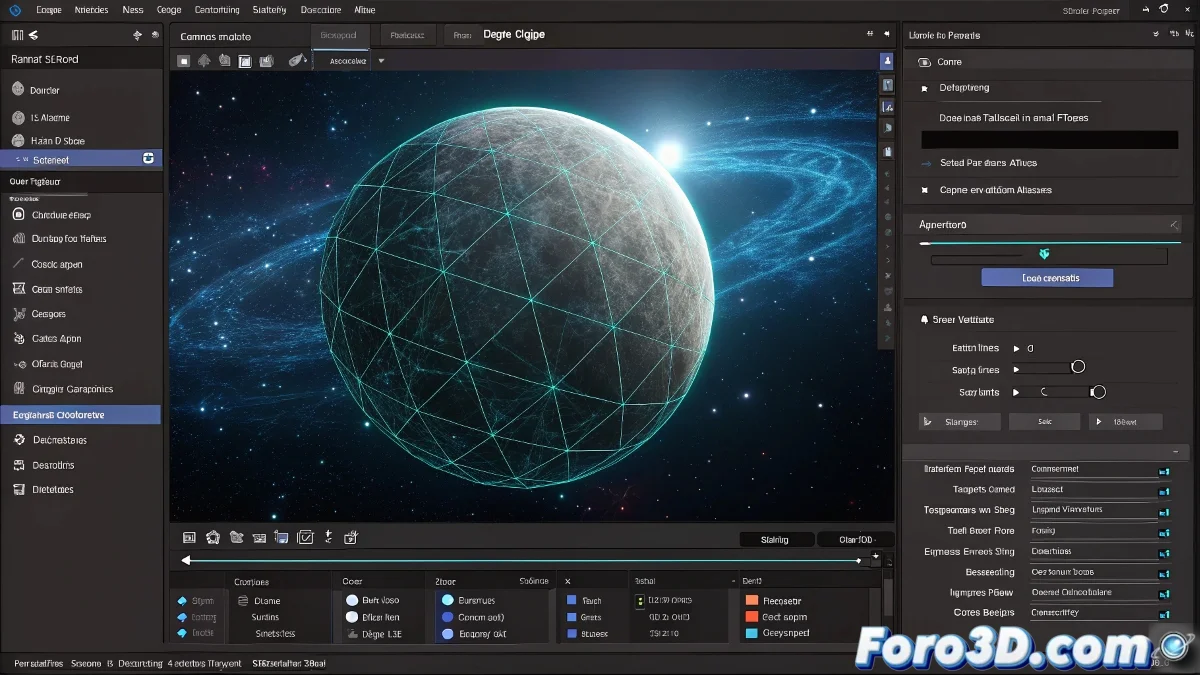
Fix Layer Maps Disabled in Trapcode Form
Are your Layer Maps in Form grayer than a Monday morning mood? 🌫️ It's the classic issue when trying to map textures in Sphere - Layered mode. But don't worry, there's a solution (and creative alternatives). Let's tame this rebellious plugin. 🎨
Why is Layer Maps Disabled?
Compatible modes:
- Box - Grid ✅
- Sphere - Grid ✅
- Torus - Grid ✅
Non-compatible modes:
- Sphere - Layered ❌
- Any "Layered" ❌
- Imported 3D objects ❌
Form with Layer Maps disabled is like a painter without brushes: it has potential, but not the right tools for the job.
Quick Solution: Switch to Sphere - Grid
- In Base Form, select Sphere - Grid
- Increase Particles X/Y for higher definition
- Now Layer Maps will be available
- Load your color/displacement map
Professional Alternatives for Planets
| Method | Advantage | Difficulty |
|---|---|---|
| Element 3D | Realistic textures + lights | Medium |
| Precomp + CC Sphere | Quick for prototypes | Low |
| External 3D (Blender/C4D) | Maximum realism | High |
| Saber (VC) | Atmospheric effects | Medium |
Tips to Improve Sphere - Grid
- Use Fractal Field for organic deformation
- Add Displacement Maps in 16 bits
- Combine with Optical Flares for atmosphere
- Animate Particle Motion for dynamic clouds
If after all this Form is still too abstract for your planet, remember: sometimes you have to surrender to physics and use more suitable tools. But for psychedelic or conceptual effects, Form is unbeatable! 🌌
Creative Bonus: Try using Layer Maps with noise textures to create interstellar nebulae. Sometimes limitations inspire the most original solutions. ✨