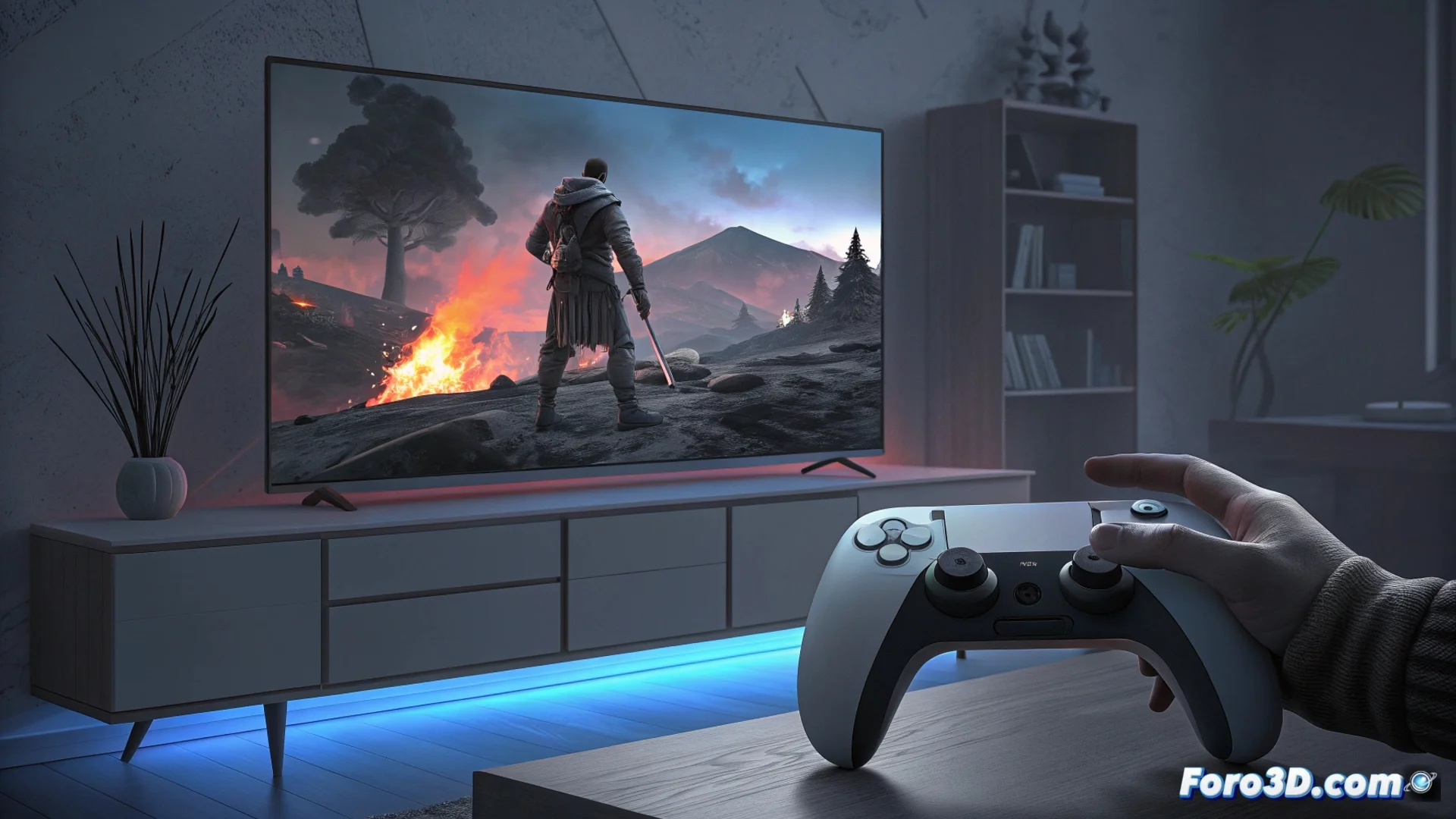
Fix Errors and Unexpected Crashes on PlayStation 5
PlayStation 5 users may encounter their console stopping abruptly. These incidents include the system freezing completely, shutting down without warning, or displaying specific error messages like the dreaded CE-108255-1. This situation forces restarting the current game or the console itself, interrupting the gaming experience 🎮.
Diagnose and Resolve the Problem Step by Step
In the event of a failure, it is essential to act methodically to isolate the cause. Most of the time, the origin is a software conflict or a title that does not run correctly. Follow this structured guide to try to resolve it.
Troubleshooting Procedure:- Full Restart: Turn off the console, unplug it from the power for a few minutes, and turn it back on. It is the first filter.
- Update System and Games: Ensure that both the PS5 firmware and the problematic game have the latest available version installed.
- Clear Cache and Rebuild Database: Access the console's Safe Mode (hold the power button until you hear a second beep) and select these options to clean corrupted temporary files.
- Reinstall the Affected Game: If the error only occurs with a specific title, delete and reinstall its software from scratch.
- Restore Factory Settings: For persistent system-wide problems, consider this nuclear option. Back up your data first.
A full restart is often the quickest antidote for many software ills. Do not underestimate its power.
Identify a Possible Hardware Failure
If after applying all software solutions the problem persists consistently, the cause could be physical. It is important to recognize the signs to act in time, especially if the console is still covered by the manufacturer's warranty.
Signs Pointing to Hardware:- Errors and crashes occur in multiple different games, not just one.
- The failures are constant and reproducible, appearing even in system menus or applications.
- The console overheats abnormally or emits strange ventilation sounds before crashing.
Final Action: Contact Technical Support
When you suspect a hardware failure, the next step is clear: contact Sony's official technical support. They can run remote diagnostics or instruct you on how to send the console for review. If the equipment is under warranty, repair or replacement is likely free of charge. Acting promptly prevents a minor problem from worsening 🛠️.