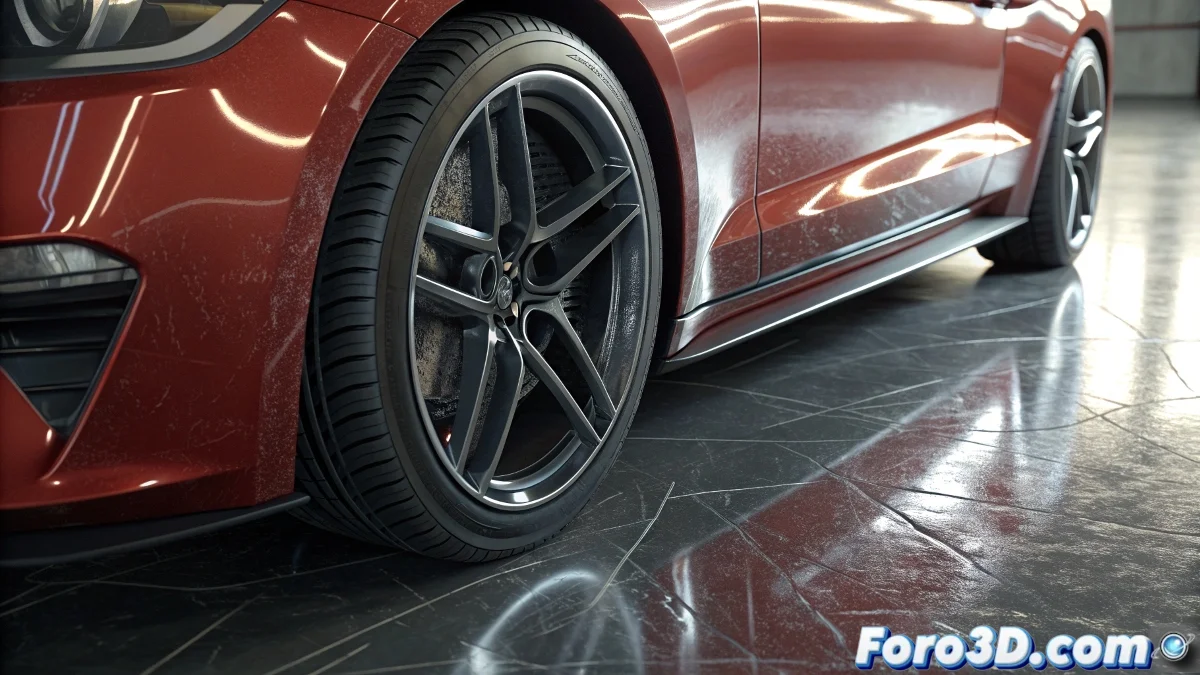
The Complex World of Multi-Layer Materials
When searching for information on Multi-Layer materials in 3ds Max, you're exploring one of the software's most sophisticated and powerful material systems. The Multi-Layer material is essentially an enhanced standard material that allows control over multiple specular reflection layers, each with its own color, intensity, glossiness, and anisotropy controls. This capability makes it ideal for recreating real-world materials with complex reflections and multiple levels of shine, such as automotive lacquers, ceramic glazes, injection-molded plastics, or any surface that exhibits different specular characteristics depending on the viewing angle.
Official Sources and Specialized Documentation
To truly understand the potential of Multi-Layer materials, it's essential to start with the official documentation and then expand to community resources that offer practical perspectives.
- Official Autodesk Help with detailed parameters
- 3ds Max Documentation in the learning center
- Autodesk Forums with technical case studies
- Archived Webinars from Autodesk experts
Practical Learning Resources
Theory is important, but practice with real examples is what will truly help you master this complex material. There are numerous resources that show concrete applications.
Learning Multi-Layer is like studying oil painting: you need to understand how layers are built to create depth and realism
- YouTube Tutorials from specialized channels
- Courses on Platforms like Udemy, LinkedIn Learning
- Technical Blogs with step-by-step breakdowns
- Example Scenes in community repositories
Practical Applications and Use Cases
To get the most out of your search, focus on specific applications where Multi-Layer particularly shines.
Mastering Multi-Layer materials will turn you into a more versatile material artist capable of recreating virtually any complex real-world surface 🎨. The investment in learning this system will reward you with unprecedented control over the appearance of your renders.