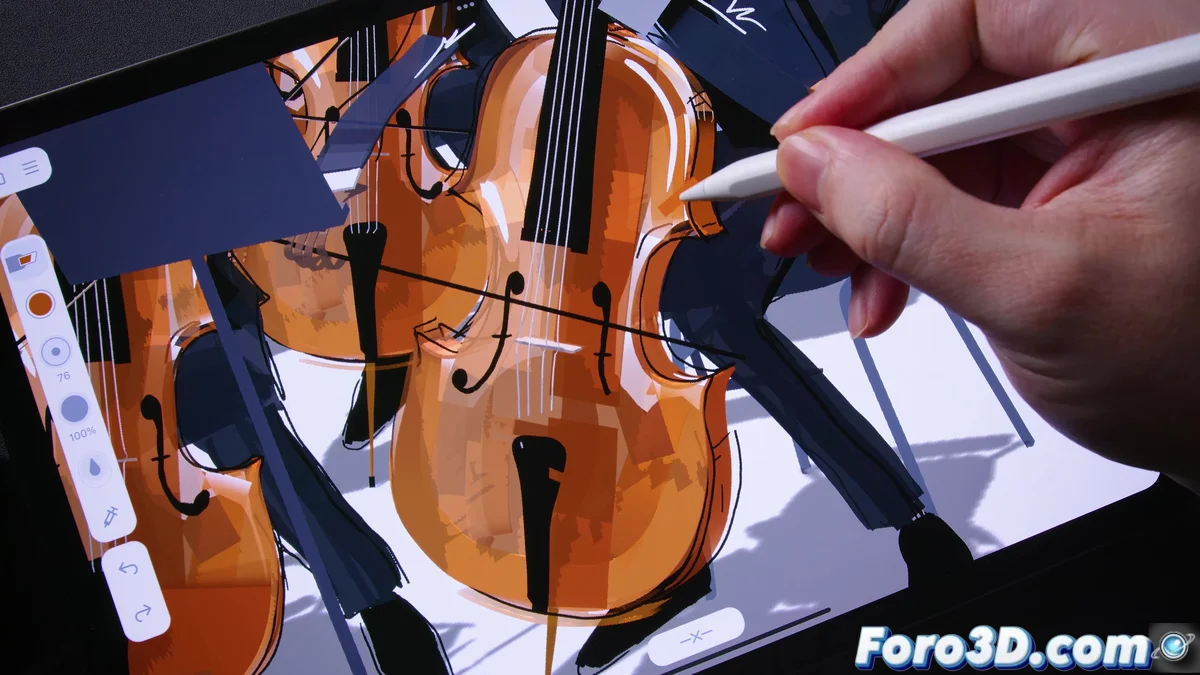
Feather: When the iPad Becomes a Magic Wand
In a world where drawing in 3D used to require expensive equipment and PhDs in quantum physics, Feather arrives like that friend who lends you a pen when you've lost your last one. No, it's not a bird, even though its name suggests flying feathers. It's the app that transforms your iPad into a digital sculpture studio, without getting your hands dirty or cursing at the compass.
"Drawing in 3D should be as easy as spreading butter on toast"
— Unofficial Feather philosophy
The Art of Doodling with Air Conditioning
With Feather, creating three-dimensional sketches boils down to three strategic moves:
- Draw floating skeletons as if they were invisible wires
- Add strokes with the Apple Pencil (without fear of breaking the glass)
- Rotate the artwork with your fingers faster than a DJ in full ecstasy
The result can be exported to Blender or turned into animations, because in the 21st century even doodles deserve their own trailer.
Tricks Even Houdini Couldn't Imagine
Version 1.1 introduced features as ingenious as:
- A menu that appears when pressing the pencil (like magic, but with algorithms)
- Tactile vibrations when erasing, as if the iPad is giving you encouraging pats
- Stroke previews that avoid more regrets than a pregnancy test
All this while augmented reality allows you to place your creations on the sofa, the fridge, or your mother-in-law's head (the latter use is not officially recommended).
So now you know: if you ever dreamed of seeing your drawings come to life without needing dark pacts, Feather is as close as you'll get to being a digital wizard... even if you still can't bend spoons in real life. 🪄
Note: No iPad was harmed during the writing of this article, although several digital pencils suffered existential crises when comparing themselves to Feather. 😜