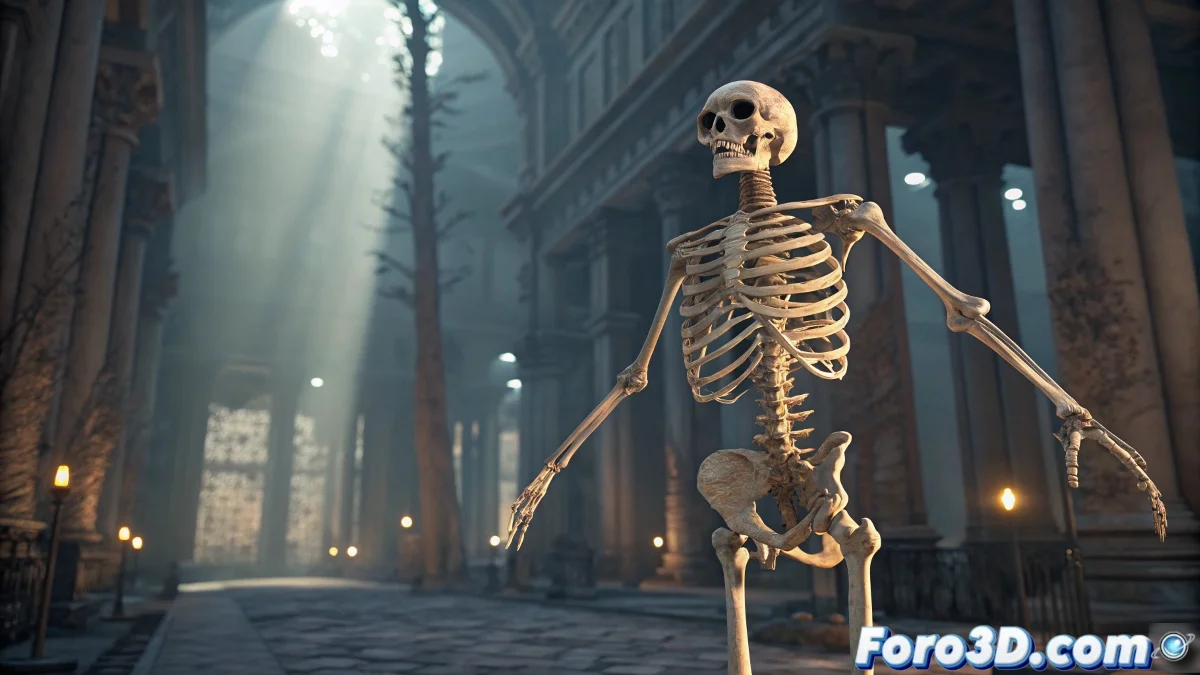
From Zero to Skeleton in Maya: Choose Your Path 🦴⚡
Tired of creating joint by joint like in the digital stone age? In modern Maya, you have two routes to build skeletons: the express way with plugins like Advanced Skeleton or the artisanal route with total control. We show you both so you can choose according to your project and required level of detail.
"A good rig is like a real skeleton: if the structure fails, the whole body collapses"
Option 1: The Magic of Plugins (for quick results)
Advanced Skeleton - The King of Auto-Rigging 👑
Workflow:
- Draw basic guides over your model
- Execute the Build command
- Get a complete rig with ready controls!
Advantages:
- Automatically generates IK/FK switches
- Facial system included
- Easy proportion customization
mGear - For Open Source Lovers 🛠️
Perfect for:
- Modular rigs (humans, animals, robots)
- Customizable pipelines with Python
- Visual configuration environment
Option 2: The Manual Method (for control purists)
Key steps:
- Use Skeleton → Create Joints in orthographic views
- Follow the natural hierarchy (root → limbs)
- Apply Orient Joint to align axes
- Verify no joint is left orphaned
- Group everything under a master node
Pro tip:
Name each joint with clear prefixes (L_Arm_01, R_Leg_03) to avoid chaos in complex projects.
When to Use Each Method?
Choose plugins when:
- Time is pressing
- You need production standards
- Working with humanoid characters
Go manual when:
- Creating creatures with unique anatomies
- You prefer absolute control over each joint
- Exporting to game engines with specific requirements
Tricks That Save Hours of Pain
- Lifesaver templates: Save base structures for reuse
- Mirror Joint: Automatically duplicate symmetrical limbs
- Custom scripts: Automate repetitive tasks
- Color coding: Assign colors to sides (red=left, blue=right)
On foro3d you'll find example rigs with both methods. Because we all deserve to avoid that moment "Was this joint for the arm or the tail?". 🐒
Prepare Your Skeleton for the Real World
Before celebrating:
- Test extreme rotations in all joints
- Verify deformation is correct in key poses
- Optimize the hierarchy for your target engine (Unity/Unreal)
- Document your naming conventions and structure
As veteran riggers say: "One day of good rigging saves a week of bad animation". Now go and build those skeletons like a pro. 💀🎬