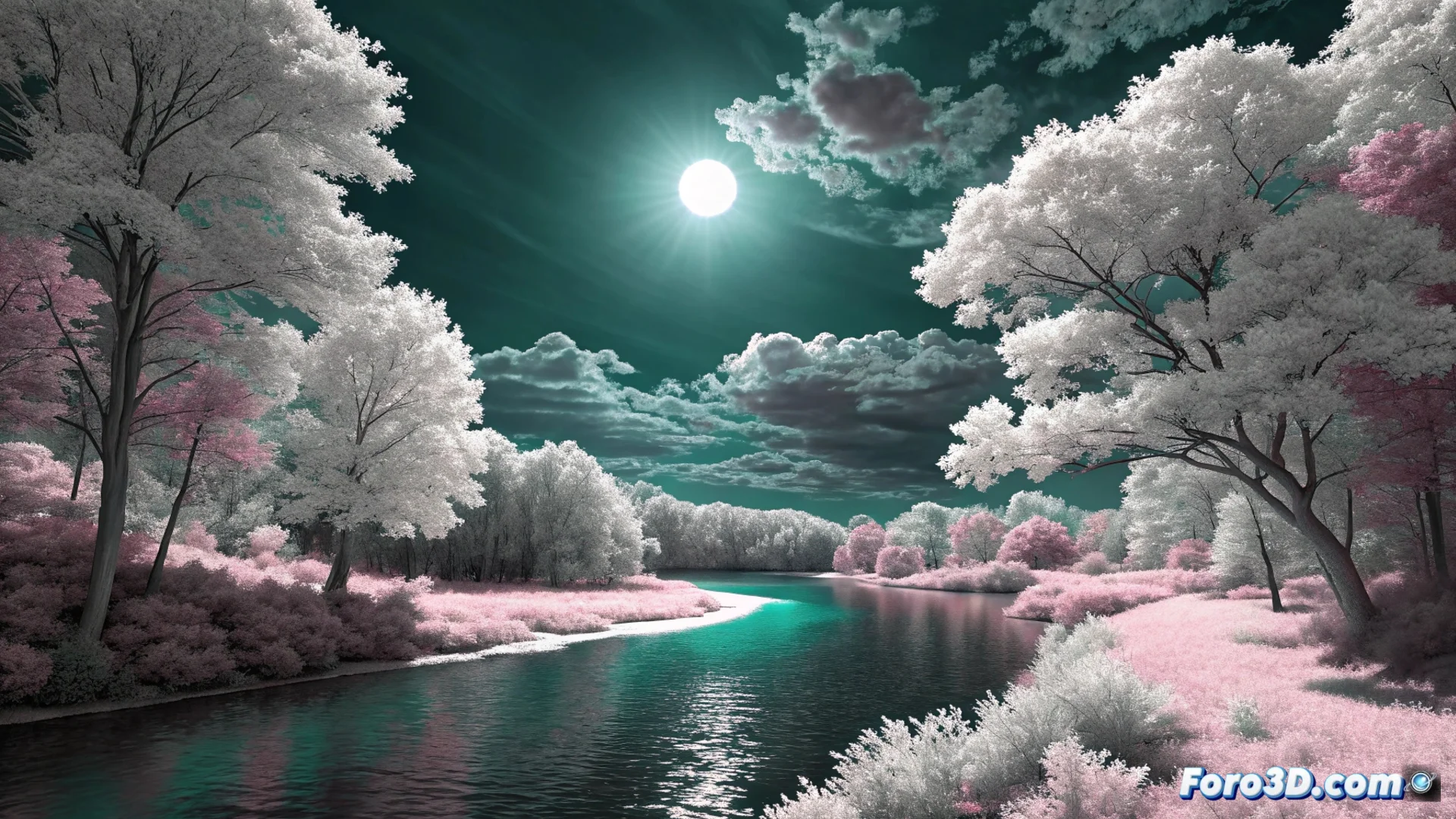
Digital False Infrared: Recreate the Effect Without Filters
Achieving the dreamy look of infrared photography no longer requires special film or modifying the camera's hardware. With the digital false infrared technique, you can transform your photographs in editors like Photoshop or GIMP by manipulating the color channels. The result is a surreal palette where reality is reinterpreted. 🌌
The Core of the Process: Manipulating the Channels
The fundamental step to generate this effect consists of swapping the information between the red and blue channels of the image. This action inverts the typical spectral response of digital sensors. To execute it, open your image in the software and access the channels panel. Select and copy all the information from the red channel, then paste it over the blue channel. This swap is what initiates the visual transformation.
Key Steps After Swapping Channels:- Increase saturation of specific colors, especially cyans and magentas, to intensify the contrast.
- Adjust levels or curves to balance the overall contrast of the image, as the sky darkens and the vegetation lightens.
- Correct the white balance if unwanted color casts appear after the main process.
The red and blue channel swap is the heart of the effect. Without it, the characteristic color palette is not achieved.
Optimize for a Professional Result
For the effect to be more convincing and of higher quality, it is recommended to start with RAW files. This format captures a superior dynamic range, giving you more room to manipulate colors without losing detail. Ideal scenes usually have abundant foliage and clear skies, as the contrast between both elements is maximized.
Tips for Refining the Final Result:- Work with adjustment layers to maintain a non-destructive workflow and be able to modify parameters later.
- Apply a slight Gaussian blur to soften transitions and emulate the ethereal look of analog infrared photography.
- Remember that the effect can make it look like night, but the scene was captured in broad daylight.
Conclusion on the Technique
Digital false infrared is an accessible technique that opens up a world of creative possibilities. By mastering the channel swap and subsequent saturation and contrast adjustments, you can transform ordinary scenes into otherworldly landscapes. Processing from RAW and using layers allows you to experiment without risks, achieving that surreal and evocative aesthetic that characterizes infrared photography. ✨