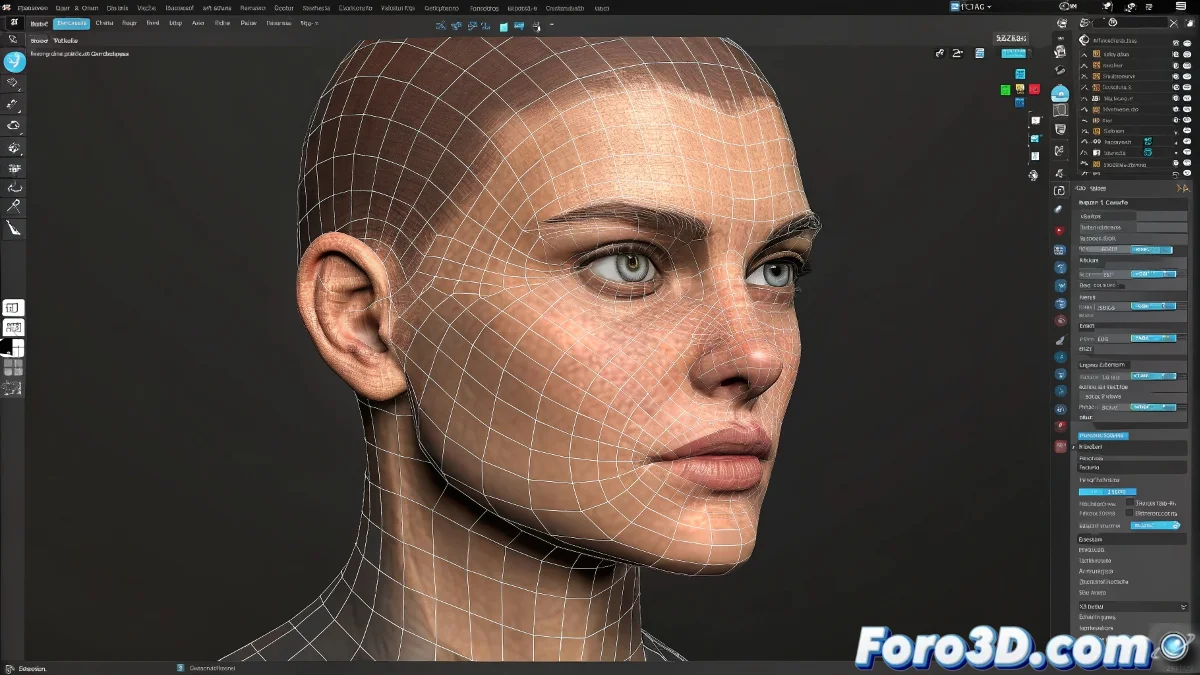
Facial Animation with Bitmaps: Myth or Reality?
Let's illuminate this fascinating topic like a Cycles render! 💡 What you mention is not nonsense, but rather a quite ingenious technique that combines the old art of 2D with 3D magic. Yes, you can use bitmap images to control facial animation, and we'll explain how.
The Bitmap Method for Facial Expressions
This technique, known as image-based facial rigging, works like this:
- You create a schematic map with color zones for each expression 🎨
- You assign colors to specific morph targets or blendshapes
- You use the bitmap as a control via a script or plugin
- You paint on the image to activate different expressions
"Animating with bitmaps is like doing magic with digital paint: what you draw comes to life in 3D"
Implementation in Current Software
In modern tools like Maya, Blender, or 3ds Max, you can achieve it through:
- Texture-driven rigs: Using the alpha channel of textures as a control
- Specialized plugins: Such as Face Robot or JCMaker
- Node systems: Connecting pixel values to animation parameters
The main advantage is that it's more intuitive for 2D artists. You can draw expressions like a comic and see them turn into 3D animation. It's like having a coloring book that comes to life! ✏️➡️👾
To get started, try Blender and its Driver Based animation system, where you can connect color values directly to your blendshapes. And if your expressions look like fish faces at first, don't worry: even Pixar started with blinking cubes. Let's get animating! 🎭