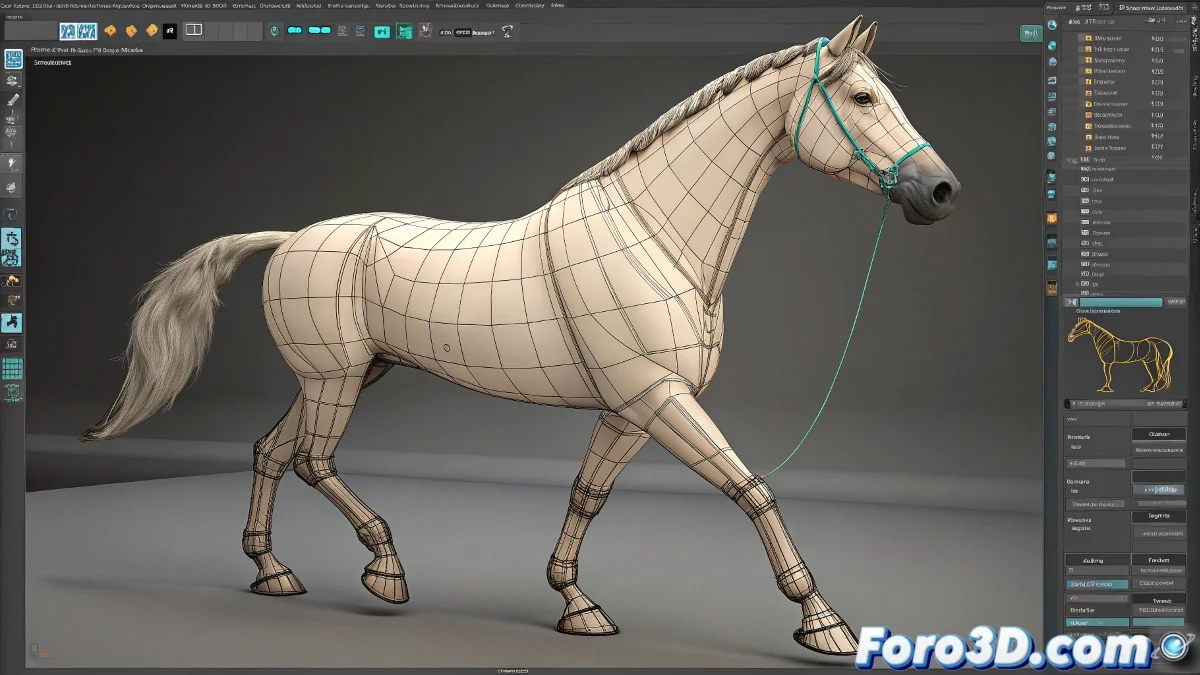
Facial and Gait Animation for Horses in Cinema 4D
Working with a horse in Cinema 4D might seem like a rodeo mission at first, but with a little patience and the right tools, you'll have it trotting (and smiling) on your timeline.
How to Animate a Horse's Gait in Cinema 4D
The first thing you should know is that a horse's gait animation has a fairly defined and repetitive cycle. I recommend studying the famous horse gait cycle by Eadweard Muybridge, which remains a visual reference for animators. You can use Cinema 4D's Character Object system to build a base rig, or look for pre-made rigs like those from C4D Café or even models from TurboSquid that include prepared skeletons.
Regarding the creation of the gait cycle, the basic process would be:
- Modeling and Rigging: If you already have the horse model, make sure it has an appropriate rig for quadrupeds. If not, you can use tools like C4D's Character Builder.
- Animation Cycle: Animate a complete step cycle over a range of frames (for example, 0-30 frames). You can use the Timeline and the Motion System to control the keyframes.
- Save as Clip: Once you have the cycle, use Cinema 4D's Motion System to save it as a Motion Clip. This way you can reuse it later in other scenes or moments within the same project.
Facial Animation of a Horse: Tricks and Tips
The facial part of a horse has fewer controls than in human characters, but it is still key for giving expressiveness. You can use deformers like the Pose Morph Tag in Cinema 4D to create morph targets for ears, mouth, eyes, and eyebrows (yes, horses also have eyebrows... more or less). You can also create custom sliders to control each part of the face.
Software and Plugins That Can Help You
Although you are working in Cinema 4D, you can export the cycle as Alembic or FBX if you want to retouch it in other software like Blender or Maya. Furthermore, plugins like Cactus Dan’s Character Tools (for C4D) can give you better rigging control.