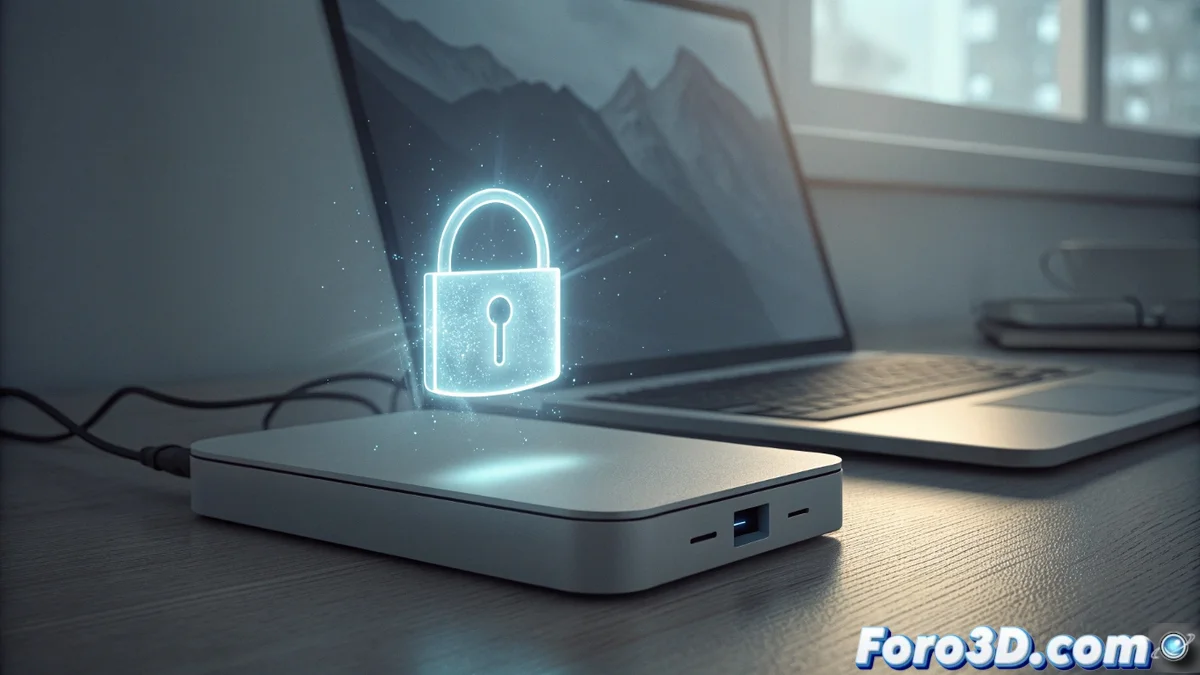
External hard drives with proprietary encryption pose a risk
Many manufacturers integrate their own encryption software into external hard drives, presenting it as an essential security layer. This program acts as a unique digital lock that you must open every time you connect the drive. 🚫
The core problem: dependence on the manufacturer
The heart of the risk lies in the fact that access to your information is irrevocably tied to a specific application. The hardware stores the data, but only that program can decrypt it. This dependence creates a long-term vulnerable scenario.
Consequences of software obsolescence:- Operating systems evolve constantly. An old application may stop working on new versions of Windows, macOS, or Linux.
- If the manufacturer decides not to update its encryption software, the program becomes incompatible. At this point, the hard drive is physically functional, but the data is inaccessible.
- The loss of information is total, not due to a mechanical failure, but due to a corporate decision to stop developing the key software.
Your digital legacy can be trapped forever not by a disk failure, but by the abandonment of a program.
Alternatives that return control to the user
To avoid this risk, it is crucial to opt for solutions where you manage the keys. There are safer and more durable paths that do not chain you to a single manufacturer. 🔑
Encryption options with direct control:- Use a standard external hard drive without encryption and then protect it with open-source tools or native system functions, such as BitLocker (Windows) or FileVault (macOS).
- Choose hardware that uses widely recognized hardware encryption standards. In these cases, the key is a password or phrase, not a proprietary executable.
- These paths ensure that you can access your data in the future as long as you remember your password, regardless of the manufacturer's support.
Conclusion: prioritize long-term access
The convenience of integrated proprietary encryption carries a hidden risk of planned obsolescence. To safeguard important data in the long term, it is safer to implement solutions where you have absolute control over the encryption method and access keys. Protect your information thinking about the future. 🛡️