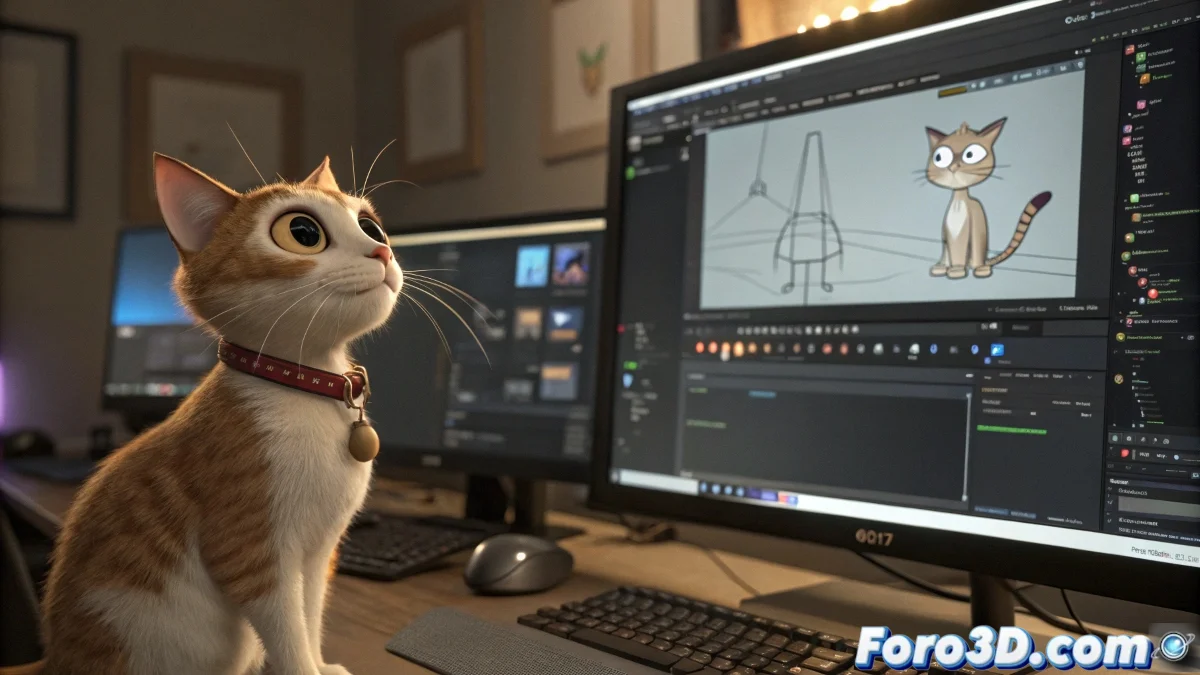
When cats and character studios don't get along 🐱
In the wild world of 3D, where digital skeletons come to life, there are two rival kingdoms: CAT and Character Studio. Both live under the same roof (called 3ds Max), but they are like neighbors who play loud music at different hours. One is agile and spontaneous; the other, methodical and structured. Can they get along? The short answer is: with a miracle.
The harsh reality of incompatibility
Trying to export CAT animations to Character Studio is like trying to use a TV remote to operate a microwave. 🎮 Both systems handle skeletons and controls in such different ways that, without a professional translator (or several coffees), communication is impossible. There is no magic export and done button; only creative solutions and a bit of patience.
- FBX as a lifeline: Exporting the animation in this format can be a first step, but it doesn't guarantee that the bones will dance the same.
- Manual retargeting: Adjust each movement as if you were a demanding choreographer.
- Custom scripts: For those who enjoy writing code more than animating (yes, those rare beings exist).
On foro3d.com, veterans whisper an uncomfortable truth: choosing well from the beginning avoids tears later. If your heart beats for Character Studio, don't flirt with CAT without commitment.
Tips to not lose your sanity
If you're already in this mess, here are three ideas to get out (almost) unscathed:
- Plan B: Redo the animation directly in Character Studio. Yes, it hurts, but it hurts less than fighting with rebellious keyframes.
- Third-party tools: Some plugins promise to act as a bridge, but prepare to sell a kidney (or at least some dollars).
- Accept the chaos: Sometimes, mixing systems is like putting pineapple on pizza: there will be purists who will never forgive you. 🍕
In the end, the moral is clear: in the 3D universe, compatibility is a myth and adaptation, an art. And if all else fails, you can always say it was an innovative artistic style while running away. 🏃♂️💨