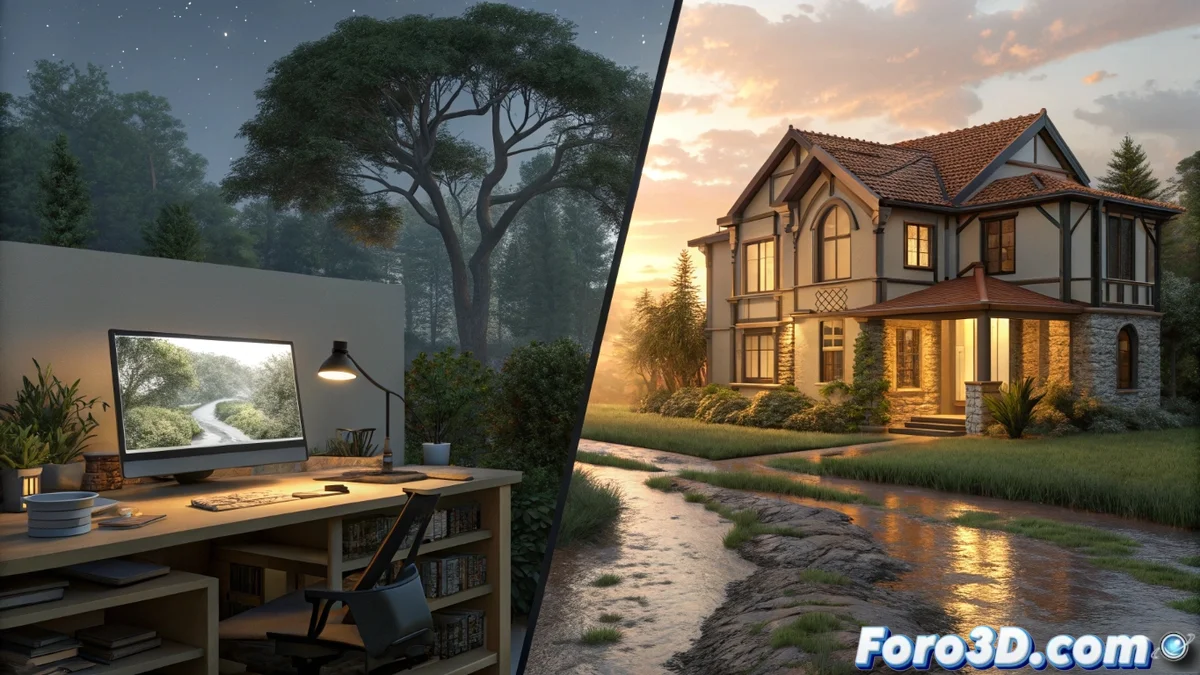
Exploring V-Ray and Lumion as SketchUp Allies
In the vibrant universe of 3D modeling, SketchUp stands out as a favorite among designers and architects for its straightforward and efficient approach, but it truly shines when combined with powerful renderers like V-Ray and Lumion. These two giants elevate basic models to impressive visual experiences, each with its unique style: V-Ray specializes in meticulous control of light and materials to achieve that photorealistic touch, while Lumion focuses on agility to create quick and captivating visualizations. Which one to choose? This exploration will guide you through their differences, tailored to your specific project needs. 😎
Key Features of These Renderers
Both programs transform SketchUp designs into something extraordinary, but their approaches vary in fascinating ways. V-Ray uses a physically-based rendering engine, allowing fine adjustments to textures, shadows, and effects like global illumination or ray tracing, making it perfect for professionals seeking precise simulations of real scenarios. On the other hand, Lumion impresses with its user-friendly interface and vast library of ready-to-use assets, greatly accelerating the workflow in SketchUp. Global illumination and ray tracing are areas where V-Ray excels in complexity for intricate scenes, while Lumion shines in real-time renders, ideal for dynamic and immersive presentations. This seamless integration with SketchUp makes both essential, but the choice depends on whether you prioritize detail or speed. 🌟
Descriptive List of Strengths:- V-Ray provides comprehensive control over technical aspects like denoising and anti-aliasing, generating high-quality images suitable for architecture or film uses, although its learning curve can intimidate beginners.
- Lumion facilitates fast exports of animations and natural environments, optimizing the process for immersive visualizations, but sometimes loses some detail in highly elaborate scenes.
- In complex environments, V-Ray masterfully handles elements like global illumination and ray tracing, surpassing Lumion in precision for high-level projects.
For those hesitating between these renderers, remember that V-Ray could turn your model into a professional image worthy of a gallery, but Lumion lets you finish the render before your coffee cools, an invaluable relief in intense work sessions.
Advantages and Disadvantages in Daily Use
Diving into day-to-day use, V-Ray offers superior mastery in lighting and material manipulation, resulting in flawless outputs for tasks demanding extreme realism, such as architectural simulations or cinematic scenes. However, this power comes at a price: a learning curve that can overwhelm beginners. In contrast, Lumion prioritizes accessibility, with intuitive tools that speed up the creation of animations and natural landscapes, though in intricate setups, it might not reach the level of detail that V-Ray provides. Ultimately, the balance between technical performance and ease of use is key, as V-Ray suits ambitious productions, while Lumion is the ally for more agile work. 🔍
Another Descriptive List of Considerations:- V-Ray's main advantage lies in its precision with denoising and anti-aliasing, ideal for photorealistic results, but it requires time and practice to master.
- Lumion stands out for its speed in exporting dynamic animations and realistic environments, winning in efficiency for presentations, though it sacrifices some refinement in complex details.
- In summary, if your focus is accuracy in real simulations, V-Ray is unmatched; for fast workflows in smaller projects, Lumion optimizes time without compromising the essentials.
Final Conclusion on the Ideal Choice
In essence, both V-Ray and Lumion elevate SketchUp modeling to new heights, but the decision depends on the type of project you're facing. If you seek meticulous control and photorealistic results for complex environments, V-Ray is your best option, with its focus on physical algorithms and detailed adjustments. Conversely, if you prioritize speed and an accessible interface for quick visualizations, Lumion becomes the ideal companion, especially in dynamic productions. Remember, the 3D world is about balance: V-Ray delivers meticulous perfection, while Lumion gifts you efficiency to maintain creative flow. Ultimately, both enrich your SketchUp work, adapting to your needs with a personal touch that makes the difference. 🚀