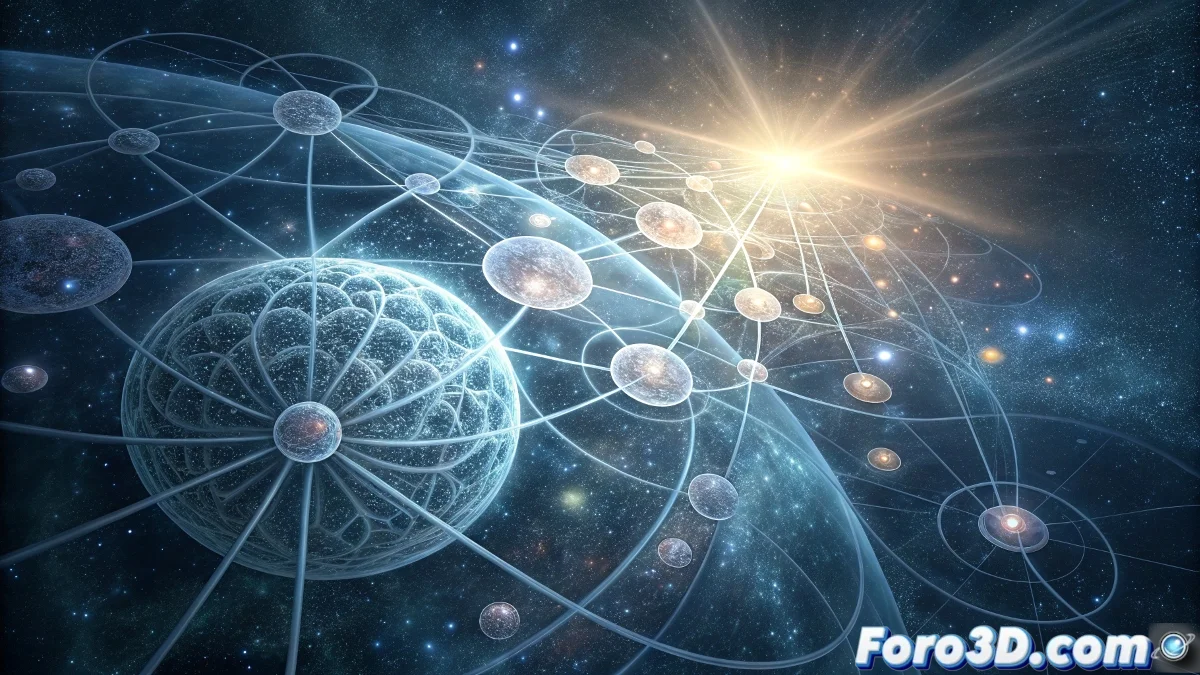
Exploring the Mystery of Consciousness Through Animation in Davinci Resolve
The human consciousness continues to be one of the most fascinating enigmas of modern science, with approaches ranging from computational neuroscience to the philosophy of mind. This article explores how to visualize these complex theories using the powerful tools of Davinci Resolve to create animated representations that capture the essence of this multidimensional phenomenon 🧠.
Project Setup for Scientific Visualization
Start by creating a new project in Davinci Resolve with parameters optimized for scientific animation. Set up the timeline with 4K DCI 4096x2160 resolution and 23.976 fps frame rate for a cinematic look. In Project Settings > Color Management, select DaVinci YRGB Color Managed and set the output color space to Rec. 709 Gamma 2.4.
Detailed Technical Configuration:- Open Project Settings and in Master Settings define timeline resolution: 4096x2160, frame rate: 23.976
- In Color Management, configure color science: DaVinci YRGB Color Managed, timeline color space: Rec. 709-A
- Create three nested timelines to organize elements: base-graphics, animation-data, special-effects
- Set working timeline LUT as Arri LogC to Rec709 for consistency in the color workflow
Visualizing abstract concepts requires both technical precision and artistic sensitivity to effectively communicate complex ideas.
Creating Visual Structures in Fusion
The Fusion module in Davinci Resolve offers ideal tools for building representations of complex systems. Begin by importing your graphic assets and organizing the nodal structure logically.
Fusion Workflow:- Add a Particle System node and configure Number of Particles: 350, Birth Rate: 0 for static particles
- Connect a Shape 3D node configured as Sphere with Radius: 0.8 to represent each theory
- Apply pRender with Motion Blur: On, Shutter Angle: 270° for smooth animations
- Use Transform 3D to create orbital movements with Rotation X: time*15, Y: time*25
Color Scheme and Categorical Organization
The chromatic palette should reflect the different theoretical families. Assign specific colors using Davinci Resolve's integrated color management system.
Color Node Configuration:- Create separate Serial Nodes for each theoretical category on the Color page
- For materialist theories, apply cool blue tones with White Balance: 4500K
- Spiritual approaches use warm tones with Tint: +15 and Temperature: 6500K
- Hybrid theories employ green ranges with Saturation: 1.2 and Lum Mix: 0.7
Advanced Animation and Rendering Techniques
For the theoretical connections, use specialized tools that show relationships between concepts. The Fusion module offers unique capabilities for this purpose.
Interconnection Effects:- Implement Wire Tool with Thickness: 2.5, Color: Cyan for primary connections
- Apply OFX Glow with Glow: 0.8, Threshold: 0.4 to highlight important relationships
- Use Camera Shake with Frequency: 2.5, Amplitude: 0.3 for visual dynamism
- Configure Depth of Field with F-Stop: 2.8, animated Focus Distance for smooth transitions
Final Render Optimization
The export process must balance quality and efficiency according to the project's destination. Davinci Resolve offers multiple codecs optimized for different uses.
Advanced Render Configuration:- For master file select QuickTime DNxHR 444 12-bit with Alpha Channel: Enabled
- For web distribution use H.265 Main 10 Profile with Bitrate: 50 Mbps
- Enable Frame Reordering and set Encoding Profile: High for maximum quality
- Configure Multi-Pass Export if planning post-composition in other software
Conceptual and Technical Integration
Scientific visualization in Davinci Resolve demonstrates how professional tools can transform abstract concepts into comprehensible visual experiences. The combination of technical precision and artistic sensitivity allows communicating the complexity of consciousness theories in an accessible and aesthetically impactful way 🌟.