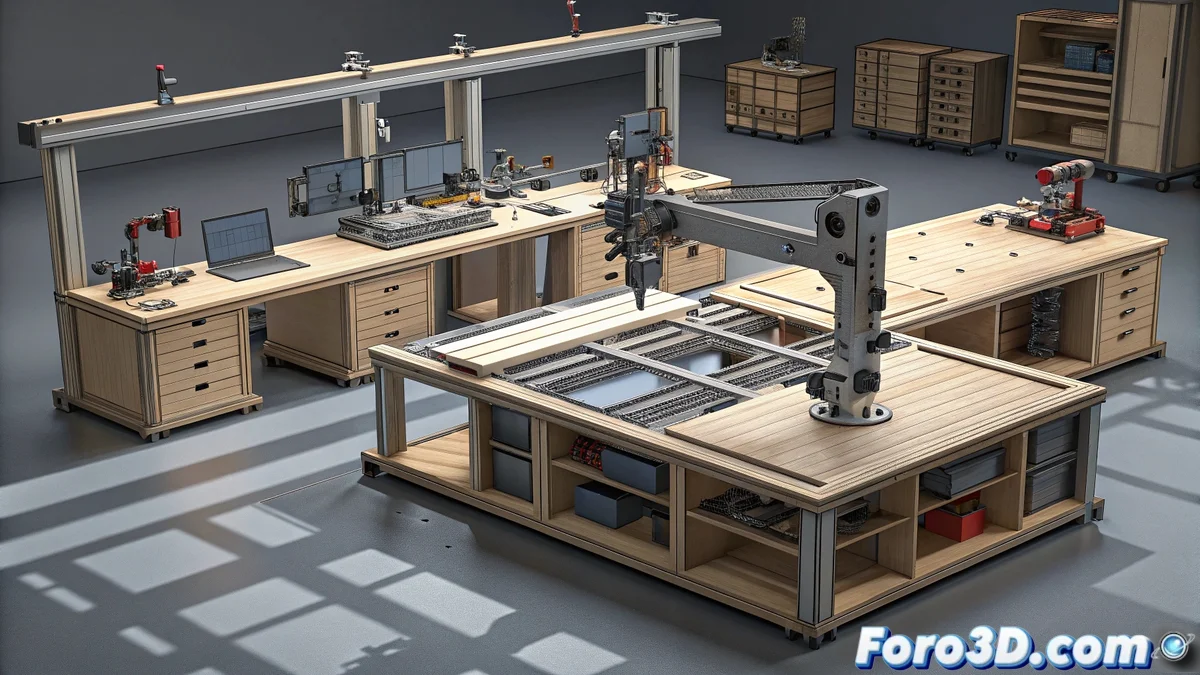
Exploring FreeCAD Workbenches: A Comprehensive Guide
FreeCAD implements a system of specialized workbenches that methodically organize all three-dimensional modeling tools according to their specific function. This modular architecture allows users to select the appropriate environment for each project phase, from conceptual design to final technical documentation, maintaining a coherent and efficient user experience 🛠️.
Fundamental Organization of Work Environments
FreeCAD's structure is based on specialized modules containing tools grouped by discipline. When starting any project, the user chooses the workbench corresponding to the task they need to execute, which automatically activates the toolbars, contextual menus, and display options specific to that workspace. This approach ensures that both beginners and experienced users can quickly locate the required functions without unnecessary distractions.
Main Workbenches and Their Applications:- Part Design - Specialized in parametric solid modeling with complete dimensional control
- Sketcher - Creation of two-dimensional geometries that serve as the basis for extrusion and revolution operations
- Assembly - Management and organization of multiple components in complex assemblies
- Surface - Advanced tools for organic and complex surface modeling
- Arch - Specific environment for architectural and construction projects
- TechDraw - Generation of professional technical drawings with dimensions and annotations
The transition between different workbenches is remarkably smooth, always keeping the model as the central element upon which various operations are applied.
Expansion and Customization of Capabilities
One of FreeCAD's most powerful features is its extensible ecosystem through additional workbenches developed by the community. These add-ons significantly expand the software's native functionalities, adapting to specialized requirements that go beyond basic modeling.
Available Specialized Add-ons:- Render - Photorealistic rendering engine with advanced lighting and materials
- FEM - Finite element analysis module for structural and thermal simulations
- Path - Automatic G-Code generation for CNC machining and manufacturing
- Robot - Simulation of kinematics and programming of industrial robots
- Plot - Graphing and technical data analysis tools
- SheetMetal - Specific design for sheet metal parts with flat pattern development
Reflections on the User Experience
It is particularly interesting to observe how many users spend more time exploring workbenches than executing complete projects, almost as if they were collecting tools without ever building anything substantial. This contemporary irony reflects how the means can become the end, especially when the variety of available options surpasses the immediate need for production. However, this same diversity ensures that FreeCAD can adapt to practically any three-dimensional design requirement, from the simplest to the most complex 🎯.