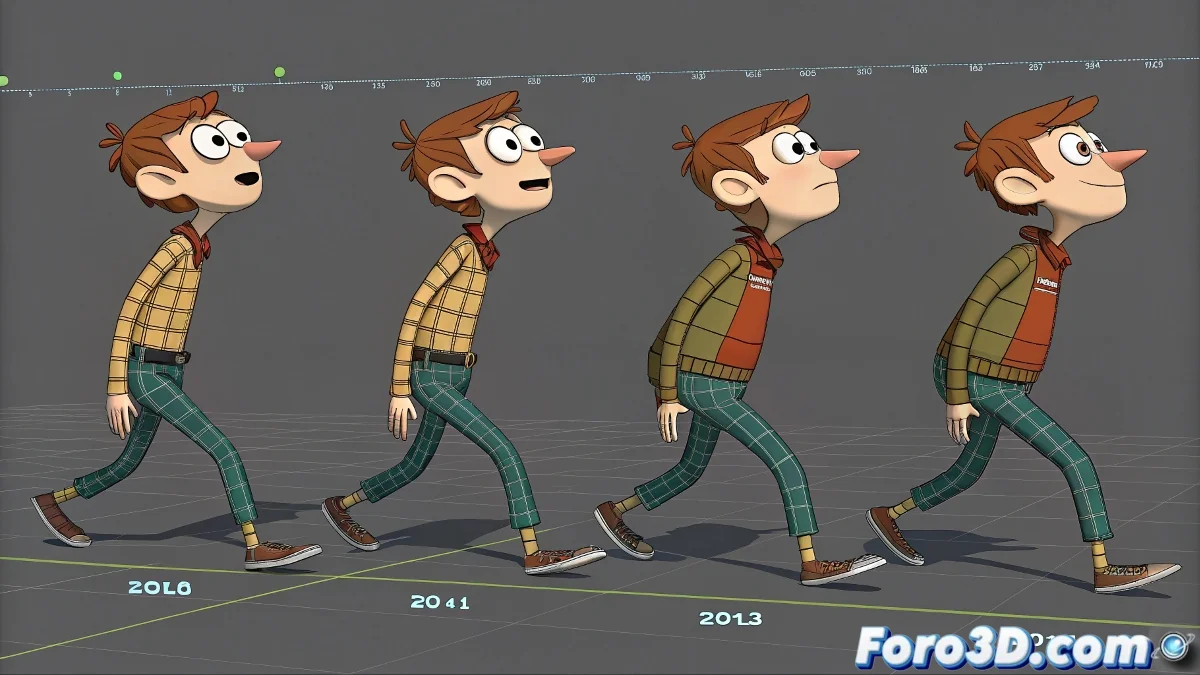
When Your Biped Develops Demonic Possession 👹
There are few things more terrifying in 3ds Max than watching your character's neck start spinning as if possessed, mimicking the mythical Quagmire from Family Guy. This phenomenon occurs when the Biped system conflicts between Euler and Quaternion rotations, especially in older versions like 2012.
Prevention: The Key to Not Needing a Digital Exorcist
To avoid your animation turning into a séance:
- Decide from the start your rotation system and don't change it
- If using Euler for blocking, do a full Bake before switching to Quaternion
- Use Motion > Trajectories > Collapse Transform to clean up interpolations
Changing rotation systems mid-project is like changing religions during an exorcism: it never ends well.
First Aid for Possessed Bipeds
If it's already too late and your neck is dancing salsa without your permission:
- Delete and recreate the neck rotation track
- Remove the problematic animation Layer
- Try transferring the animation via Motion Mixer
.BIP Files: The Portal to Animation Hell
Loading a .BIP into a system with a different rotation is asking for trouble:
- If the .BIP was recorded in Quaternion, keep that setting
- For conversions, use a copy of the rig and transfer with Motion Mixer
- Avoid changing systems in already animated files (unless you like chaos)
Remember: when your Biped's neck starts spinning 360 degrees on its own, it's not a bug... it's an esoteric feature of 3ds Max. If all else fails, you can always say it's a new animation technique for extreme yoga poses 🧘. Good luck with your animated exorcism!