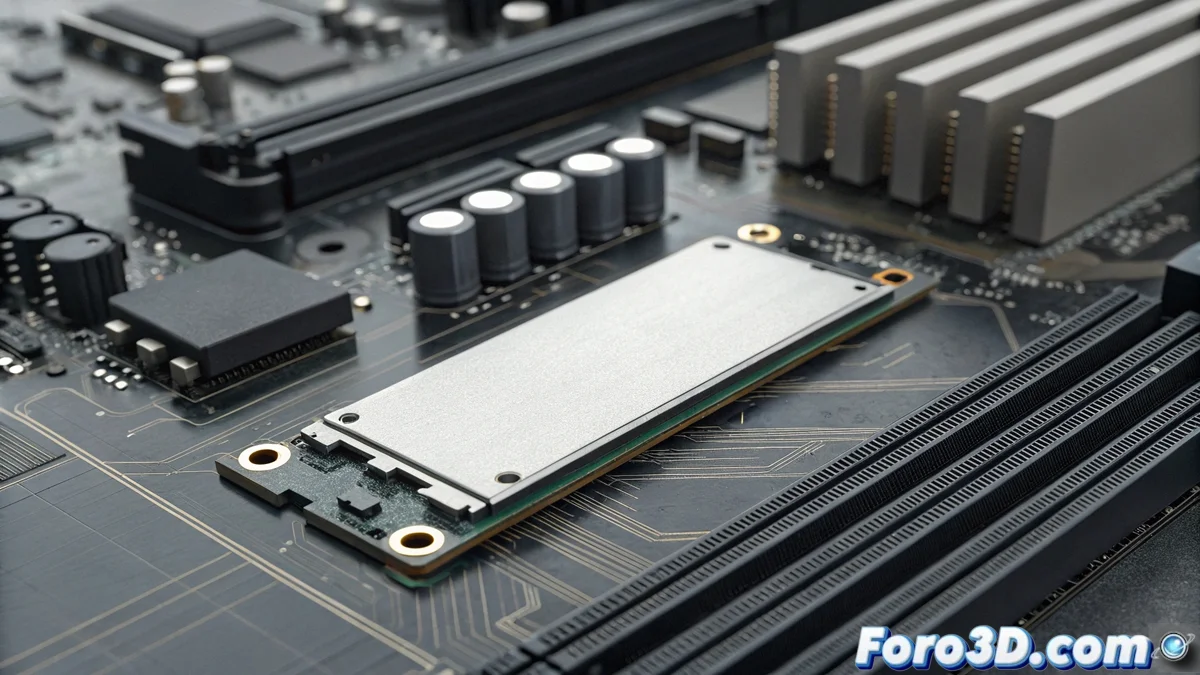
Everything You Need to Know About M.2 Slots on Modern Motherboards
M.2 slots represent a significant evolution in component connectivity, eliminating the need for cables through a compact design that integrates directly into the motherboard. These specialized connectors allow the installation of various devices leveraging high-speed interfaces like PCI Express and SATA for optimal data transfer performance. 🚀
Main Benefits of M.2 Technology
The implementation of M.2 slots offers multiple advantages over traditional connection systems. Their reduced form factor allows maximizing available space in compact cases, while read and write speeds far surpass mechanical hard drives and even conventional SATA interface SSDs. The absence of cables not only simplifies installation but also improves airflow within the equipment.
Main differentiating advantages:- Physical space savings thanks to its compact design that mounts directly on the motherboard
- Superior transfer speeds compared to traditional interfaces like SATA 3.0
- Improved thermal management by eliminating cables that obstruct airflow inside the chassis
Correct compatibility between device and slot is essential to fully leverage the potential of M.2 technology
Compatibility Considerations and Device Types
It is crucial to understand that not all M.2 slots are the same, as there are different configurations depending on the type of device to connect. Some slots exclusively support PCIe NVMe SSDs, while others can handle both NVMe SSDs and SATA SSDs. Wi-Fi | Bluetooth wireless modules use specific formats with different connection keys than those used by storage devices.
Compatible device types:- NVMe SSD drives that leverage the PCI Express bus for maximum speed
- SATA SSD drives that maintain compatibility with the traditional standard
- Wireless connectivity modules for Wi-Fi and Bluetooth with key A | E
Practical Installation Recommendations
Before purchasing any M.2 device, it is essential to consult the motherboard manual to verify compatibility specifications. Correctly identifying connection keys (M, B, M+B for storage; A | E for wireless) prevents functionality issues. Although these slots are extremely versatile, their specific purpose must be respected to ensure optimal system performance. 💻