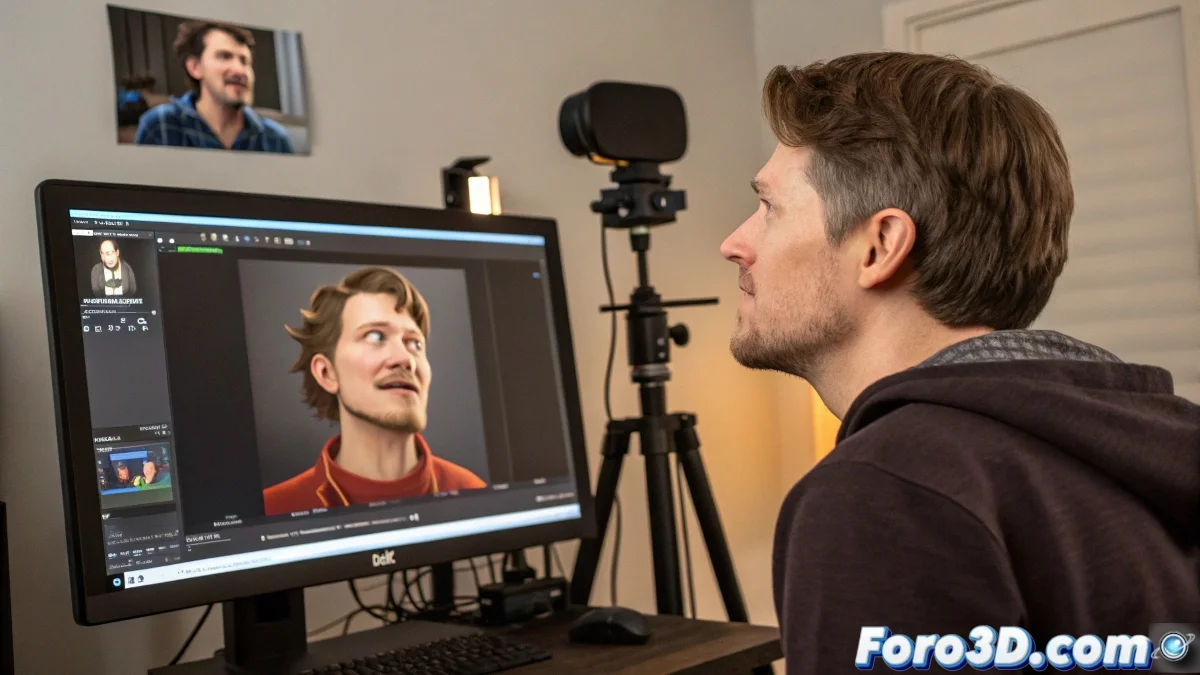
The Democratization of Facial Capture with Webcam
In the world of 3D animation, facial motion capture has gone from being a luxury of big studios to an accessible tool for independent artists 🎭. Zing Track presents itself as one of these solutions, allowing the use of a simple webcam to transfer your face expressions to a digital model in real time. Its promise is tempting: fast facial animation without costly specialized hardware. However, like any tool, it has its lights and shadows that are important to evaluate before diving into it.
What Does Zing Track Offer Under the Hood?
Zing Track's operation is relatively straightforward. The software uses your webcam's video feed to track key points on your face—such as the mouth, eyebrows, and eye outline—and map those movements to blendshapes or bones of a 3D model in Blender or 3ds Max. The installation usually involves downloading a plugin for your 3D software and a standalone application that handles the tracking. The connection is typically done via IP, allowing the animation program to receive live motion data.
Using Zing Track is like having a facial puppeteer on your computer, but sometimes the strings are visible.
The Sunny Side and the Dark Side: Precision and Limitations
Zing Track's biggest advantage is its accessibility. It eliminates the economic entry barrier, allowing anyone with a webcam to experiment with facial mocap. It's excellent for quick blocking of animations, proof-of-concept tests, or personal projects where perfection is not critical. However, its Achilles' heel is precision. The tracking quality heavily depends on external factors: a low-resolution webcam, poor lighting, or even sunglasses can drastically degrade the results, producing noisy or outright erroneous data.
Comparison with the Professional Landscape
To contextualize, professional tools like Faceware, Dynamixyz, or the iPhone Face ID system used in apps like Live Link Face, offer much superior fidelity and robustness. They use more advanced algorithms and, in some cases, specialized hardware (high-speed cameras, markers) to achieve impeccable tracking. Zing Track doesn't compete in this league; it's an amateur runner in a professional race. Its use in a high-profile commercial production could result in more cleanup and correction time than saved in the initial capture.
Usage Recommendations and Workflow
If you decide to give it a try, maximize your chances of success with these tips:
- Optimal Lighting: ensure soft, diffused frontal light that eliminates harsh shadows on your face.
- Quality Webcam: use the best camera available; every pixel of resolution counts.
- Careful Calibration: dedicate time to calibrating the software with a variety of exaggerated expressions.
- Realistic Expectations: use it to get an animated base that you'll then refine manually, not as a final solution.
- Pipeline Integration: export the data as animation curves so you can edit them in your software's graph editor.
Zing Track is, in essence, a reminder that technology advances by leaps and bounds. What today is a tool for amateurs could be the seed of future standards. In the meantime, it can be your perfect companion for quickly bringing characters to life in a personal short film. And if the tracking fails, you can always say the character has a nervous tic 😉.