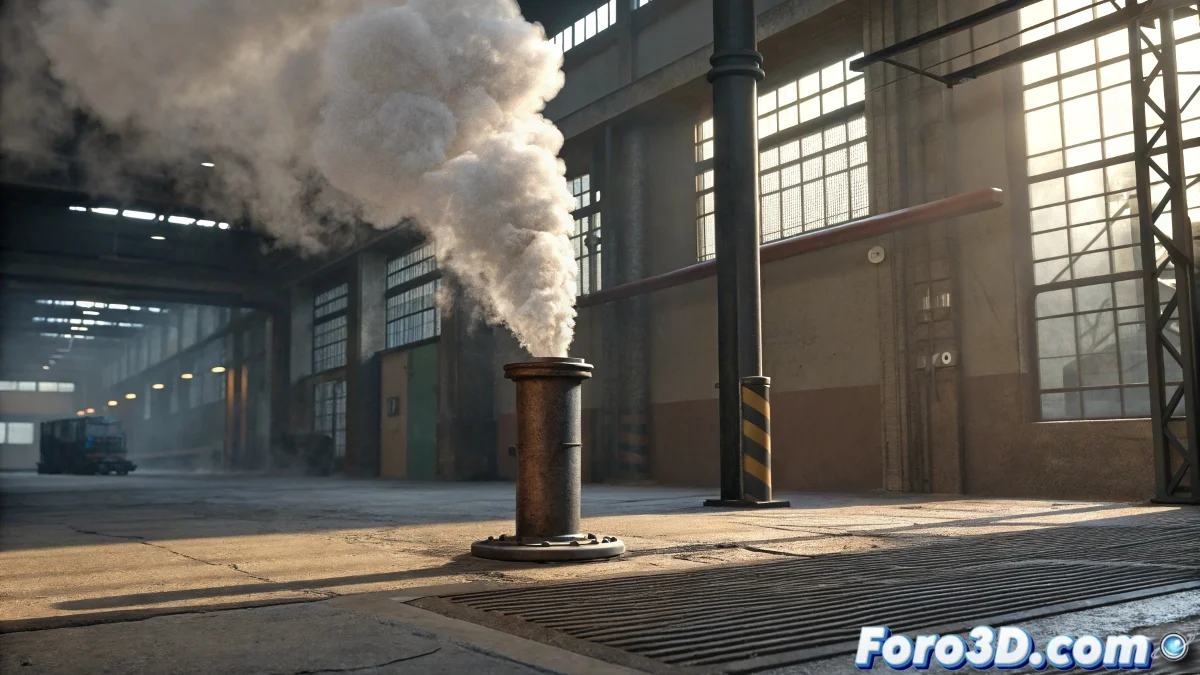
When the Smoke Decides Not to Cooperate
FumeFX presents itself as that tool that promises to turn simple spheres into spectacular columns of smoke or fierce flames, but the initial reality is usually more modest. Many users find that their first simulation looks more like a pathetic cloud than the promised cinematic effects. The learning curve has the particularity of making the artist feel like a pyromaniac with a built-in extinguisher.
This specialized plugin for 3ds Max works through fluid dynamics that calculate the behavior of smoke, fire, and explosions. The magic begins when you understand that it's not a predefined effect, but a physical simulation that requires patience and iterative adjustments.
Initial Setup for Controlled Chaos
The fundamental process involves creating a FumeFX Container object that delimits the space where the simulation will occur. Within this invisible volume, emitters are placed that will generate the smoke or fire. The size of the container is critical: too small and the effect suffocates, too large and the calculation time skyrockets exponentially.
- Define appropriate dimensions for the desired effect
- Select geometries as simulation emitters
- Adjust resolution according to required quality
- Set simulation scale for realistic behavior
In FumeFX, patience is not a virtue but a technical requirement
The Parameters That Really Matter
Within the FumeFX Source panel lie the controls that transform abstract bubbles into credible phenomena. The Fuel parameter controls the presence of flames, while Smoke governs smoke density. Temperature acts as the main engine, making hot gases rise and cold ones descend according to basic thermodynamic principles.
Turbulence settings add that characteristic chaos that prevents simulations from looking like floating jellies. Meanwhile, Space Warps like winds and gravity allow directing the overall behavior of the effect toward the desired visual result.
- Fuel and Temperature to control flame intensity
- Smoke Density for opacity and visual presence
- Turbulence and Noise for organic details
- Velocity for direction and initial force
The Art of Waiting and Optimization
FumeFX simulations have the particularity of turning powerful computers into virtual smoke calculating machines. Caching becomes the best ally, allowing results to be saved for later adjustments without repeating calculations. Spatial and temporal resolution directly determines the final quality and waiting time between tests.
For final renders, integration with global illumination and volumetric materials produces those results that justify the processing hours. Render sampling settings can make the difference between ethereal clouds and pixelated blocks that ruin the entire composition.
- Use caching system for quick iterations
- Balance resolution with calculation times
- Integrate with environment lights and shadows
- Adjust render quality for volumetric materials
Mastering FumeFX is like learning to cook: you start burning everything and end up creating delights that impress friends and strangers alike. The difference is that here the fires are virtual and the only collateral damages are patience and system resources 😏