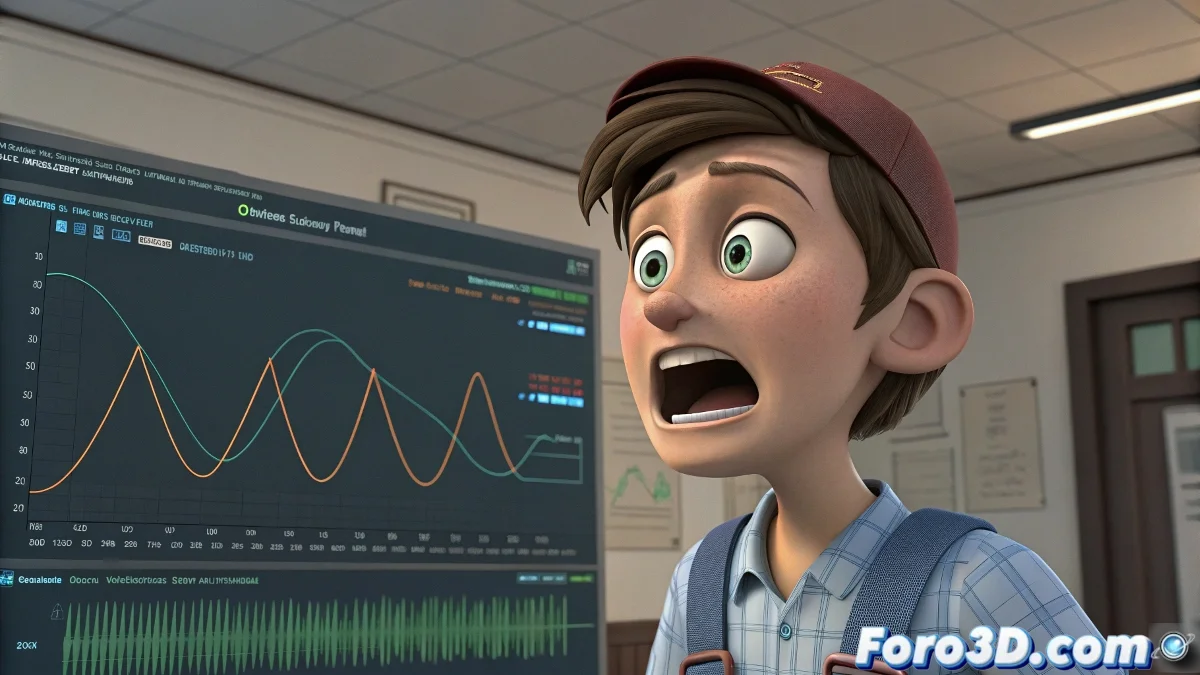
When your character finally has something to say
Seeing your 3D creation articulate words for the first time is a magical moment... until it sounds like a robot with hiccups. 😅 Lipsync is that art that turns sounds into believable movements, and like everything in animation, it's learned by stumbling (and laughing at the results).
The pillars of decent lipsync
To avoid your character looking like an 80s dub:
- 8 basic visemes cover 90% of sounds
- Rhythm is everything: it's not what you move, but when
- Less is more: overanimating is beginners' #1 mistake
Smart workflow
Follow these steps to not lose your sanity:
- Analyze the audio by marking key phonemes
- Create blend shapes for essential visemes
- Animate accents and important openings first
- Refine with secondary details (smiles, eyebrows, etc.)
Good lipsync is noticeable when you turn off the audio and you still know what the character is saying. Bad lipsync is noticeable when you turn it on.
Veteran tricks for newbies
Mistakes that will save you hours of frustration:
- Lips should start moving 2-3 frames BEFORE the sound
- Explosive consonants (P, B) need visual emphasis
- The jaw drops more on open vowels (A, O) than on closed ones (E, I)
Fun fact: 90% of beginner animators spend hours perfecting the mouth... only to realize that the audience only looks at the eyes. 👀 Facial animation is cruel like that.
And when you finally get your lipsync working, you discover that now you need to master eyebrow, eyelid, and microexpression animation. Welcome to the wonderful world of facial animation, where every solution creates three new problems. 🎭
Bonus tip: If your boss says "something about the lipsync doesn't convince me," try adjusting the timing one frame earlier or later. It works 60% of the time... every time. 😉