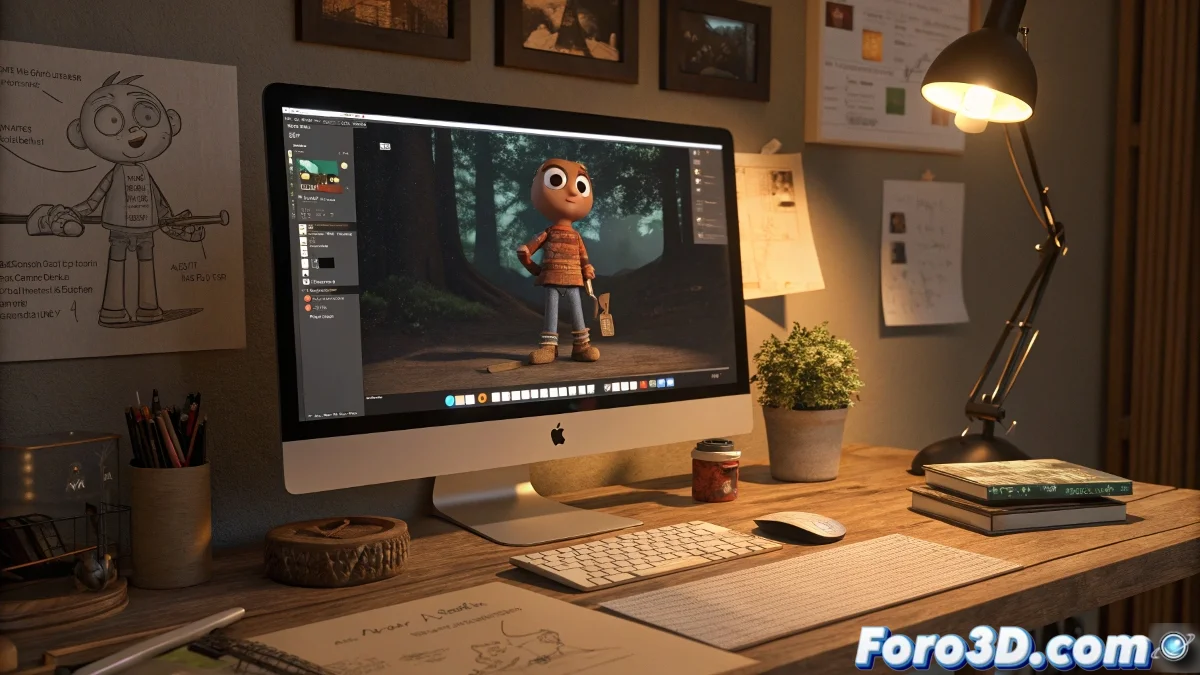
Essential Guide to Start Animating in 3D with Mac
Ready to leave clay behind and jump into 3D with your Mac? 🍎✨ As a stop motion animator, you already have the most important thing: infinite patience and a good eye for timing. Now you just need the right tools and to understand this new digital universe where -blessing!- characters don't melt under the spotlights. 😅
Choose your weapon: 3D software for Mac
Blender - The free all-terrain:
- Modeling, animation, rendering and VFX in one place
- Compatible with Photoshop/AE for post-production
- Giant community with tutorials for every problem
Cinema 4D - The friendly "premium" option:
- Magical integration with After Effects
- Smoother learning curve
- Ideal for motion graphics
Workflow from scratch
- Pre-production: Storyboard in Photoshop/Krita
- 3D Modeling: Characters and scenes in Blender/C4D
- Rigging: Give "skeleton" to your creations
- Animation: This is where your stop motion experience shines!
- Render/Post: Final composition in AE or Final Cut
3D animation on Mac is like stop motion but with infinite Ctrl+Z and without having to sweep up clay crumbs.
Survival tips for beginners
- Start with simple projects (jumping cube > orc army)
- Leverage your knowledge of timing and spacing from stop motion
- Use fast renderers like Eevee (Blender)
- Don't underestimate the power of material presets
In a few weeks you'll be animating as if you'd never touched clay. And when you miss the physical touch, remember: at least now you won't have to explain to your cat why it ate the protagonist of your short. 🐱
Motivational bonus: If on your first day with Blender you feel like you control less than an octopus on a scooter, relax. Even professionals started asking "where's the save button?". Persist and soon you'll be creating 3D magic. ✨