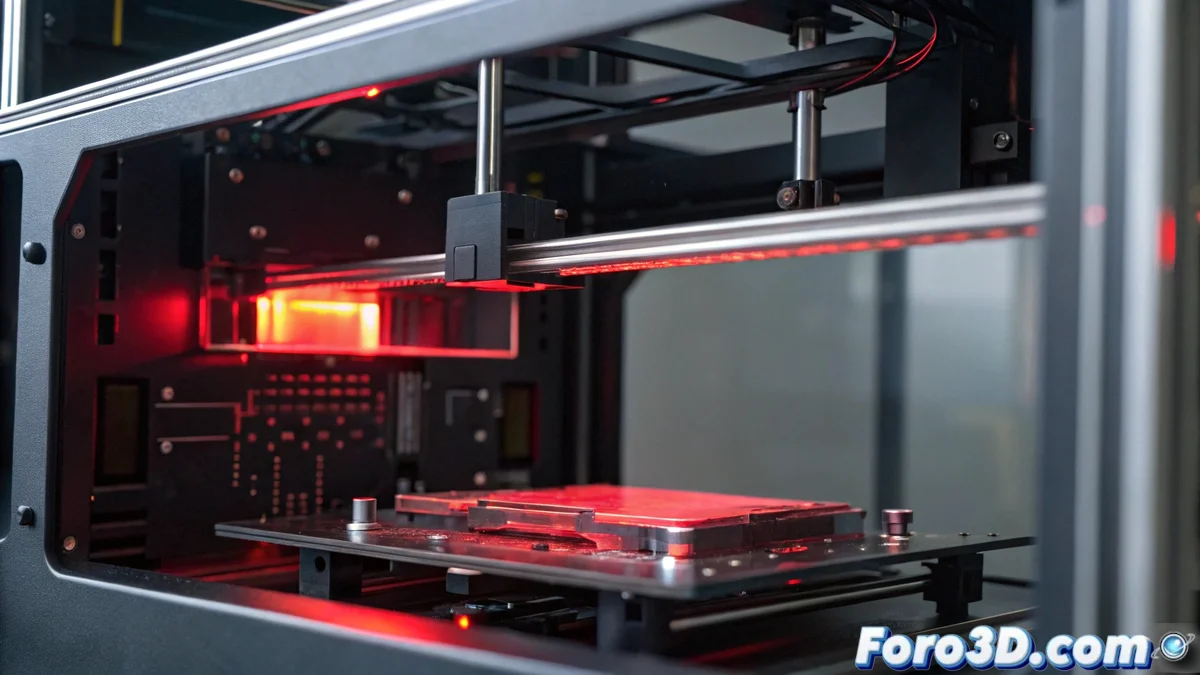
Bamboo Printers E20 Error: Diagnosis and Solutions
The E20 error on Bamboo printers 🖨️ indicates reading or writing difficulties on the SD card or internal memory, which abruptly stops any printing job. This failure occurs when the device cannot access stored data, either due to corrupted files, loose connections, or deteriorated storage media. Addressing it promptly prevents greater damage and the loss of valuable projects.
Initial Problem Diagnosis
Start by inspecting the SD card to ensure it is properly inserted in its slot and shows no apparent physical damage. Test with another compatible card to rule out that the issue is with the specific medium. If the error persists, restart the printer by unplugging it from the power source for a full minute; this can resolve temporary conflicts in the internal memory.
Key Diagnostic Steps:- Check the correct insertion of the SD card and look for signs of physical deterioration
- Test with an alternative SD card to rule out storage medium failures
- Restart the printer by unplugging it for a minute to clear memory conflicts
Technology sometimes reminds us that even machines have bad days and resist cooperating, just like when we postpone important tasks.
Detailed Troubleshooting Procedures
If the initial diagnosis does not resolve the error, format the SD card using a computer with the recommended file system, usually FAT32. Update the printer's firmware to the latest version available on the official Bamboo website, as updates often include fixes for memory issues. If the failure persists, perform a factory reset from the settings menu, keeping in mind that this will erase all custom settings.
Step-by-Step Corrective Actions:- Format the SD card in FAT32 using a computer to eliminate file corruption
- Update the printer's firmware to the latest version to apply memory fixes
- Perform a factory reset from the settings menu, erasing custom settings
Conclusion and Final Steps
In persistent cases of the E20 error, contact authorized technical service, as it could be a hardware failure in the motherboard or memory modules. Remember that acting quickly on these signals prevents irreparable damage and ensures the continuity of your printing projects. Technology, although reliable, occasionally requires patience and proper maintenance 🛠️.