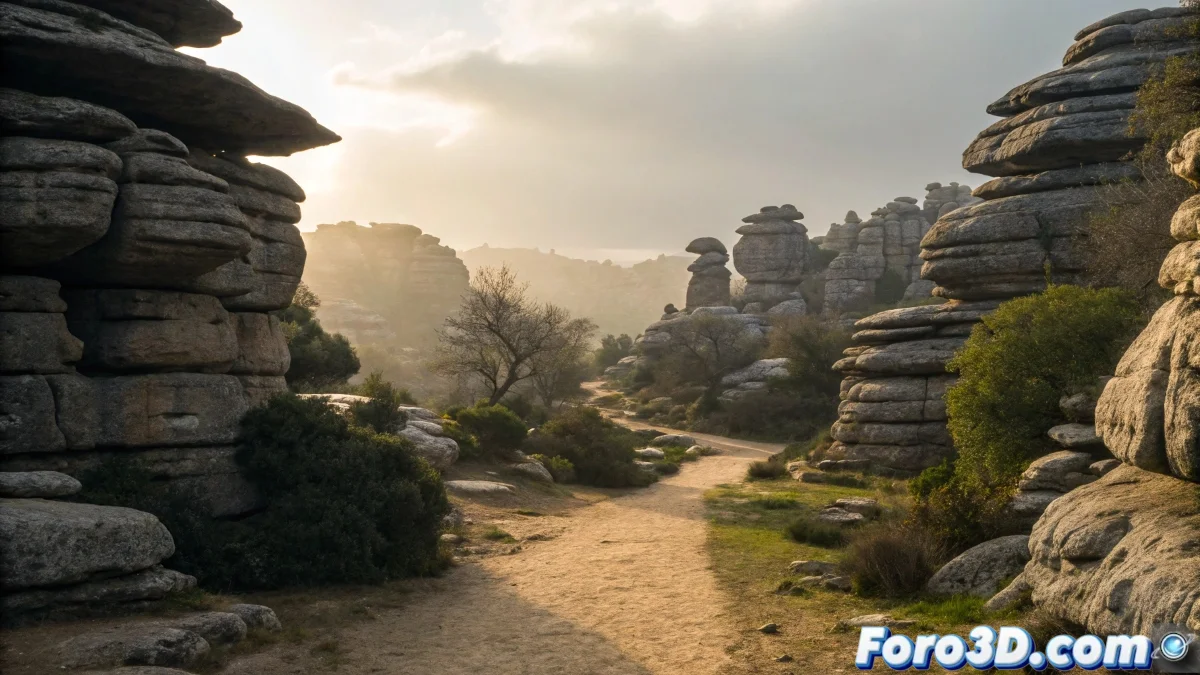
El Torcal de Antequera: Where Rocks Defy Logic
In the heart of the province of Málaga, the natural area of El Torcal stands as one of the most impressive examples of karst landscape in all of Europe. Its rock formations, sculpted over millions of years by water and wind erosion, create a petrous labyrinth of whimsical shapes that seem to defy the laws of physics. But beyond its geological value, El Torcal has been considered for centuries a place of power, with numerous testimonies of UFO sightings and paranormal experiences that add an aura of mystery to its already spectacular formations. 🌌
The Natural Engineering of Limestone
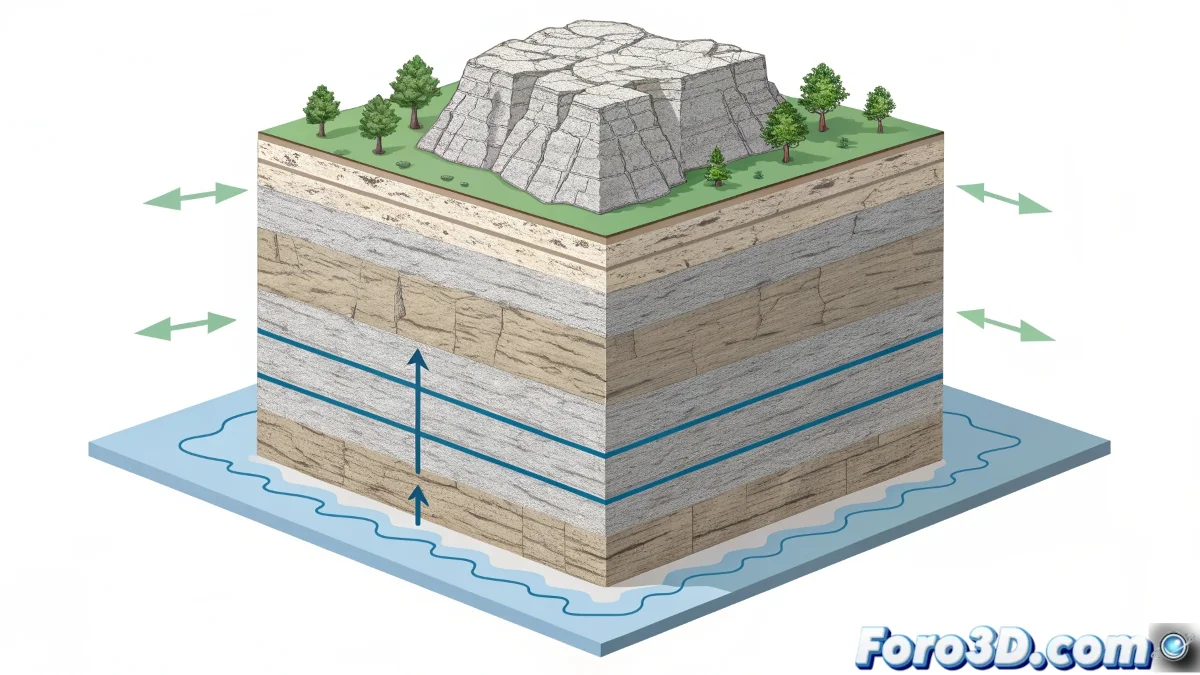
What makes El Torcal unique is the geometric perfection of its erosion processes. The limestone rocks, originally deposited on the seabed 150 million years ago, have been fractured and dissolved creating shapes that seem designed by an engineer: screws, mushrooms, arches, and passageways that follow precise mathematical patterns. This combination of apparent chaos and underlying order makes it a perfect challenge for SolidWorks, where parametric precision can capture the essence of these natural formations.
Modeling Impossible Geometry in SolidWorks
Recreating the karst formations of El Torcal requires an approach that combines parametric modeling with organic techniques. SolidWorks, although traditionally oriented toward mechanical design, offers surprisingly effective tools to capture the complexity of these geological structures.
Base Plane Setup and References
Start by creating a new part file and establish the main reference planes. Use sketch plane to draw contour lines based on real topographic maps of El Torcal. Employ the boundary surface tool to generate the base terrain from these curves. Set units to metric and establish an appropriate scale to work comfortably with the real dimensions of the natural park.
Initial Tools:- sketch planes for contour lines
- boundary surface for base terrain
- surface operations for complex shapes
- metric units setup
Modeling Basic Karst Formations
For the famous rock mushrooms, use sweep with guide to create the stem and then extrude with draft angle for the top part. Screw formations are modeled with helical sweep applied to triangular profiles. Use deform and flex to add natural irregularities to these base shapes. For natural arches, use sweep along path applied to deformed elliptical arcs.
In SolidWorks, the key is finding the balance between parametric precision and the controlled chaos required by nature.
Advanced Surface Techniques
The most organic formations require the use of mesh surface and fill surface. For the characteristic cracks and fractures, use cut with surface applied to irregular planes. Erosion textures are simulated with variable pattern applied to wear patterns. Use assembly to position the different rock formations in relation to the base terrain, creating the characteristic karst labyrinth.
Surface Operations:- mesh surface for organic shapes
- cut with surface for fractures
- fill surface for complex gaps
- thicken to convert surfaces to solids
Mystery Elements and Special Effects
To suggest UFO sightings, model disc shapes using revolve applied to aerodynamic profiles. Mysterious lights are created with point light sources with variable intensity. Use advanced appearances to simulate erosion effects on limestone, applying real photographic textures from El Torcal. For the famous passageways and caves, use cavity and shell to create natural openings in the formations. 🛸
Atmospheric Elements:- light sources for UFO effects
- appearances with real textures
- semitransparent materials for fog
- advanced render settings
Once finished, you'll have a model that demonstrates that sometimes nature surpasses engineering, although you probably used more parametric operations than erosion did in millions of years. ⚙️