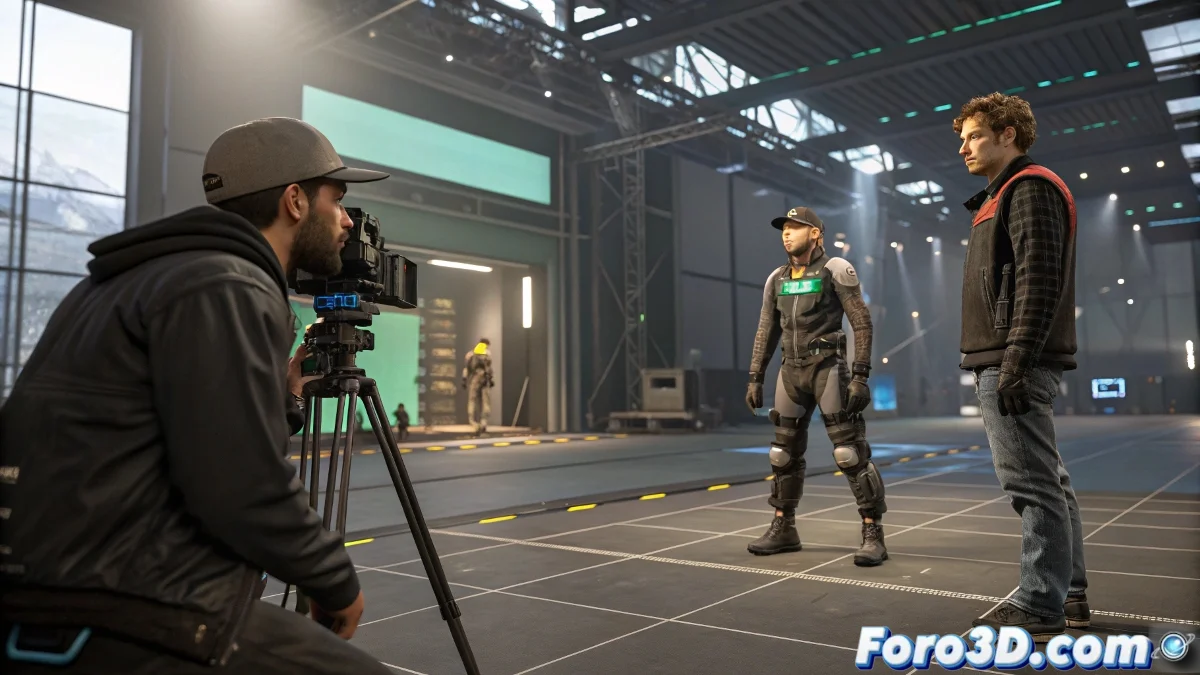
When Motion Capture Needs a Touch of Digital Magic
MotionBuilder crowns itself as the gold standard for processing mocap data 🎭, but it's in its marriage with Maya where the magic of animation truly shines. This dynamic duo forms the backbone of professional pipelines where time is gold and realism is non-negotiable.
Step 1: The Perfect Dance Between Hardware and Software
Ideal workflow:
- Initial capture with Vicon or Optitrack systems
- Cleaning and adjustment in MotionBuilder
- Export to Maya for advanced rigging
MotionBuilder is the perfect translator between the real world and the digital, although sometimes characters still need dance lessons.
Step 2: Advantages That Speed Up Production
Why this combo wins:
- Real-time visualization of animations
- Instant correction of sliding feet
- Clean data transfer between software
Step 3: Maya - Where the Magic is Perfected
Once in Maya:
- Fine adjustments to deformations
- Advanced facial rigging
- Secondary animation (clothing, hair)
Step 4: Integration with Other Players
Connecting the ecosystem:
- Plugins for Unreal/Unity
- Export to Blender for VFX
- Final render in Arnold or Redshift
Step 5: Mistakes We All Make
Traps to avoid:
- Not calibrating the workspace properly
- Forgetting scales when exporting
- Ignoring the power of retargeting
At the end of the pipeline, your characters will move so naturally that they might even sign autographs... if it weren't because they are pixels and we haven't solved that little technical detail yet 😉.