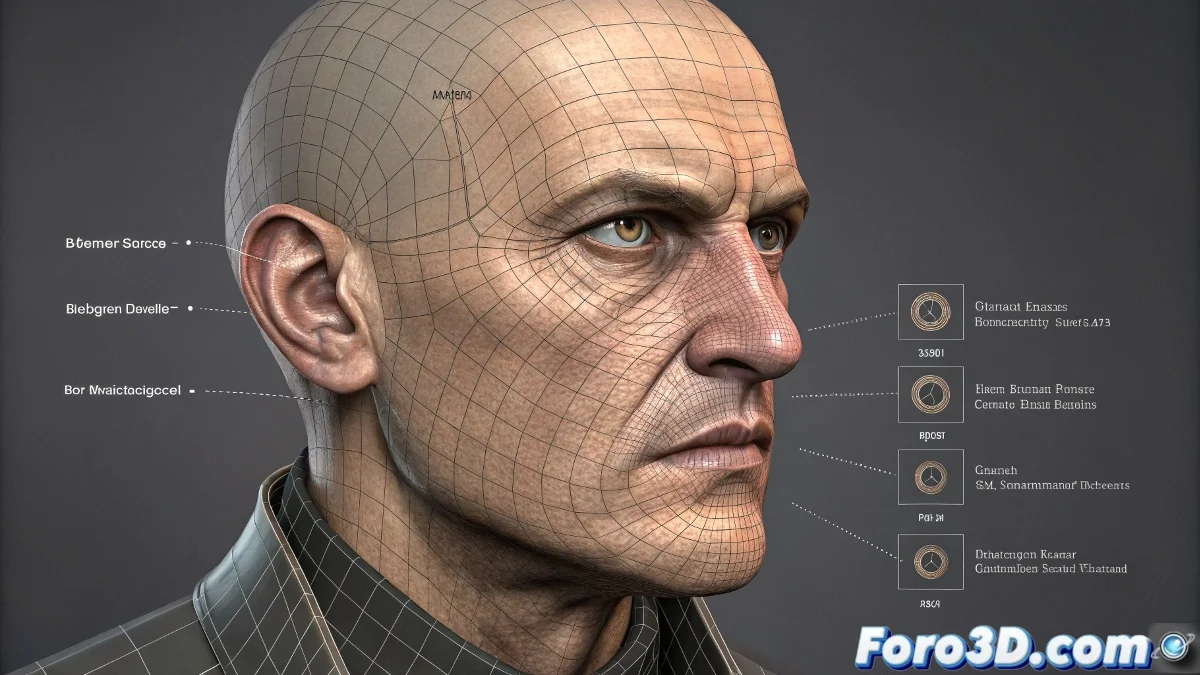
When your blend shapes rebel: solutions for unwanted displacements
Blend shapes problems are like those party guests who can't stay still: just when you think everything is under control, something moves where it shouldn't 🕺💃. But don't worry, with these professional methods you'll be able to tame your morph targets.
Diagnosis and solution of displacements
So that your facial expressions don't look like breakdance poses:
- Base mesh verification: Identical position, rotation, and scale
- Apply transformations (Ctrl+A in Blender)
- Snap tools for perfect alignment
- Visual comparison with mesh overlay
Advanced correction techniques
When the problem persists, bring out the heavy artillery:
- Manual editing of problematic vertices
- Use of corrective blend deformers
- Influence masks to limit areas
- Automatic alignment scripts
"A good blend shape is like a good actor: it should only move the necessary muscles for the expression, not the whole body. When your model looks like it's in an earthquake while smiling, you know something's wrong." - Professional animator
Professional workflow
Prevent problems from the start:
- Individual tests of each morph target
- Use of shape drivers for precise control
- Creation of corrective shapes
- Optimization of problematic topology
Remember: if after all these corrections your character still makes strange movements, you can always say it's an artistic effect... "digital abstract expressionism" sounds good, doesn't it? 🎭 Although most likely with these tips you'll finally achieve those clean and professional facial expressions you're looking for.