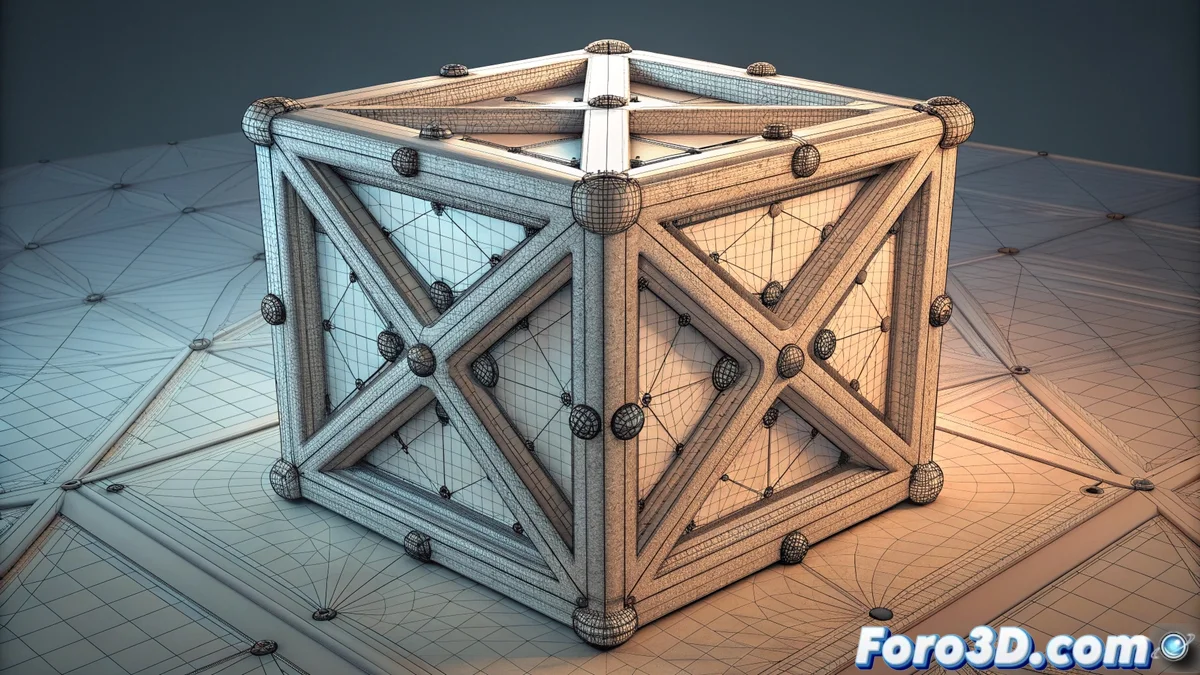
Edge Creasing in 3D Modeling: Precise Edge Control
In 3D modeling, defining the edge profile after subdividing a mesh is crucial. The edge creasing technique allows artists to control this directly, without relying on adding extra edge loops. This makes the model lighter and easier to edit, streamlining the creative process. 🛠️
Edge Weighting Mechanics
The system works by assigning a hardness value to selected edges. This value, which varies by software (e.g., from 0 to 1), dictates how the edge behaves during subdivision. A value of 0 fully smooths the edge, integrating it into the rounded shape. A maximum value, like 1, keeps it completely sharp, as if the modifier hadn't been applied. Intermediate values offer controlled rounding, ideal for profiling corners or folds with great precision.
Range of values and their effect:- Value 0: The edge is fully smoothed, behaving normally during subdivision.
- Maximum value (e.g., 1): The edge remains completely sharp, preserving the original shape.
- Intermediate values (e.g., 0.5): Produce partial rounding, providing millimeter-level control over edge hardness.
Edge creasing transforms a complex geometric adjustment into a simple numerical control, changing the way 3D models are profiled.
Advantages Over Traditional Methods
Choosing this technique over modeling support geometry offers clear benefits. Primarily, it avoids the need to create, adjust, and maintain additional edge loops. The result is meshes with fewer polygons that are easier to modify and subdivide predictably. In production pipelines where quick iteration is needed, changing an edge's hardness is as agile as typing a new number.
Key benefits in the workflow:- Optimizes the model: Reduces polygon count by eliminating the need for support loops.
- Facilitates editing: A simpler topology makes modifying the base mesh more straightforward.
- Accelerates iteration: Adjusting edge definition is instantaneous, without retouching geometry.
Limitations and Practical Considerations
Despite its advantages, edge creasing has a significant limitation: not all render engines or export formats support this weighting data. Sometimes, the artist may be forced to add the support loops they wanted to avoid, just to ensure the model looks correct in another application or render engine. This creates a paradox where the optimizing technique must be translated into geometry to ensure compatibility. It is vital to verify the target pipeline before relying exclusively on this feature. 🔄