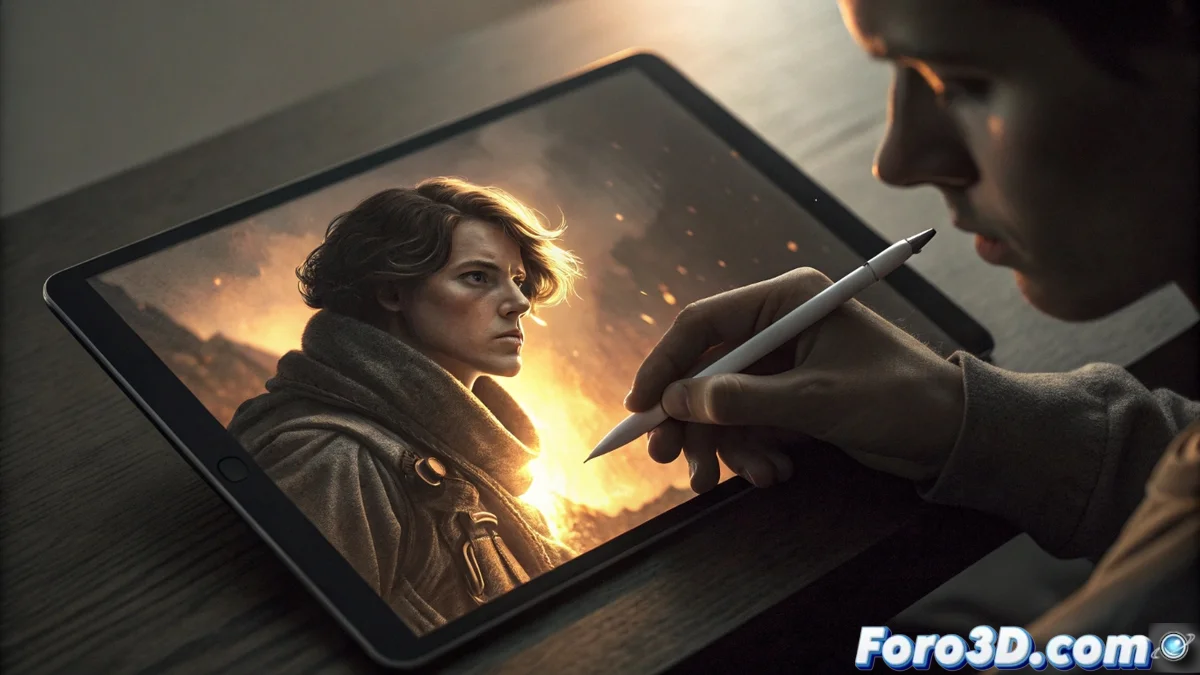
Dodge and Burn for Selective Photo Editing
Instead of processing an entire image uniformly, you can use the dodge and burn technique to modify exposure only in specific areas. This method helps direct the viewer's attention and create a sense of three-dimensionality in your photographs. It can be applied with mobile editing apps like Snapseed or Lightroom Mobile. 📱
What Dodging Means in a Photo
When you dodge, you lighten a specific part of the image. This is useful for illuminating details in shadows, recovering information in dark areas, or making a main element stand out with more light. By using this tool locally, the rest of the composition maintains its contrast and doesn't look washed out, achieving a sharper point of interest.
Main Uses of Dodging:- Lighten faces or objects in shadow.
- Highlight textures and details in underexposed areas.
- Add luminosity to a key element to guide the gaze.
Combining both actions, dodging and burning, balances the light within the composition.
What the Burn Tool is Used For
Burning is the opposite operation: darkening selected areas. It is used to add depth to the scene, reduce bright reflections, or tone down background elements that may distract. It is also useful for creating shadows that model a surface and add realism to the photograph.
Practical Applications of Burning:- Darken overexposed skies to recover detail.
- Add shadows that define the shape of an object.
- Reduce the visual impact of distracting elements on the edges.
Considerations and Risks When Editing
The main risk is applying an effect that is too intense, which can make the photo look artificially edited or cause visible halos on the edges between modified and original areas. The key is to use these tools subtly to maintain a natural and balanced result. 🎨