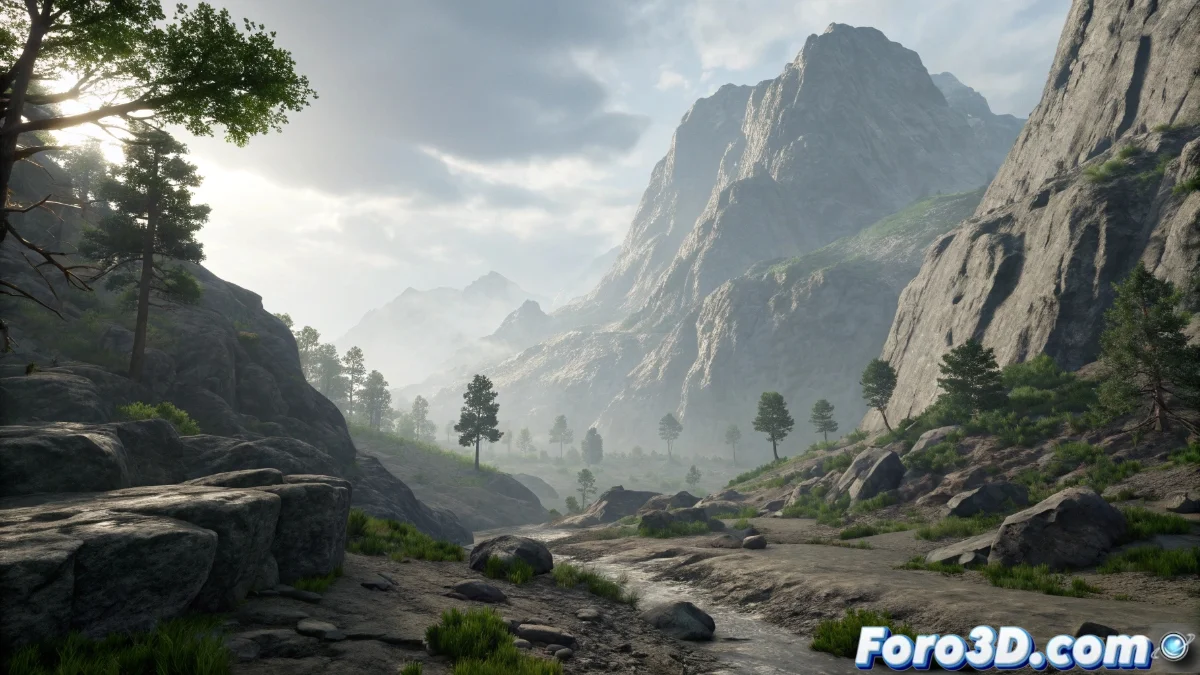
Displace Texture Technique in Unreal Engine 5
In Unreal Engine 5, the Displace Texture technique allows altering the geometry of any mesh by displacing its vertices using information stored in textures. This method is ideal for generating complex and detailed surfaces without manually increasing the polygon count, leveraging texture intensity data to push or pull vertices in real-time or during baking processes. It integrates seamlessly into workflows through materials and shaders, facilitating the creation of effects like irregular terrains, water ripples, or natural deformations 🎨.
Essential setup in the material editor
To apply Displace Texture, a grayscale texture is required, where light tones displace vertices outward and dark tones inward. In Unreal Engine 5's material editor, this texture is connected to specific nodes like World Displacement, either in the tessellation domain or in vertex shaders for vertex displacement approaches. It is vital to adjust the intensity with a multiplier that controls the effect's magnitude and ensure the mesh has sufficient tessellation or subdivisions to accurately reflect the details.
Key steps to implement:- Select a grayscale texture with defined contrast to guide the displacements
- Connect the texture to the World Displacement node within the material, adjusting the intensity multiplier
- Ensure the mesh has adequate subdivisions through automatic or manual tessellation
Vertices can occasionally get out of control, forming unwanted spikes where smooth elevations were planned, but with iterative adjustments and patience, everything stabilizes.
Practical applications and optimization strategies
This technique is used in various contexts, such as designing dynamic landscapes, simulating wear on objects, or environmental interactions. To maintain optimal performance, it is recommended to use displacement textures with moderate resolutions and limit tessellation levels based on proximity to the camera, leveraging Unreal Engine 5's built-in LOD (Level of Detail) features. Combined with tools like the landscape system or blueprints, realistic and complex results are achieved without sacrificing project fluidity.
Optimization tips:- Use balanced resolution textures to avoid performance overload
- Dynamically adjust tessellation with LOD based on distance to the camera
- Integrate with landscape systems to scale up the applied effects
Final reflections on Displace Texture
The Displace Texture technique in Unreal Engine 5 represents a versatile solution for visually enriching scenes without relying on excessively dense models. By mastering its setup in materials and applying optimization strategies like tessellation control, developers can create immersive and organic environments efficiently. Although it requires practice to handle unexpected displacements, its integration into the workflow ensures professional and scalable results 🌟.