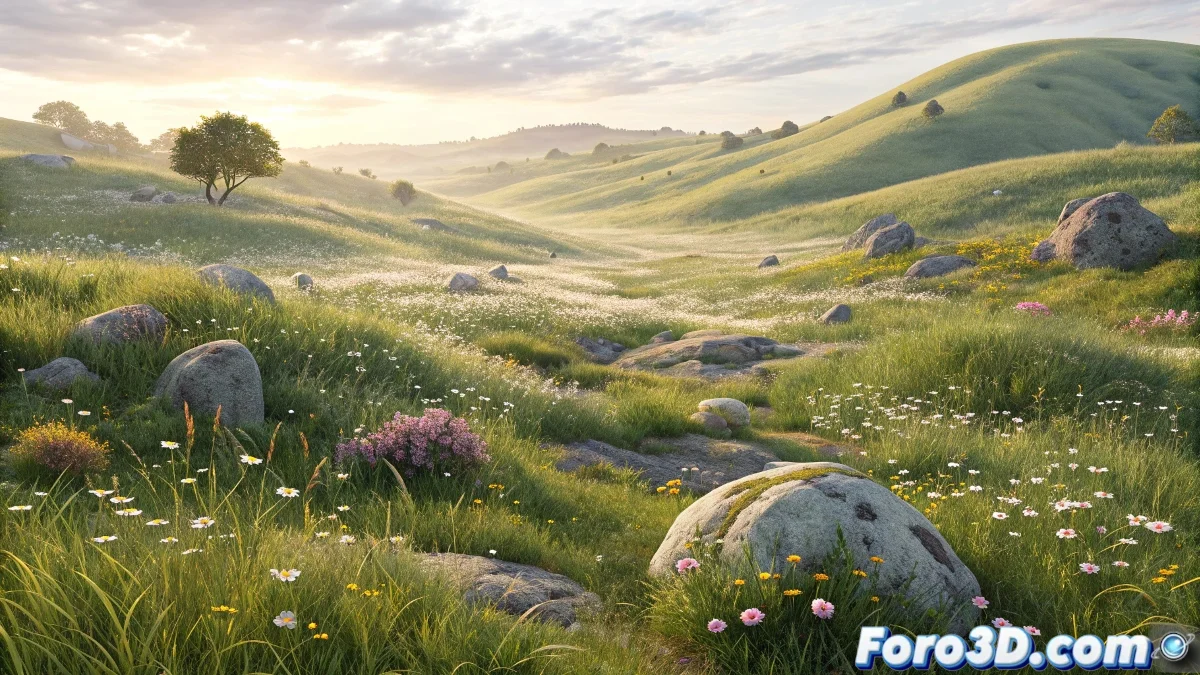
Discover Blender 5.0's Scattering Modifier for Natural Environments
The latest version of Blender introduces a revolutionary tool for 3D artists: the Scattering modifier that greatly simplifies the creation of realistic landscapes. This feature allows scattering multiple elements such as vegetation, rocks, or decorative items over any surface with unprecedented control 🎨.
Basic Setup of the Scattering System
Getting started with scattering is incredibly intuitive: select your base mesh, access the modifiers panel, and choose the collection with the objects to distribute. The fundamental parameters include density control, scale variation, and random rotation that are visualized instantly in the viewport.
Key aspects of the setup:- Adaptive density per surface unit for precise control of object population
- Multiple random seed system to avoid repetitive patterns
- Custom anchors that allow child objects to adapt to the parent terrain
Scattering not only saves time but also adds that level of organic detail that differentiates a good environment from an exceptional one
Advanced Optimization Techniques
For complex projects, the modifier incorporates smart systems that maintain workflow fluidity. Procedural instantiation drastically reduces resource consumption, while camera distance controls ensure that only visible details are rendered.
Performance strategies:- Real-time instances for a responsive viewport even with thousands of elements
- Specific setup for Cycles and Eevee depending on the chosen render engine
- Automatic LOD that adjusts detail based on camera distance
Integration into Professional Workflows
The true power of advanced scattering is revealed when integrated into complete production pipelines. From small studios to large productions, this tool has become the standard for generating believable environments without sacrificing efficiency or artistic control ✨.