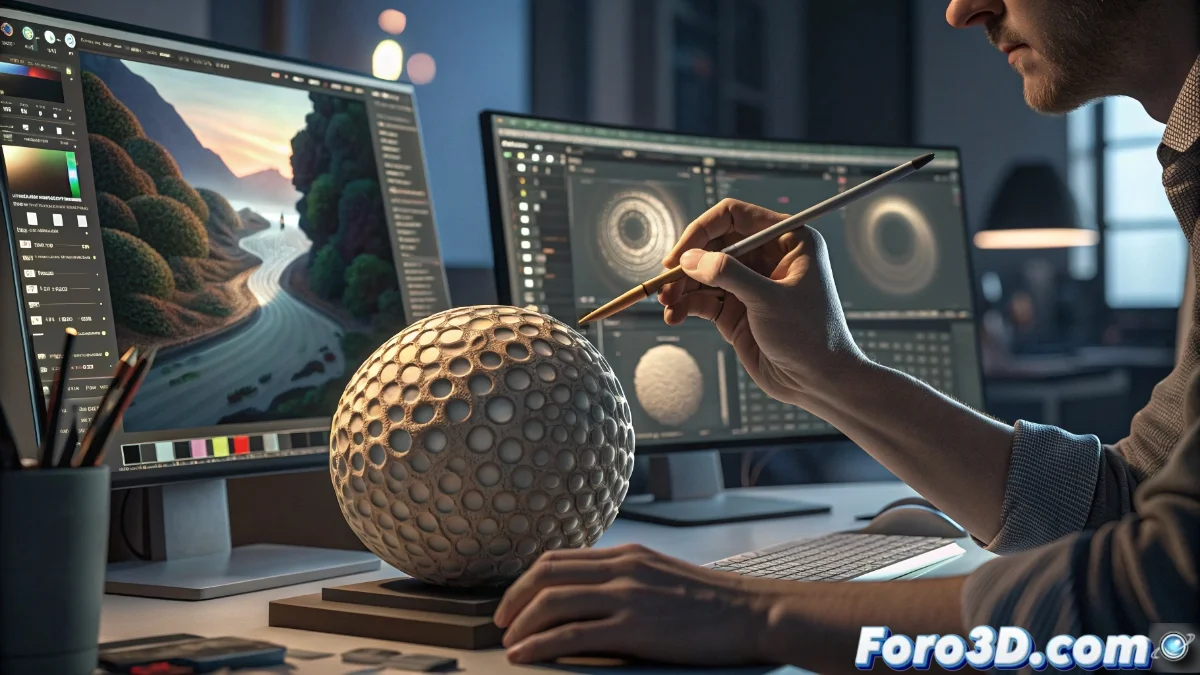
Digital Texturing Tools: Krita vs Photoshop vs Clip Studio Paint
The process of digital texturing represents a fundamental phase in 3D model creation, where artists seek applications that combine technical versatility with high-quality visual results. In this ecosystem, we find options from free tools to professional suites, each with specific advantages depending on the project type and available resources 🎨.
Krita: The Free Alternative for Handcrafted Textures
Krita establishes itself as the ideal choice for creators who prefer hand-painted textures with an organic and unique character. Its main strength lies in the brush engine, extraordinarily flexible and capable of emulating traditional painting techniques such as watercolors and digital oils. Although it does not include all the advanced features of its premium competitors, its constant development and collaborative community keep it as a reference in independent and educational projects.
Key Advantages of Krita:- Highly customizable brush system for natural pictorial effects
- Intuitive interface optimized for digital illustration and handcrafted texturing
- Zero cost with regular updates and active community support
Choosing between these tools is like selecting between a specialized artist's brush or a multifunctional Swiss army knife: each satisfies different needs with varying levels of investment.
Professional Solutions: Photoshop and Clip Studio Paint
In the premium segment, Adobe Photoshop maintains its status as an industry standard thanks to its perfect integration into professional pipelines and specialized plugin ecosystem. For its part, Clip Studio Paint specializes in illustration and comics, offering specific tools for defined lines and flat colors that benefit stylized textures. Both programs require economic investment but compensate with raw power and continuous technical support.
Differentiating Features:- Photoshop: Complete ecosystem with universal compatibility in professional studios
- Clip Studio Paint: Specialized tools for illustration and cel-shading styles
- Both: Advanced layer functions, adjustments, and automation for complex workflows
Final Considerations for Choosing
The decision between these platforms mainly depends on the desired visual style and the available economic resources. Krita offers an authentic hand-painting experience at no cost, while Photoshop and Clip Studio Paint provide advanced tools for professional production. Current digital texturing allows multiple creative approaches, where each software finds its space according to the artist's and project's specific needs 💫.