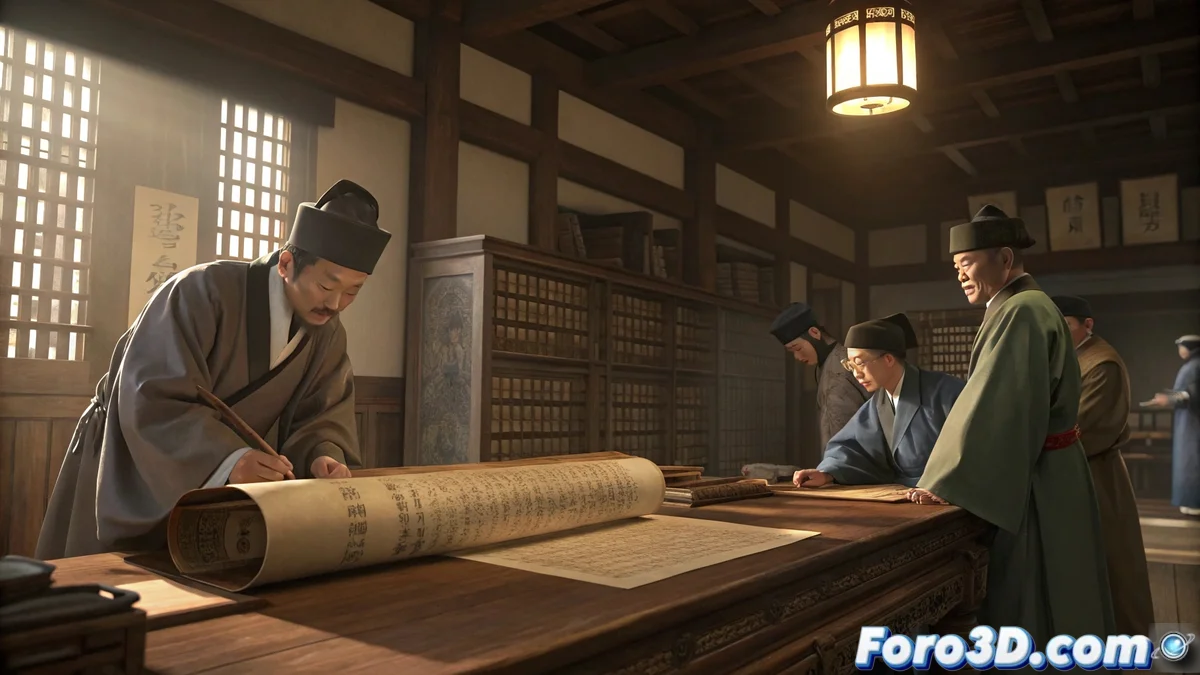
A Historical Treasure Resurfaces After Centuries
In South Korea, an archaeological discovery has thrilled the global historical community: a lost manuscript from the Joseon Dynasty, dated to the 15th century, has been recovered and studied. This exceptional document details court ceremonies and royal family life, offering a unique window into a historically under-documented period. For digital artists and historical visualization specialists, this find represents a fascinating opportunity to digitally recreate an invaluable piece of Korean heritage. 📜
Reviving the Past Through Digital Tools
Autodesk Maya emerges as the ideal platform to reconstruct this manuscript with the respect and detail it deserves. The technical and artistic challenge lies not only in modeling the parchment's physics, but in capturing the essence of time through textures that show centuries of natural wear and lighting that evokes the atmosphere of a historical archive. It is a perfect exercise for mastering the creation of organic and aged materials, skills highly valued in the historical film and video game industry.
Key Elements for an Authentic Recreation
Achieving a convincing representation of this historical manuscript requires attention to several technical and cultural aspects.
- Organic Geometry: Irregular shapes and natural undulations of ancient paper.
- Traditional Calligraphy: Historically accurate Korean symbols and characters.
- Patina of Time: Stains, wear, and yellowing of the paper after centuries.
- Historical Atmosphere: Lighting simulating traditional lamps or archive light.
The digital recreation of historical artifacts allows their preservation and accessible study for future generations.
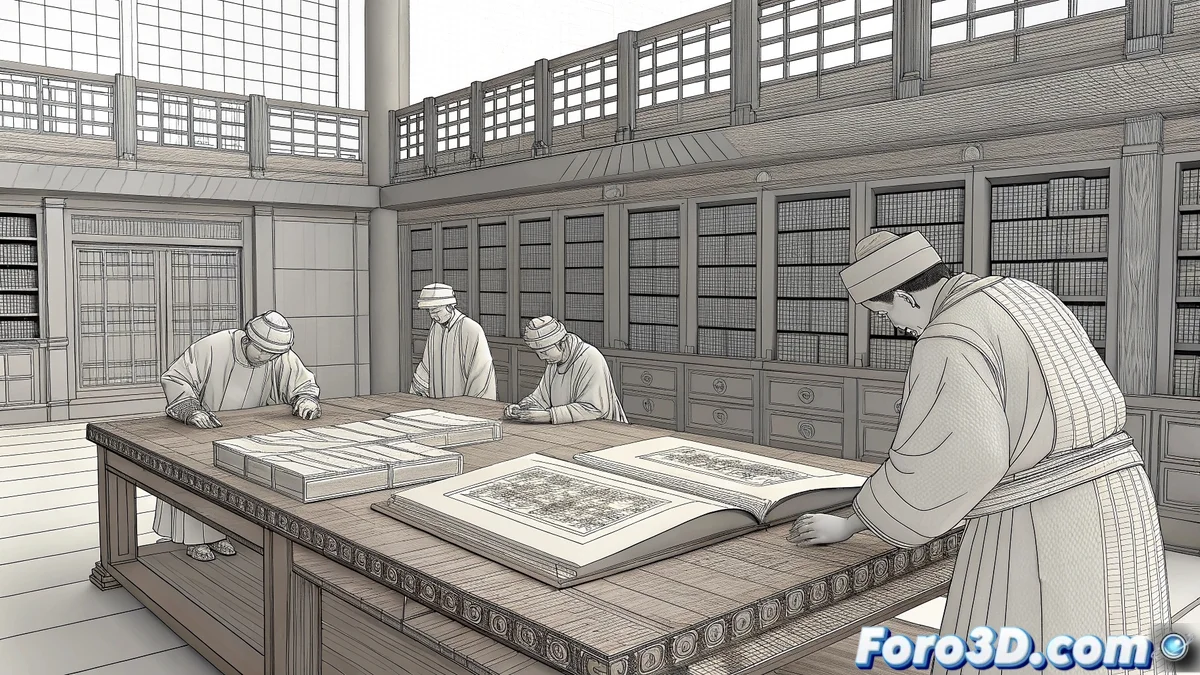
Step-by-Step Technical Guide in Maya
Start by meticulously organizing the project in Maya. Save the file as manuscrito_joseon.mb and set the units to the metric system. Create layers for each element: Parchment, Text, Seals, Accessories, Lighting. This organization will be crucial when working with multiple complex elements. 🖋️
Modeling the Parchment and Its Details
Create the manuscript base using a subdivided plane to which you will apply smooth deformations with the Sculpt Geometry Tool. Generate natural wrinkles and undulations that simulate the effect of time on the material. For the edges, model irregular wear and small tears to add realism. If the manuscript includes covers, use organic geometry with soft bevels to represent ancient wood or leather.
Texturing and Historical Calligraphy
Material assignment is where the manuscript will come to historical life. Develop a parchment material with subtle Subsurface Scattering to simulate the translucency of ancient paper. Apply color maps with yellowish tones and historically accurate age spots. For the Korean calligraphy, use Texture Painting techniques or import maps based on real references, ensuring respect for Joseon period calligraphic styles.
Ambient Lighting and Composition
Set up a soft and directional lighting system that evokes the atmosphere of an archive study or historical library. Use warm area lights with low intensity to create soft shadows that accentuate the parchment's relief. Consider adding contextual elements like a traditional inkwell or Korean brushes to enrich the composition and tell a more complete story of the object and its historical use. 💡
Final Render and Post-Production
For the final render, use the Arnold engine for its excellent handling of organic materials and global illumination. Set a resolution of 1920x1080 pixels and enable Ambient Occlusion and Subsurface Scattering options. In post-production, slightly adjust the color curve toward warm earth tones, increase contrast to highlight calligraphy details, and apply subtle vignetting to direct the viewer's attention to the manuscript as the main element.
While scholars decipher centuries-old secrets, 3D artists face the equally profound mystery of why the software crashes without saving just as you finish a project. Some enigmas transcend the ages. 😅