Diagnosis and Solution for Error HMS_0300-1900-0001-0005 on Bambu Lab Printers
When your Bambu Lab printer displays the code HMS_0300-1900-0001-0005, it is indicating a specific issue of lack of traction in the feeding system. The core of the failure lies in the extruder motor spinning, but the odometer sensor not detecting filament movement, which translates to gear slippage. This setback can halt your projects, but it usually has practical solutions. 🛠️
Identifying the Main Causes of the Failure
This error does not appear by chance; it is a clear signal that something is interfering with the proper advancement of the material. The most frequent reasons include a hotend clog, inadequate tension in the extruder pressure spring, or visible wear on the gear wheels of the mechanism. Understanding these causes is the first step to a successful repair.
Systematic Diagnosis and Cleaning Procedure:- Hotend Inspection and Cleaning: A partially or fully blocked nozzle is the usual culprit. Perform a hot purge or use an unclogging needle to free any carbonized plastic residue that prevents extrusion.
- Filament and PTFE Guide Examination: Check that the filament is not crushed, brittle, or marked deeply by the gears. Also ensure the PTFE tube is properly seated and without internal cuts that generate excessive friction.
- Basic Extruder Cleaning: Turn off the printer and carefully clean the gear area with a small brush to remove possible plastic particles that reduce grip.
A slipping extruder is not always broken; it often just desperately needs some preventive maintenance and fine-tuning.
Mechanical Adjustments and Component Verification
If the initial cleaning does not resolve the error, it is time to delve into mechanical adjustment. This step requires a bit more attention, as it involves components critical to print accuracy.
Steps for Adjustment and Advanced Verification:- Spring Tension Calibration: Locate the extruder adjustment screw. Tension that is too loose does not hold the filament, while excessive tension deforms it and worsens slippage. Consult the user manual to find the optimal tightening point.
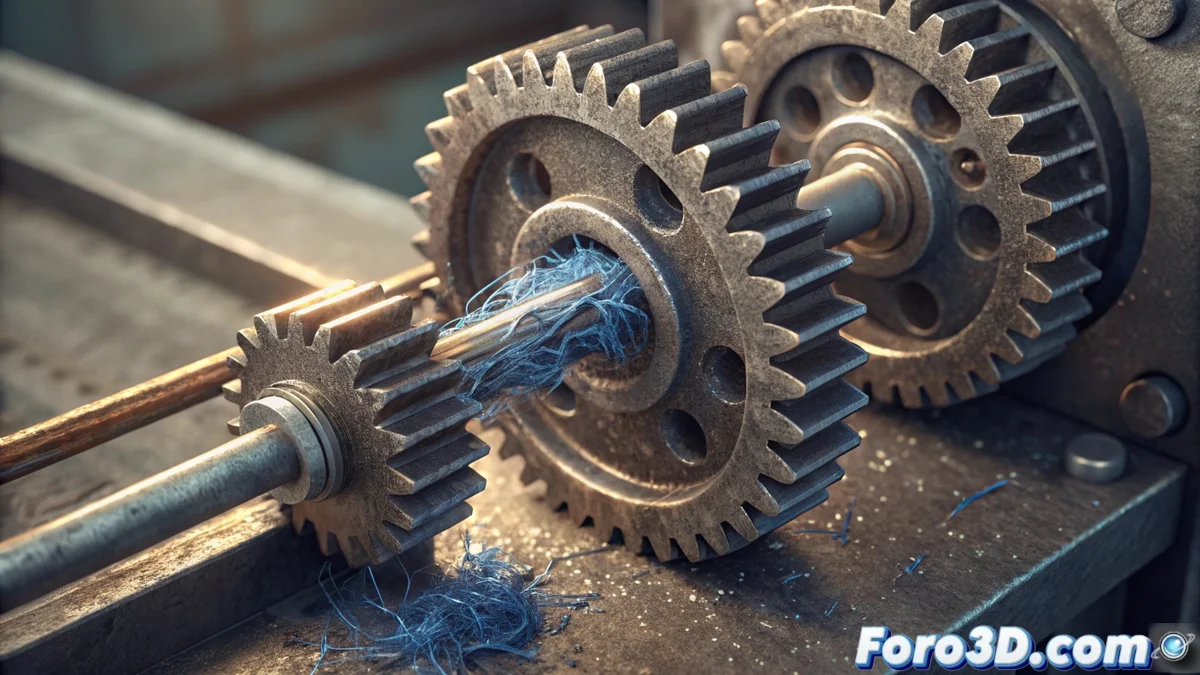
- Gear Wheel Inspection: Carefully remove the extrusion mechanism if possible, and observe the teeth of the wheels. Look for signs of flattening or material buildup. Deep cleaning or, in severe cases, replacement of the parts may be necessary.
- Filament Sensor Check: Although less common, a malfunctioning odometer sensor could falsely report this error. Ensure the sensor is clean and its lever moves smoothly without jams.
Conclusion and Best Practices
Resolving the HMS_0300-1900-0001-0005 error is an elimination process that goes from the most likely cause (clog) to the least frequent (sensor failure). Maintaining a clear filament flow, correct tension, and clean gears is key to preventing its recurrence. Remember that your printer is a precise machine; listening to its "complaints," like this error code, and acting with proper maintenance will ensure smooth, high-quality prints. 🎯