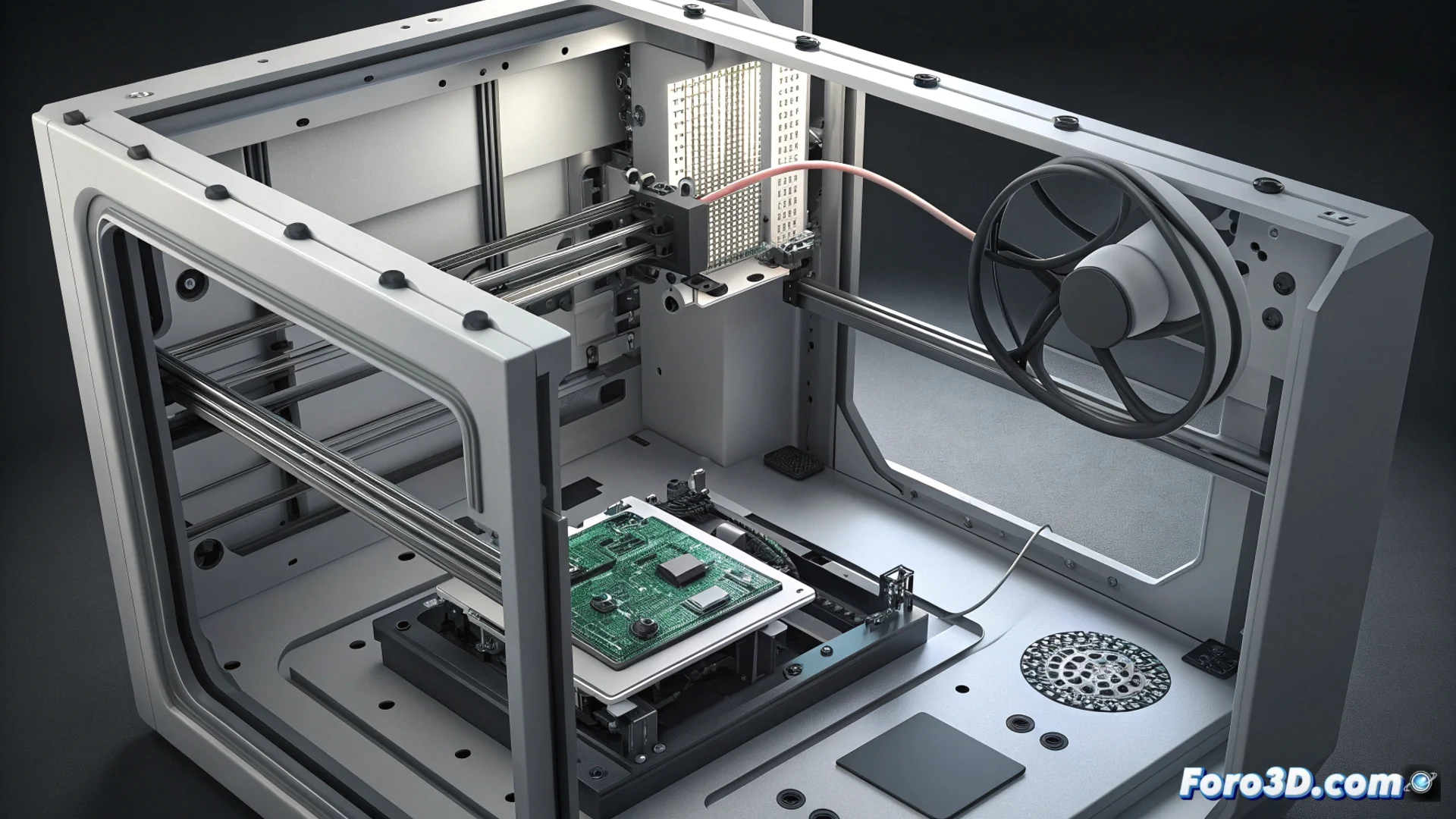
Diagnose and Resolve Electrical Noise in Bambu Lab Internal Bus HMS_0200-0300
When your Bambu Lab 3D printer displays the error code HMS_0200-0300, it is reporting an issue of electrical noise in its internal communication system. This message means that the equipment detects interference or an unstable signal between the mainboard and other key modules, such as the extruder or the screen. Identifying the root cause is crucial to restore reliable operation. 🔧
Understand the Cause of the Signal Problem
The origin of these interferences usually lies in two main areas. The first is a poorly shielded or damaged data cable that carries the signal between components. The second comes from external sources of electromagnetic interference that disrupt the machine's electrical environment. Both can cause the monitoring system to trigger an alert, even if the printer appears to be functioning.
Procedure to Identify the Interference Source:- Turn off and completely disconnect the printer from the power grid before any inspection.
- Visually inspect all flat cables and connectors, looking for bent pins, worn insulation, or loose connections.
- Ensure that the cable routing does not pass near stepper motors or heat sources inside the chassis, as they generate electromagnetic fields.
A constant electrical noise error, accompanied by real failures like a frozen screen, usually indicates a physical defect in a component that needs to be replaced.
Apply Practical Solutions to Mitigate Noise
If the physical inspection does not reveal obvious damage, the next step is to address possible environmental factors. Reducing external electrical noise can be as effective as repairing a cable.
Steps to Stabilize the Printer's Electrical Environment:- Move the printer away from other powerful electronic devices, such as Wi-Fi routers, PC power supplies, or industrial equipment.
- Verify that the power outlet it is connected to has an effective physical ground. A poor outlet can introduce noise into the system.
- Consider using a line filter or a UPS (Uninterruptible Power Supply) with good filtering to clean the power received by the equipment.
Evaluate Criticality and Act Accordingly
It is important to distinguish between a sporadic false alarm and a persistent hardware failure. If the message appears occasionally but printing is not affected, it may be safe to monitor the situation. However, if the error is recurrent and causes real communication failures—such as the print head not responding to commands—the most likely solution is to replace the faulty data cable or affected connector. Acting methodically prevents greater damage and ensures the longevity of your machine. ⚡