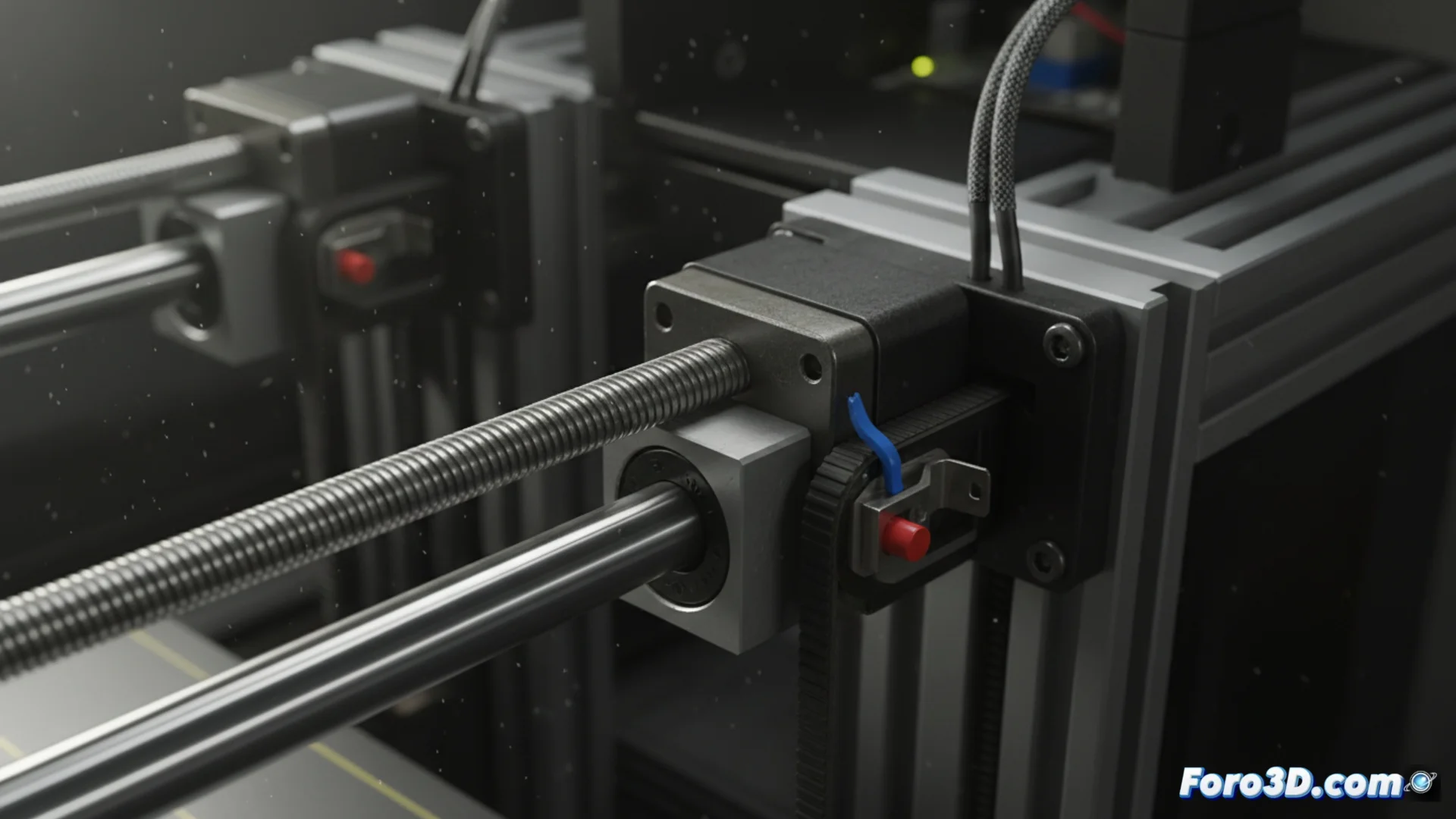
Diagnose and Repair Faults in Axes and Endstops of 3D Printers
The precision of a 3D printer depends directly on the proper functioning of its mechanical components. When the axes or endstops fail, the machine loses its origin point, which can lead to shifted prints or nozzle collisions. Diagnosing these issues in time is key to avoiding ruining hours of work 🛠️.
Why Endstops Fail
A defective endstop does not accurately signal the limit of an axis's travel. The main cause is usually the accumulation of dirt or physical wear on the switch. Other common reasons include a bent actuator arm or loose wiring connections. To check its condition, the first step is to confirm that a clear click is heard when the head or bed presses it.
Signs of a damaged endstop:- The printer does not find the home or does so inconsistently.
- Abnormal noises (thuds) occur when starting calibration.
- The movements of the affected axis are shorter or longer than normal.
A poorly calibrated endstop makes the printer "think" it is in a different place than reality, triggering a chain of positioning errors.
Common Problems in Movement Axes
Smooth movement in the axes is essential. If an axis jams or moves jerkily, precision suffers. This is often due to bearings that need lubrication or are damaged, generating excessive friction. Another common culprit is the drive belt, whose tension (either excessive or insufficient) prevents motor steps from converting into exact linear movement.
Corrective actions for axes:- Check and adjust belt tension; it should have elastic firmness, not be rigid or loose.
- Apply specific lubricant grease for linear bearings or polished rods.
- Visually inspect the guide rods for dirt, scratches, or rust.
Consequences of Not Acting in Time
Ignoring these mechanical faults leads the printer to literally reinterpret the design you send it. The result can be a completely off-center part, shifted layers, or, in the worst case, a nozzle crash against the part itself or the bed, causing physical damage. Keeping these components in good condition is not just a matter of quality, but of preventing major and costly breakdowns 🔧.