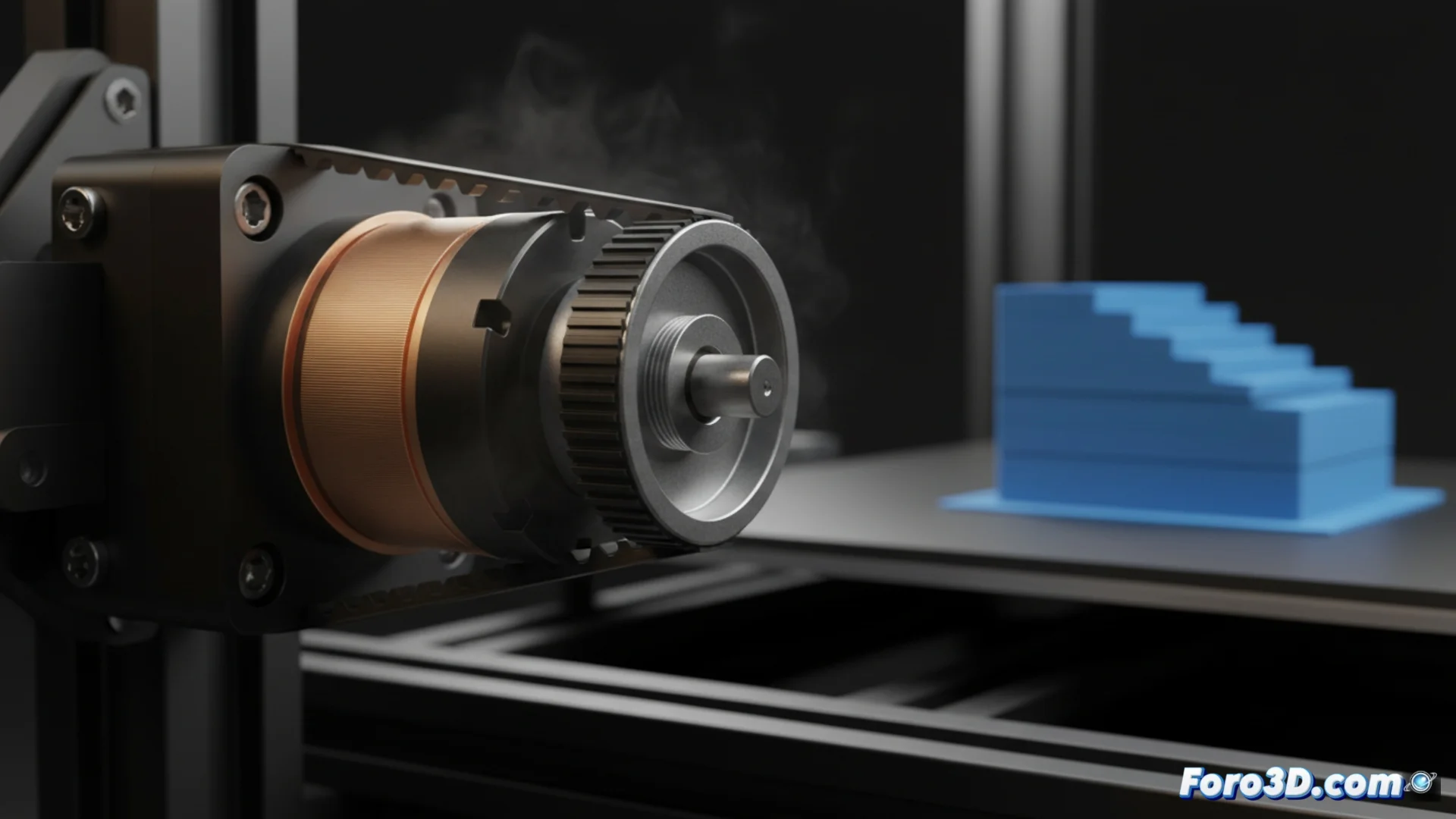
Diagnose and Fix Layer Shifting in 3D Printing
When the layers of your print don't align, you're facing a layer shift. This defect compromises dimensional accuracy and surface finish. Generally, the root of the problem lies in the motion system: the stepper motors or transmission elements like belts. Identifying which component is failing is the first crucial step to repair your equipment 🛠️.
Analyze Failures in Stepper Motors
A motor that misses steps is a common cause. This can happen if it overheats because the current in its driver is too high. Check that ventilation is adequate and adjust the current according to specifications. Also inspect the wiring; a loose connector or damaged cable interrupts control signals. Pay attention to anomalous sounds like clicks or strong vibrations during movement.
Steps to check the motor-driver system:- Check and adjust the motor driver current to avoid overheating.
- Physically inspect all connectors and cables for damage or disconnections.
- Listen carefully to the operation to detect noises indicating strain or a missed step.
A symmetric and repetitive shift can have an aesthetic value, but it is almost always a symptom that your printer needs urgent attention.
Check and Tension Drive Belts
Slack in the belts is another common culprit. A loose belt introduces vibrations and backlash, misaligning the layers. Conversely, an overly tight belt overloads the bearings and the motor. The correct tension is achieved when the belt offers firm resistance but yields slightly when pressed.
Basic Belt System Maintenance:- Adjust the tension until the belt yields no more than a few millimeters when pressure is applied with the finger.
- Ensure that the pulleys are firmly fixed to the motor shaft and do not spin independently.
- Periodically clean belts and pulleys to remove dust and grease that accelerate wear.
Conclusion: Recoverable Precision
Resolving layer shifting is usually a matter of method. Diagnose whether the origin is in the motors and their electronics or in the condition of the belts. Once located, applying the appropriate adjustments and maintenance will restore your printer's fundamental precision. Don't ignore these signs; proactive care avoids major problems and ensures consistent quality prints ✅.