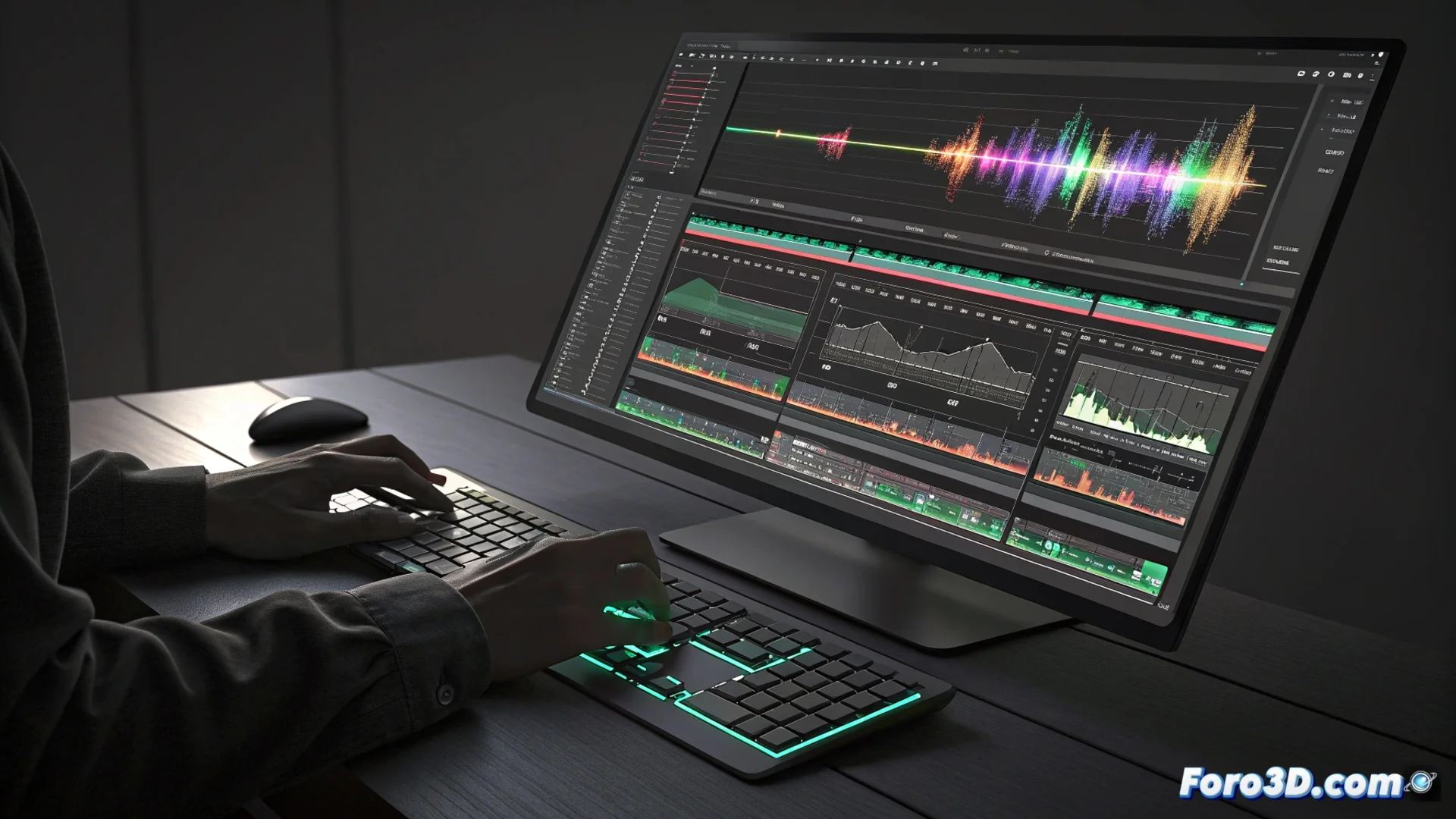
Kdenlive's Multitrack Timeline: The Core of Nonlinear Editing
In Kdenlive, the central space where any audiovisual project is assembled is the multitrack timeline. This environment allows arranging and combining various elements such as video clips, sound tracks, graphics, and filters in a nonlinear way. This means you can access and modify any part of the montage without having to follow a strictly sequential order, providing great creative flexibility. 🎬
Stacked Tracks to Manage Element Visibility
Each track in this timeline operates as an independent layer. Video tracks higher up in the stack hide the content of those below, unless transparency or blending effects are used. This system is ideal for overlaying titles, graphics, or different camera shots. Audio tracks are mixed together to form the final soundtrack. The editor can add, remove, lock, or mute tracks as needed to organize their work efficiently.
Key Track Functions:- Independent Layers: Each video and audio track is handled separately.
- Visibility Control: The stacking order determines what is seen or heard.
- Flexible Management: You can add, remove, lock, or mute tracks instantly.
The real challenge sometimes isn't using ten video tracks, but remembering which one you left that audio clip on that's now sounding like a ghost in the mix.
Applying Effects and Designing Transitions Between Segments
Editing in Kdenlive is based on dividing clips into segments within the timeline. Filters can be attached to these segments to correct color, alter the image, or modify the sound. Transitions, such as fades or wipes, are placed at the junction between two segments to smooth the visual or audio change. The ability to preview in real time allows seeing results immediately, speeding up the process of testing different creative ideas.
Essential Components for Polishing the Project:- Editable Segments: Clips are divided for more precise control.
- Attachable Filters: Video and audio effects are applied directly to segments.
- Built-in Transitions: Used to connect clips smoothly.
Optimizing the Creative Workflow
This multitrack and nonlinear structure greatly facilitates building complex visual compositions and adjusting the synchronization between audio and video with precision. The freedom to modify any part of the project at any time, combined with instant preview, makes Kdenlive's timeline a powerful tool for editors of all levels, from beginners to advanced users. 🚀