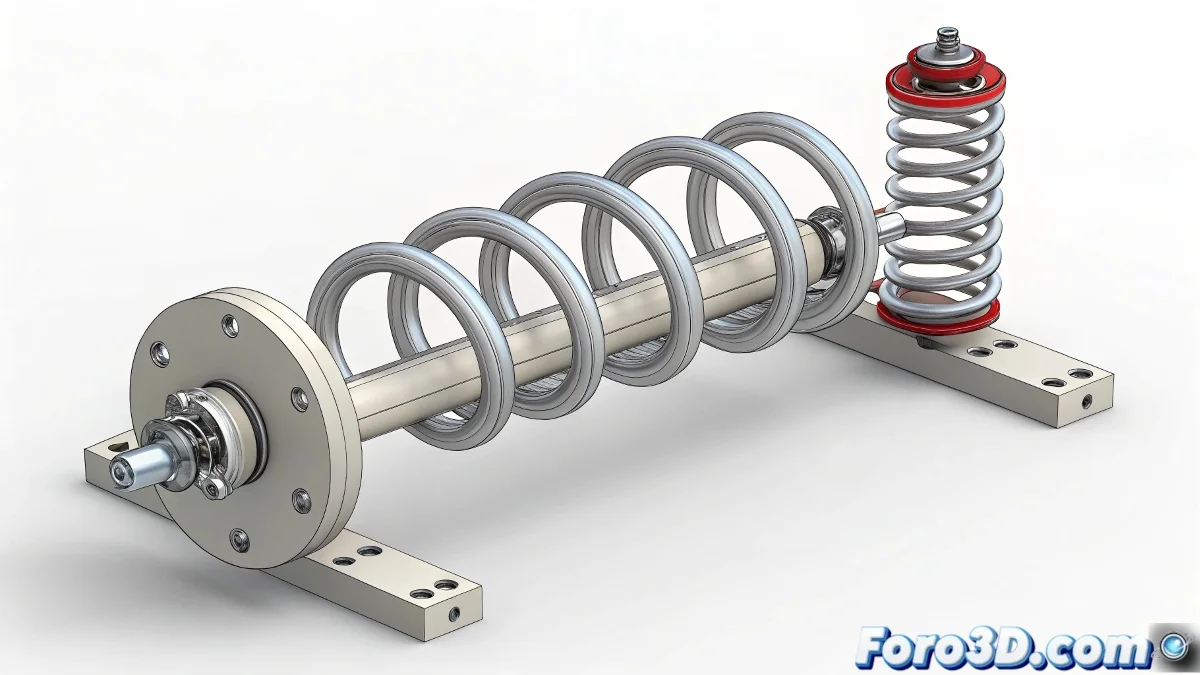
Master Professional Spring Handling in Inventor 2010
Do your coil springs flip or shift in assemblies with concentric rings? Learn proven techniques to fix them precisely, control their behavior, and replicate them efficiently in your mechanical designs.
"A well-placed spring is like a good assistant: it works silently and never gets out of place" — Experienced mechanical engineer
1. Precise Geometric Setup
Assembly Preparation:
- Create auxiliary axes that connect the anchor points
- Generate work planes to define orientation
- Verify that the rings have basic constraints:
- Concentric for radial alignment
- Mate for axial position
2. Controlled Spring Insertion
Guaranteed Workflow:
| Step | Action | Tip |
|---|---|---|
| 1 | Select Coil Spring | Use Design > Spring menu |
| 2 | Define starting point on outer ring | Select edge or sketch point |
| 3 | Specify ending point on inner ring | Hold Alt for precise snap |
| 4 | Adjust key parameters | See next section |
3. Critical Parameter Adjustment
Spring Properties:
- Revolutions: Number of complete turns
- Pitch: Distance between turns
- Diameter: Spring diameter
- Direction: Winding direction (CW/CCW)
Pro Tip:
Use Adaptive Design so the spring automatically adjusts its length when moving the rings.
4. Efficient Replication
Perfect Circular Pattern:
- Select the already configured spring
- Activate Circular Pattern
- Define:
- Rotation axis (use central axis)
- Number of instances
- Distribution angle
- Verify associativity for automatic updates
Troubleshooting Checklist
- ✅ Correct Orientation: The spring does not flip
- ✅ Stable Position: No unexpected displacements
- ✅ Adaptability: Adjusts when moving rings
- ✅ Performance: Does not slow down the assembly
On foro3d you will find example files with different spring configurations. Because we've all had those rebellious springs that seemed to have a mind of their own. 🌀
Advanced Troubleshooting
- Spring disappears: Check visibility in LOD
- Failed updates: Rebuild features
- Interferences: Adjust diameter or pitch
- Pattern error: Use "Reorder Features"
As CAD experts say: "Precision is not an accident, it is the result of good references". Now go and take your spring assemblies to the professional level. ⚙️